About this app
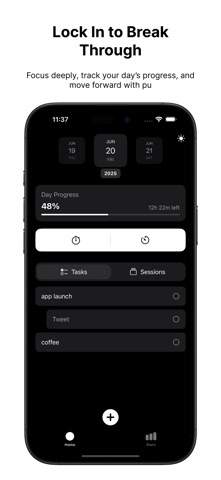
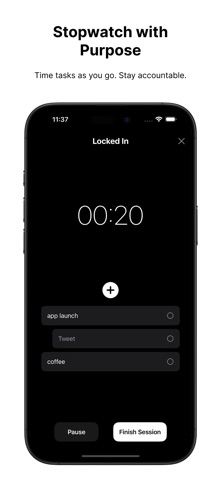
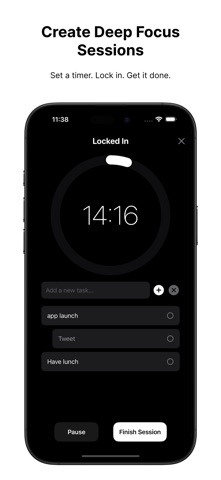
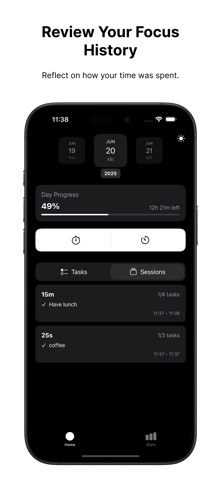
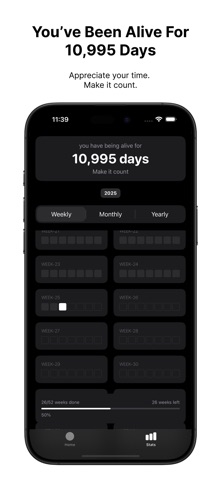
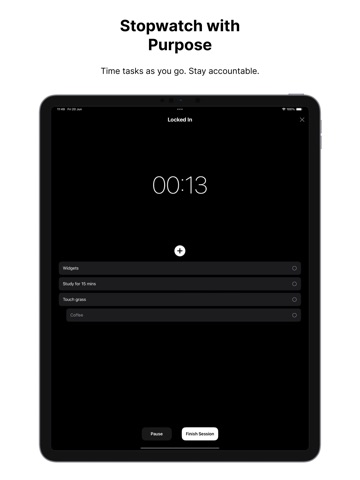
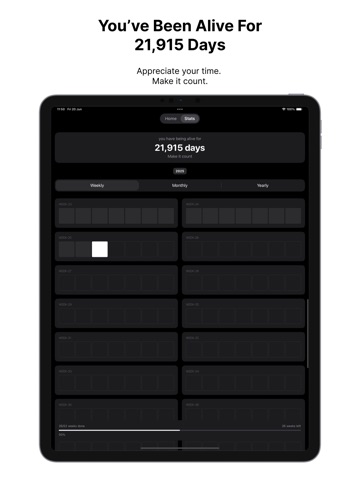
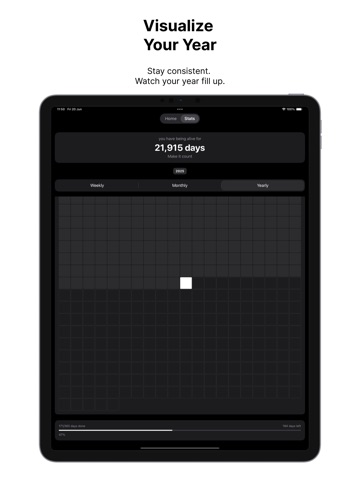
Lock In is a beautifully simple app designed to help you focus with intention and track your time meaningfully. Whether you're studying, working, or building better habits, Lock In keeps you grounded, one session at a time. Features at a Glance:Use our dual-mode Focus Timer or Stopwatch, manage your daily tasks, and visualize your time with powerful progress views that show every minute you’ve earned back. From Live Activities to deep session history, Lock In is built for momentum, not distractions. Features at a Glance: Daily Task Manager • Add, reorder, and group tasks by day • Swipe to create subtasks or remove items • Completion toggles with smart parent/child sync • Keyboard-aware quick add bar Focus Sessions: Timer or Stopwatch • Lock in your time with countdown or count-up modes • Animated progress ring with pause/resume controls • Use while editing tasks • Session time is saved, second-accurate Session History • View detailed logs per day: task completion, start-end times, durations • Swipe to delete any session Life & Time Statistics • See how many days you’ve been alive • Weekly, Monthly, and Yearly heatmaps • Visualize progress across the year Smart Reminders & Notifications • “Session Complete” and 8 PM check-in reminders • Never forget to lock in again Home & Lock Screen Widgets • Live Activity tracking via Dynamic Island and StandBy • Control widget to start/stop focus sessions Fully Themed & iPad Ready • Clean dark/light mode toggle • Optimized layout for iPhone and iPad Private by Design • Everything is stored locally using Core Data • No accounts, no ads, no distractions Start small. Stay consistent. Lock in, get out.
Latest release
What’s New
bug fix
Audience growth
Ratings growth
Baseline captured. Growth appears after the crawler observes a changed rating count.
Momentum comes from crawler snapshots for the tracked storefront. “Viral growth signal” means unusually fast recent rating gains; it is an indicator, not download data.
Price tracking
Price intelligence
First snapshot captured. The trend line starts after the next crawler price observation.
- First observed Sep 2, 2026 · 6:36 PM Free
Screenshots