About this app
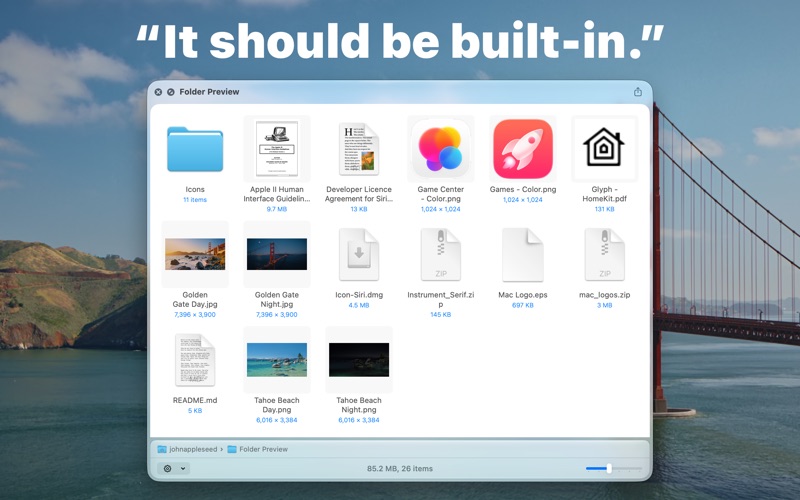
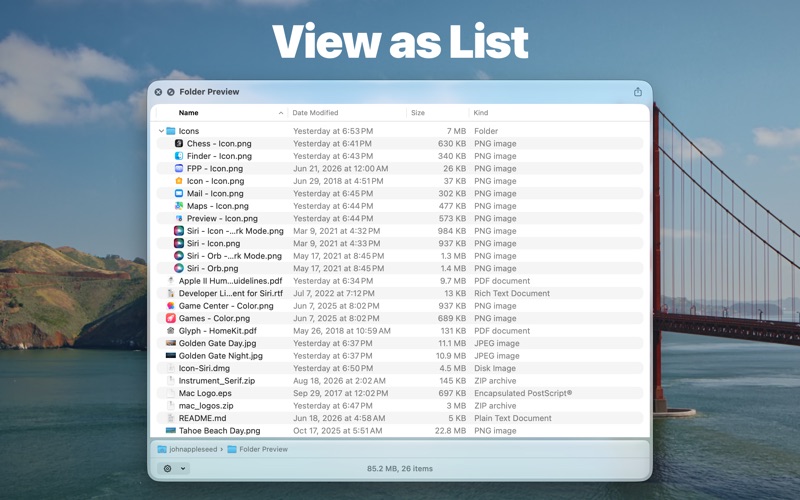
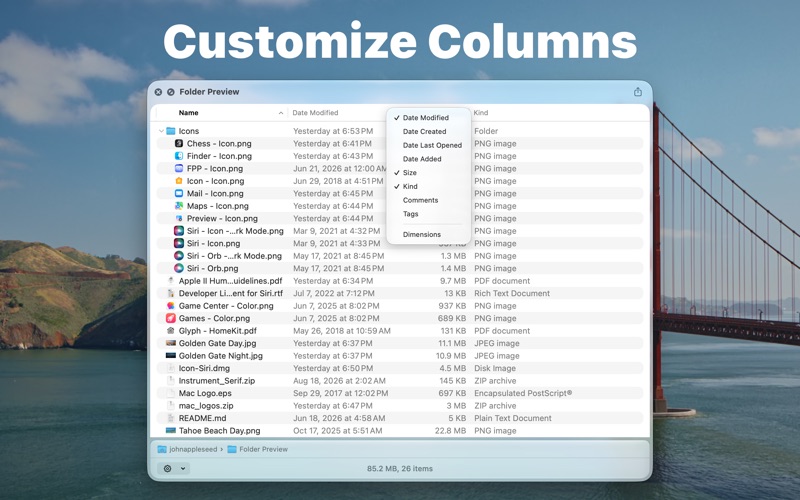
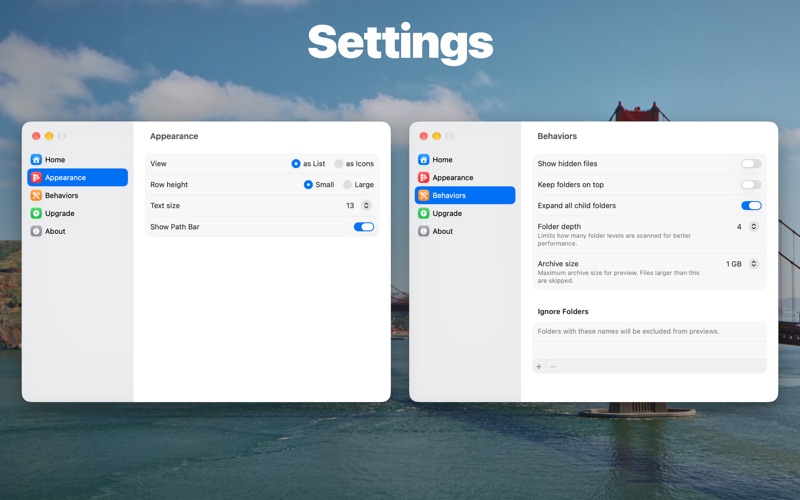
You can quick look inside folders and archives with Folder Preview in Finder or any other third-party file management apps. Before started, you will have to enable the Quick Look extension in System Settings. Then you can press spacebar or ⌘ + Y to quick look folders or archive files in Finder or other apps. You can also right-click the column header to show or hide columns. Right-click to copy file or file path is also possible. Folder Preview also supports showing thumbnails of images, SVGs, and PDF documents. ## Supported file extensions of archives - zip - tar - gz - 7z - rar
Latest release
What’s New
- Folder sizes are computed several times faster. - Truncate name at middle in Icons view. - Show app sizes (except when in the /Applications folder). - Fix some minor issues.
Audience growth
Ratings growth
Baseline captured. Growth appears after the crawler observes a changed rating count.
Momentum comes from crawler snapshots for the tracked storefront. “Viral growth signal” means unusually fast recent rating gains; it is an indicator, not download data.
Price tracking
Price intelligence
First snapshot captured. The trend line starts after the next crawler price observation.
- First observed Sep 30, 2026 · 6:15 AM $1.99
Screenshots