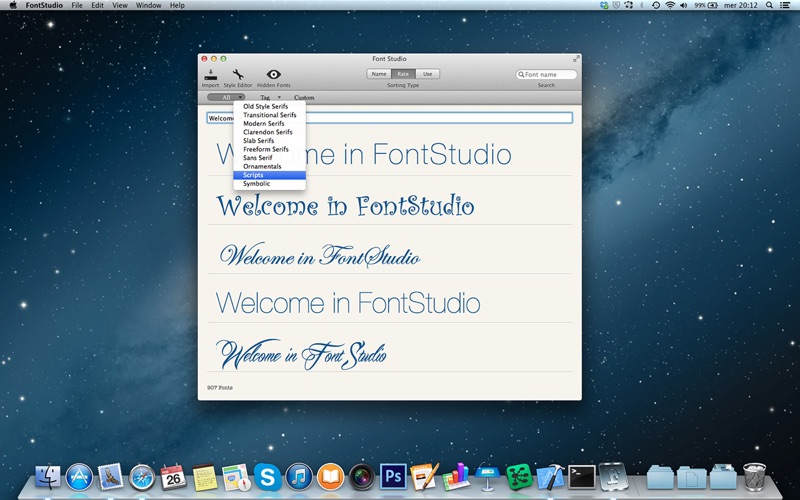
About this app
Choose fonts for your text as you have never done before. Insert text using keyboard, dropping it from other apps and customize the aspect of your text using the Style Editor Panel using Cmd+E or click the corresponding icon on the toolbar. Once you have selected the right format for your text, simply drag it into your preferred word processor. The text will be copied into the text processor using the RTF format. You can associate tags and notes to the selected font using the Info Panel. Select a row in the table view showing your formatted text, then click on the Info icon on the utility bar that appear when the mouse cursor enter into the table row. You can search the font by its name using the search widget on the toolbar. Sort your fonts by name (the default), rating or usage. Also 9to5Mac Apple Intelligence speaks about of FontStudio http://ow.ly/uopeI
Latest release
What’s New
- Bug fix that cause the crash of the application at startup on missing fonts - Improved the export into Photoshop
Audience growth
Ratings growth
Baseline captured. Growth appears after the crawler observes a changed rating count.
Momentum comes from crawler snapshots for the tracked storefront. “Viral growth signal” means unusually fast recent rating gains; it is an indicator, not download data.
Price tracking
Price intelligence
First snapshot captured. The trend line starts after the next crawler price observation.
- First observed Aug 10, 2026 · 6:13 AM Free
Screenshots