About this app
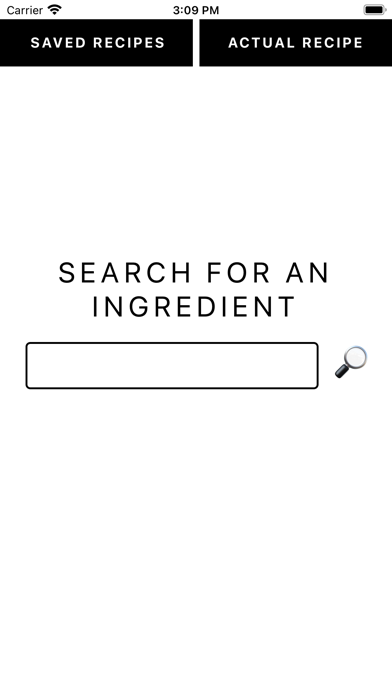
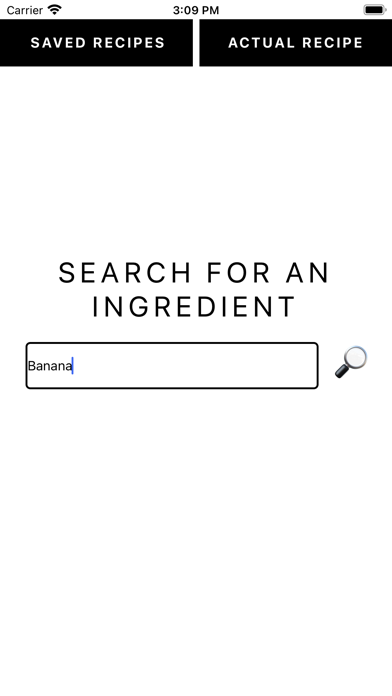
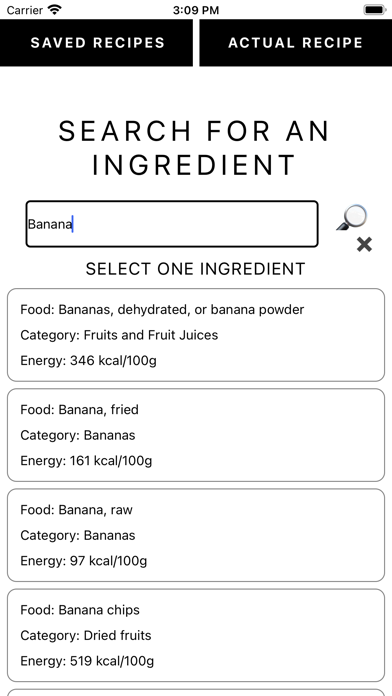
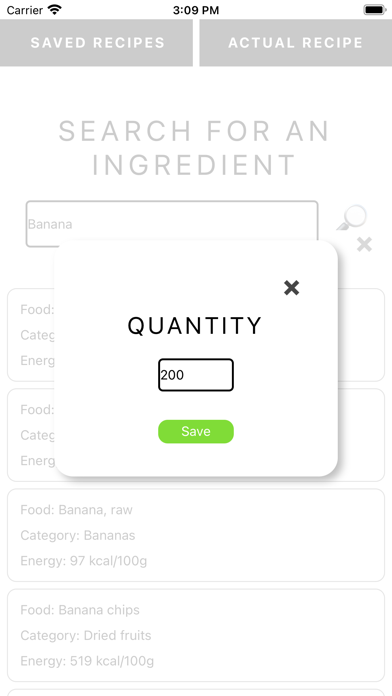
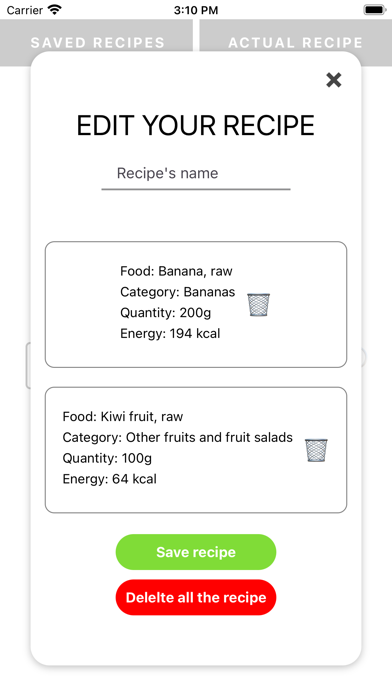
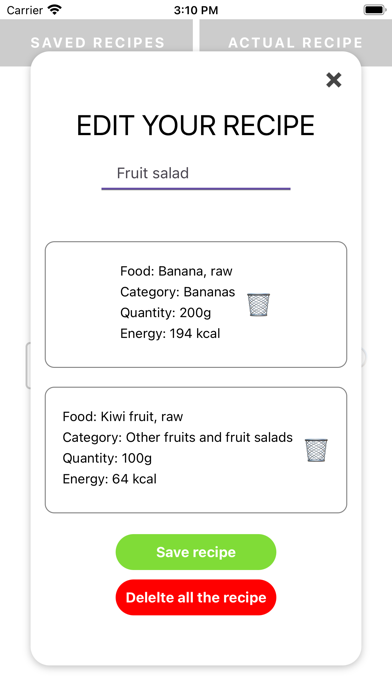
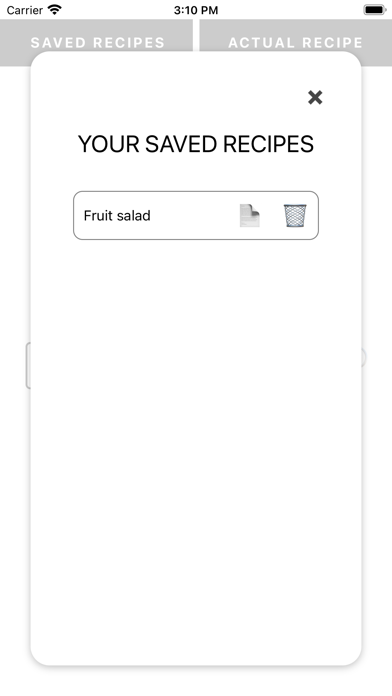
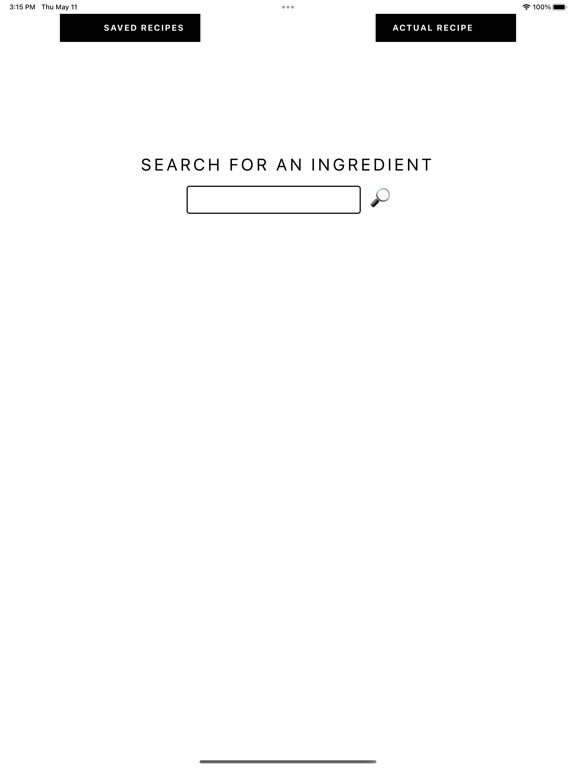
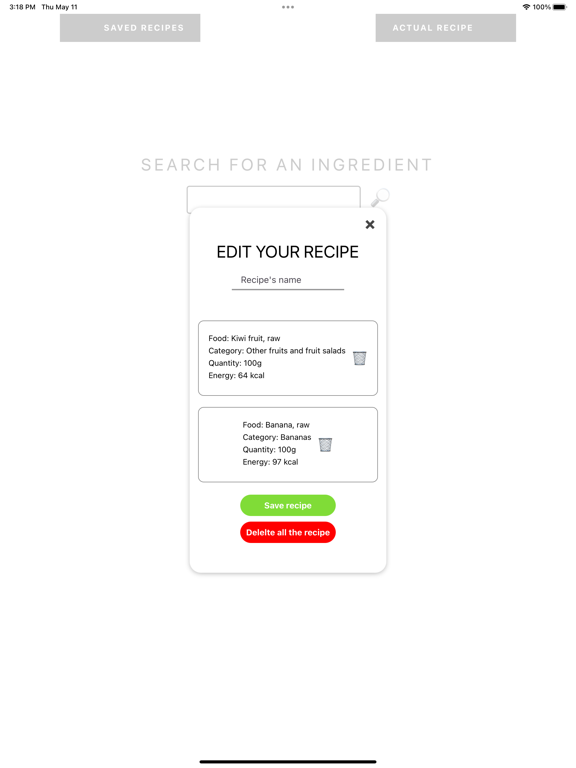
This app will help you to find out how many calories your recipe has. It is really easy, just follow this steps: Search: Provide the name of the ingredient and a list of possibilities will be displayed. You will see many options to be be as precise as possible with the final result. The energy data is per 100g. Choose: Once you decide wich result adapts the most to your ingredient you will have to press it and provide de quantity in grammes. Once it is saved you can go to your 'Actual Recipe' and see the summary of all the ingredients you have added to the recipe and the total quantity and energy. Recipe: Once you finished adding ingredients you can save the recipe to your history to check it later. First you will have to provide a name and then just press save. Once it is done, you will be able to see it in your saved recipes. In that window you can see the details of the recipe and delete it in case you don't need it anymore.
Latest release
What’s New
Some minor improvements in styles...
Audience growth
Ratings growth
Baseline captured. Growth appears after the crawler observes a changed rating count.
Momentum comes from crawler snapshots for the tracked storefront. “Viral growth signal” means unusually fast recent rating gains; it is an indicator, not download data.
Price tracking
Price intelligence
First snapshot captured. The trend line starts after the next crawler price observation.
- First observed Sep 10, 2026 · 6:48 PM Free
Screenshots