About this app
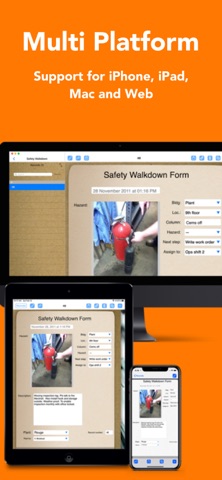
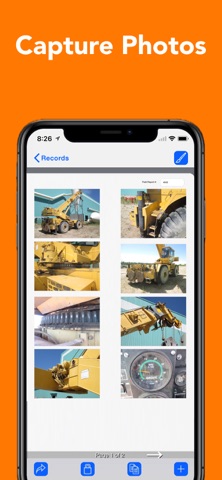
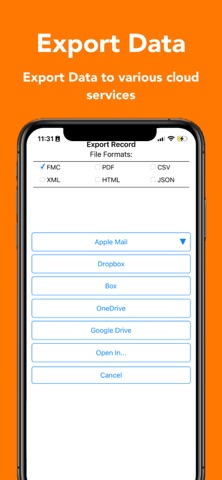
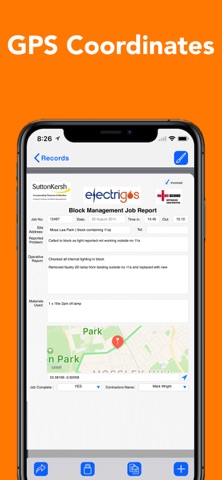
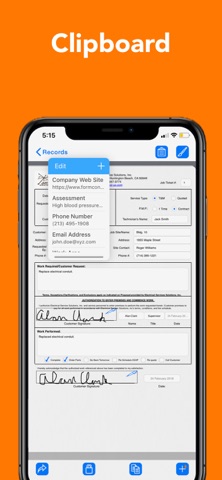
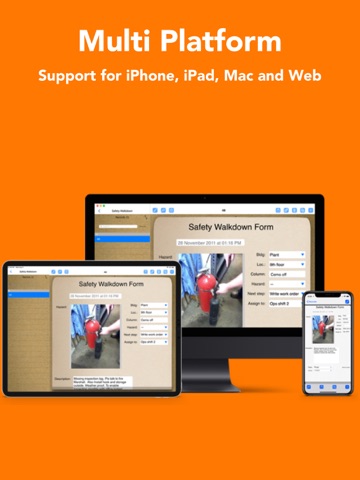
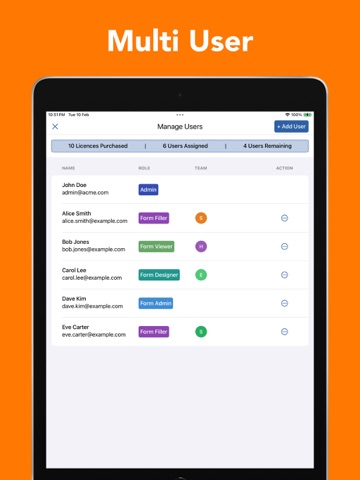
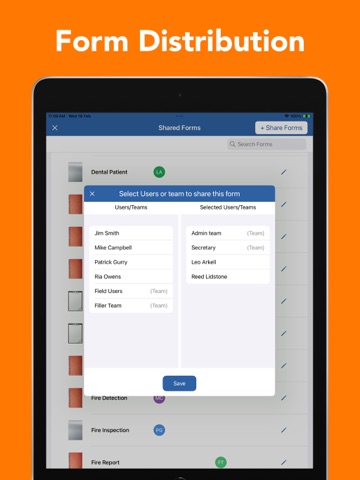
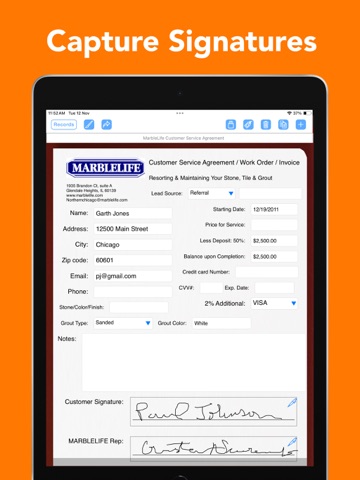
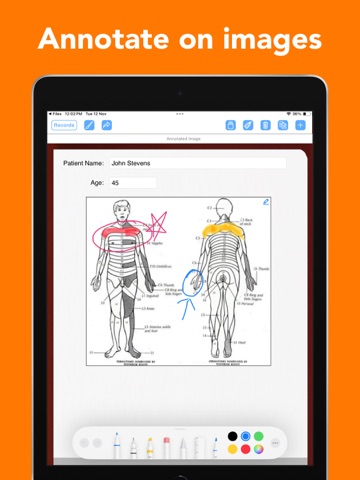
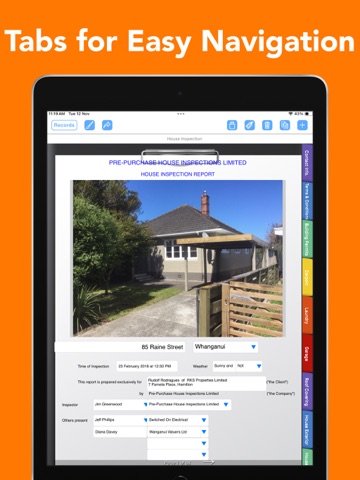
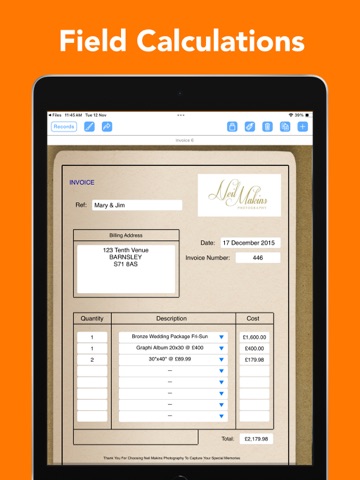
The ultimate centralized form design and data management platform for teams and organizations. FormConnect ProMax is our most powerful solution yet, bringing our industry-leading custom form designer to the enterprise. Built specifically for organizations that require robust administrative control and seamless team collaboration, FormConnect ProMax bridges the gap between different systems. Design beautiful, highly customized forms on your Mac, iPad, iPhone or PC from any desktop web browser—then deploy them to your team for instant form filling and syncing across iOS, macOS, and Android devices! Why FormConnect ProMax? • True Cross-Platform Designing: Tap into our rich, visual form designer to build and edit custom templates on your iPad, Mac, or PC from any desktop web browser. • Centralized Server Control: Store all organizational design templates and records on a secure, central cloud database. • Universal Form Filling & Syncing: Empower your field team to fill out, submit, and sync forms seamlessly on iPhone, iPad, Mac, PC, and Android devices. • Real-Time Bi-Directional Sync: Automatically push template updates to your team in the field and pull their submissions instantly back to your central admin dashboard. • User & Team Permissions: Manage small groups to thousands of users with granular control over who can design, view, edit, or submit forms. Form Management Control: ProMax is built for scale. Administrators can create thousands of users, assign roles, and manage groups from any web browser or iOS app. Control exactly who sees which forms and manage their permissions with granular precision. Manage the distribution of forms across their entire organization. Push updated form templates to specific groups or individuals, ensuring the entire team is always working with the most updated form. The FormConnect ProMax app allows you to oversee data collection, view real-time submissions, and manage system settings. Multi-Platform Support: FormConnect ProMax supports native clients for iPhone, iPad, Mac, Android and PC via a web browser. Work offline in remote areas and sync your data the moment you're back online. Bi-Directional Syncing: ProMax includes a dedicated FormConnect server that stores all your forms and data. Whether you are on an iPad in the field or a PC in the office, your data is uploaded and downloaded automatically, providing team members with instant access to their forms and records. Professional Design: • Form Customization - Customize your form using a diverse range of field types including text, dates, checkboxes, radio buttons, drop-down menus, photos, signatures, logos, tables, barcodes, and GPS. Advanced Form Filling: • Enhanced Data Collection: Turn your mobile device into a powerful, professional data-collection tool. • Rich Media: Snap photos with your iPad or iPhone camera and annotate directly on the image to highlight key areas. • Digital Signatures: Capture secure signatures for legally binding documents. • GPS Mapping: Automatically record latitude and longitude coordinates or display the physical address. • Multi-Format Export: Export data into the following file formats: PDF, CSV, XML, HTML, FMC, and JSON. • Smart Navigation: Utilize Index Tabs to navigate between large multi-page forms. • Form Switching: Open multiple forms and switch between them. WHICH FORMCONNECT APP IS RIGHT FOR YOU? • FormConnect Pro: Best for individual contractors, field workers, and businesses needing a powerful, local, offline form builder on their iPad and iPhone. • FormConnect Pro+: Best for power users and small teams. Adds enhanced form design and form syncing capabilities across iPad, iPhone, and Mac. • FormConnect ProMax: Best for organizations and enterprises. Adds a dedicated central server database with administrative user permissions. Allows you to design custom forms on your iPad, Mac, or PC using a web browser and fill them out and sync them across iOS, macOS, and Android devices.
Latest release
What’s New
- Added the ability to link fields across forms when updating a record. - Redesigned the User Interface for the Field Editor. - Added the ability to change the subtype of a text or date field parameter. - Added the ability to rearrange the order of a drop-down list or a radio button field. - Added the ability to bold/italicize Individual words inside a text label field. - Bug fixes and performance improvements.
Audience growth
Ratings growth
Baseline captured. Growth appears after the crawler observes a changed rating count.
Momentum comes from crawler snapshots for the tracked storefront. “Viral growth signal” means unusually fast recent rating gains; it is an indicator, not download data.
Price tracking
Price intelligence
First snapshot captured. The trend line starts after the next crawler price observation.
- First observed Aug 18, 2026 · 11:07 AM Free
Screenshots