About this app
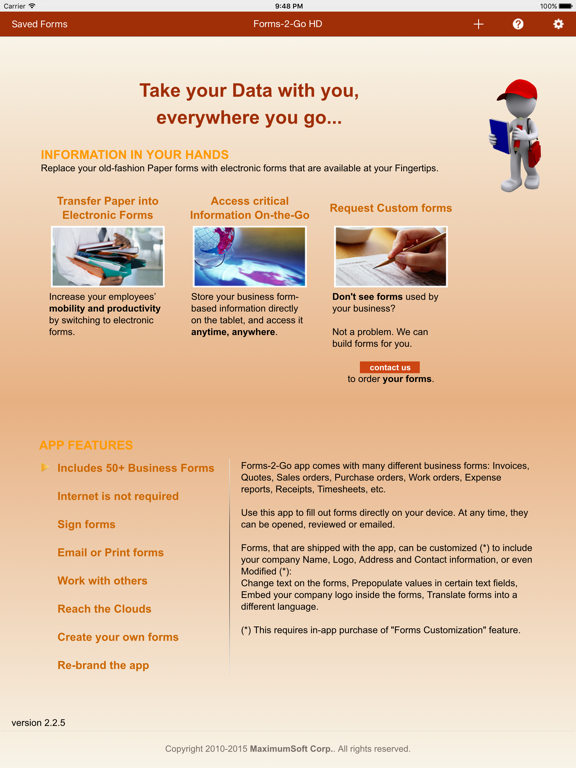
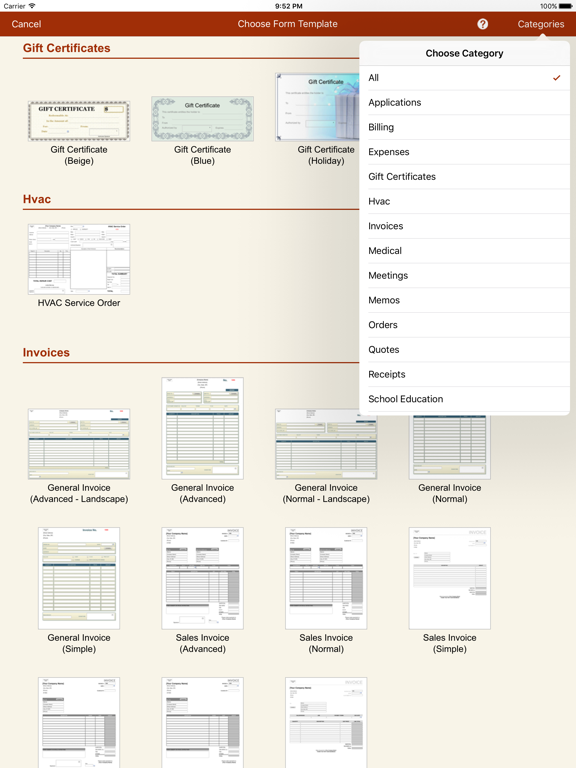
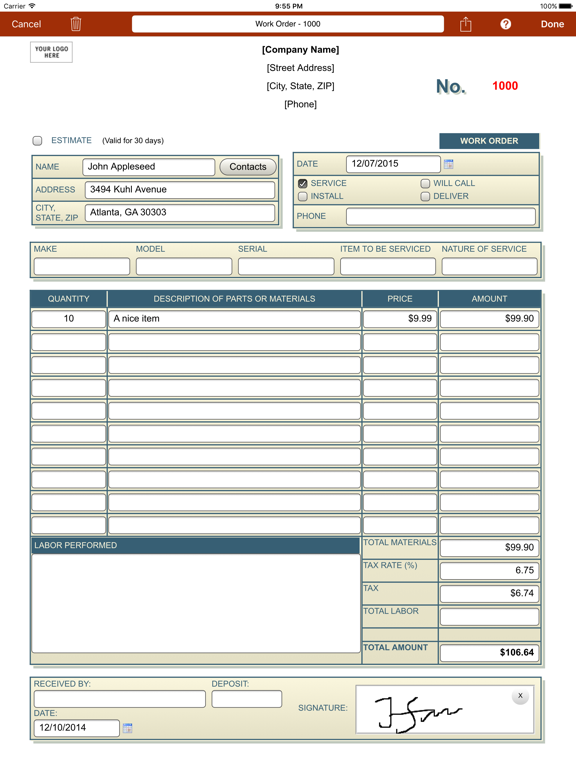
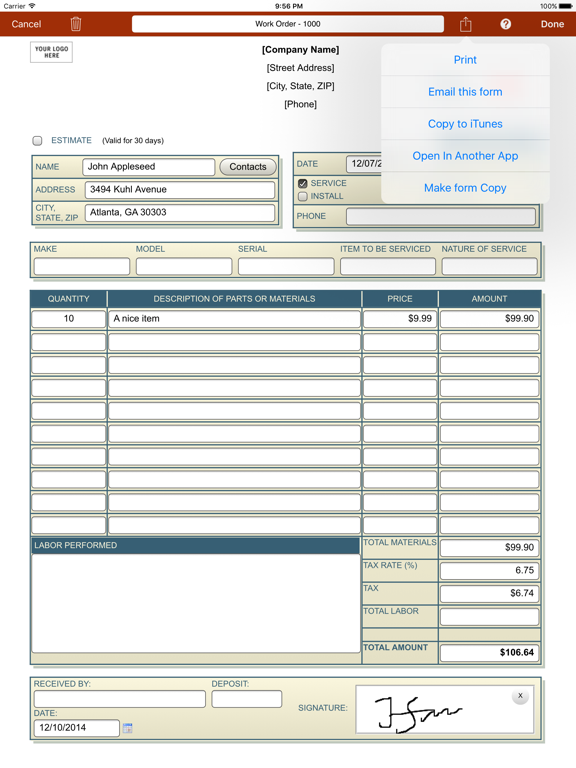
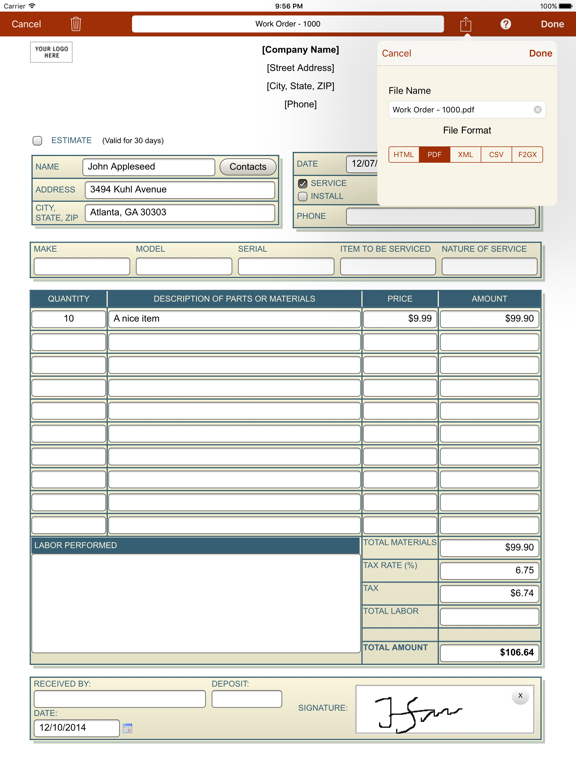
Complete set of over 100 electronic forms for your business. Replace your Paper or Computer forms with similar forms that are available at your Fingertips. Store any form-based information directly on the tablet, and access it anytime, anywhere. Your critical information won't get misplaced, misfiled, or become log-jammed. *** KEY FEATURES *** - The app comes with over 100 business forms (quotations, invoices, purchase orders, work orders, service orders, meeting notes, memos, etc.). And we are constantly adding new forms; - No Internet connection is required to work on the forms. - Forms support all basic controls, including text fields, checkboxes, radio buttons, drop downs. - Many forms include spreadsheet-like formulas for auto-calculations; - Forms can contain Signature panels, so you will capture customers signature directly on iPad; - Share Forms - start working on a form on one iPad or iPhone, then use "Share via email" feature and the app will send form with all entered data to another iPad or iPhone for completion; - Forms include popup Calendar control (supporting different date formats); - Forms even support Drawing panels to make notes and do reviews. - Completed forms can be Printed (on AirPrint-compatible printer), Emailed, or copied to a computer, for later printing (on any printer). - Pre-build forms can be customized with your Company name, logo, address and contact information (requires in-app purchase). - Forms, and their data, can be saved in several different formats: HTML (available for free), or PDF, CSV and XML (available after in-app purchase). - Forms-2-Go is an Open system - it allows users to add their own forms. Instructions are available on Support forum. Don't see a form that your business depends on? Not a problem. If your form is already in electronic (HTML) format - you just need to package (see Support forum) and import it into the app. Otherwise, contact our Sales team for estimate. *** iPhone version is available under Forms-2-Go name ***
Latest release
What’s New
Several fixes and improvements
Audience growth
Ratings growth
Baseline captured. Growth appears after the crawler observes a changed rating count.
Momentum comes from crawler snapshots for the tracked storefront. “Viral growth signal” means unusually fast recent rating gains; it is an indicator, not download data.
Price tracking
Price intelligence
- First observed Aug 18, 2026 · 11:39 AM Free
Screenshots