About this app
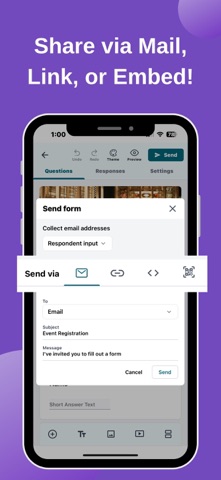
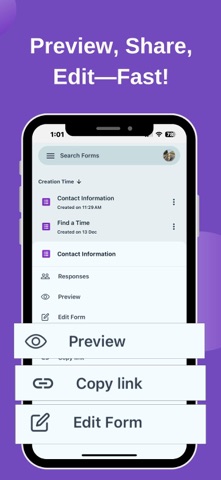
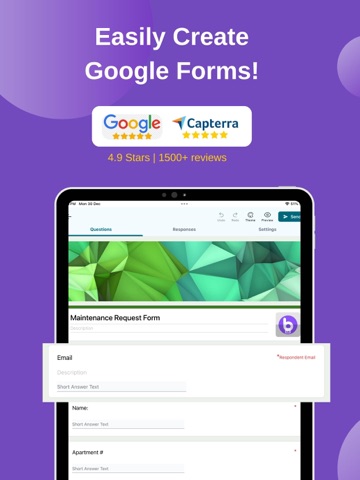
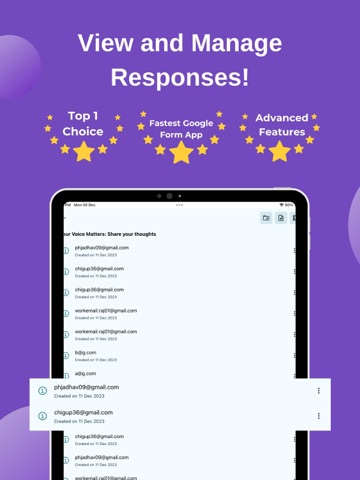
Forms for Google Forms & Docs "Create Forms, Collect Responses, and Add E-Signatures Seamlessly!" Looking for a smarter way to create, manage, and sign Google Forms and Docs? Forms for Google Forms & Docs is your all-in-one solution for making forms more interactive and accessible. Perfect for individuals, businesses, and educators, this app simplifies the entire process—from form creation to collecting e-signatures. ### Key Features 1. Create and Customize Forms: Effortlessly make professional forms using Google Forms templates and tailor them to your needs. Whether you're creating a survey, application form, or feedback request, our app has you covered. 2. Add E-Signatures to Google Forms: Easily add a signature to your Google Forms for contracts, agreements, or applications with our integrated e-signature feature. Your forms can now be signed online, securely, and legally. 3. Seamless Google Integration: Access your forms anytime, anywhere, with built-in Google Forms and Google Docs support. Our Google Workspace Add-on allows you to add signature fields directly to your forms. [Try it on web](https://www.boloforms.com/signature/gsuite). 4. Track and View Responses: Stay organized with real-time access to form submissions. View and manage responses directly within the app for better efficiency. 5. Accessible on Web and Mobile: Work on your forms seamlessly across devices. Use the app on mobile or switch to the web version for a larger workspace. Access more tools like PDF and Templates to further simplify your workflows. [Visit BoloSign](https://www.boloforms.com/signature). ### Use Cases - Google Forms for Applications: Simplify job applications, registrations, or event sign-ups with forms that include signatures. - Google Forms Surveys: Create and share surveys using Google Forms templates, and collect data effortlessly. - Sign Online Forms: Add e-signatures to Google Forms and finalize agreements directly online. - Forms for Businesses: Enhance workflows with forms and signatures for approvals, contracts, and HR needs. ### Why Choose Us? - Create Google Forms quickly and customize them. - Add a signature to Google Forms without extra steps. - Access your surveys and applications from anywhere. - Enjoy the convenience of Google Forms on mobile. Start making smarter, more efficient forms today with Forms for Google Forms & Docs. Sign forms, track responses, and stay organized—all in one app!
Latest release
What’s New
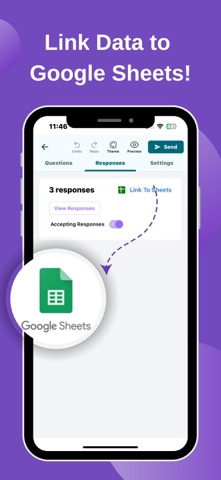
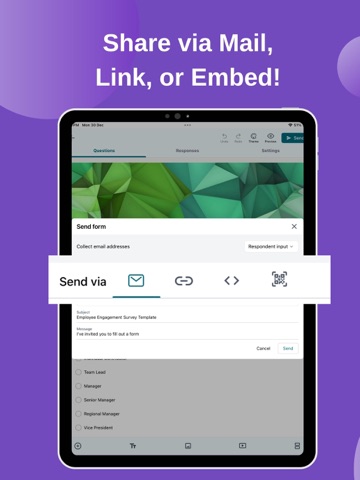
Experience the latest updates to make form creation and signing easier than ever! - Generate PDF Documents: Convert form responses into professional PDF files for sharing or record-keeping. - Save to Google Drive and Sheets: Automatically store your responses in Google Sheets or Google Drive for easy access and management. - Share Forms Instantly: Create and share forms using QR codes or direct links for quick and convenient distribution. - Enhanced Question Types: Add advanced question types to customize your surveys and data collection forms. - E-Signature Capability: Collect secure digital signatures directly within your forms, making them perfect for agreements or approvals. - Website Integration: Embed your forms directly into your website for a professional and cohesive experience. - Improved Theming Options: Choose from a variety of themes to give your forms a polished and professional look. Update now and take your form creation, data collection, and e-signature workflows to the next level!
Audience growth
Ratings growth
Baseline captured. Growth appears after the crawler observes a changed rating count.
Momentum comes from crawler snapshots for the tracked storefront. “Viral growth signal” means unusually fast recent rating gains; it is an indicator, not download data.
Price tracking
Price intelligence
First snapshot captured. The trend line starts after the next crawler price observation.
- First observed Aug 18, 2026 · 11:26 AM Free
Screenshots