About this app
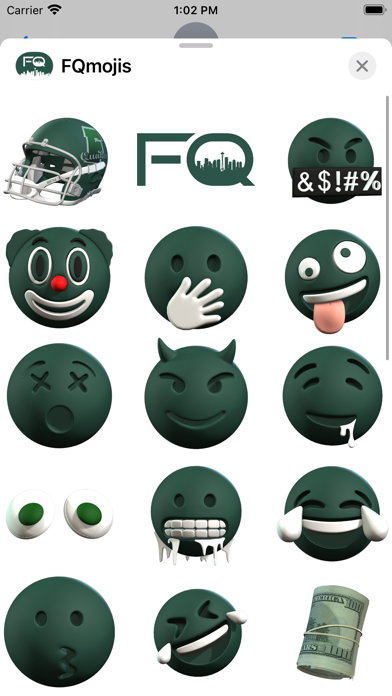
FQmojis have officially taken over and become the #1 iMessage App for the Quakers. This sticker pack contains a rotating arsenal of animated stickers, emojis, memes, and emotes in various styles all related to the Franklin Quakers. Students, Faculty, and Alumni can all rep the "FQ" while exchanging texts with friends, family, colleagues, and even school rivals. Show your team spirit or just use them for some friendly trash talk on various social media platforms! Features: ・Stickers now work in Facebook and other Social Media Apps that support photo sharing (via copy/paste) ・Accessibility Compatible Descriptions (blind users can hear what each sticker is saying, doing, and/or representing) ・No in app purchases needed, free updates for life Do you have an idea for new emojis or stickers? Drop a comment and/or review on the App Store and let me know what you'd like to see, I’d love to hear from you! PLEASE NOTE: FQmojis is an iMessage App, you will not see an icon for this app on your device home screen. iMessage App icons will appear in your iMessage interface. If you don't see the app icon in iMessages, please follow these instructions to enable the app: Open Messages and tap to start a new message or open an existing thread. From the app drawer (you’ll see a row of icons), tap “FQmojis”. If you don’t see the icon, scroll to the far right and tap the icon with 3 dots. You’ll then be presented with all the sticker packs on your device, press “Edit” to enable a sticker and “+” to add it to your favorites. Pro Tips: to "peel" the sticker you'd like to use... Press firmly on the sticker, while holding down... drag it to wherever you'd like to "stick it" within your current message thread. While still holding the sticker, you can use a second finger to pinch and zoom in or out to increase or decrease the size. While still holding the sticker, you can also use a second finger to rotate it in a different directions.
Audience growth
Ratings growth
Baseline captured. Growth appears after the crawler observes a changed rating count.
Momentum comes from crawler snapshots for the tracked storefront. “Viral growth signal” means unusually fast recent rating gains; it is an indicator, not download data.
Price tracking
Price intelligence
First snapshot captured. The trend line starts after the next crawler price observation.
- First observed Aug 11, 2026 · 6:42 AM Free
Screenshots