About this app
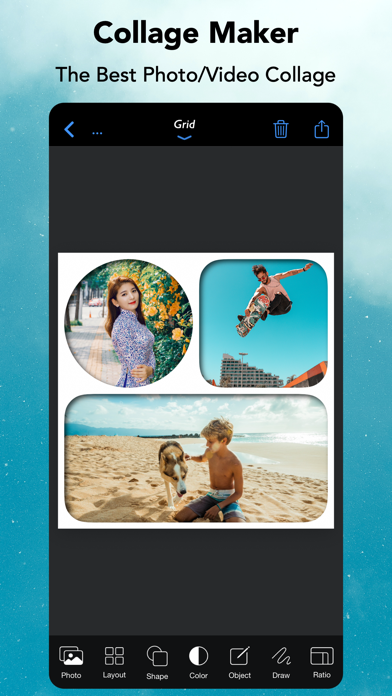
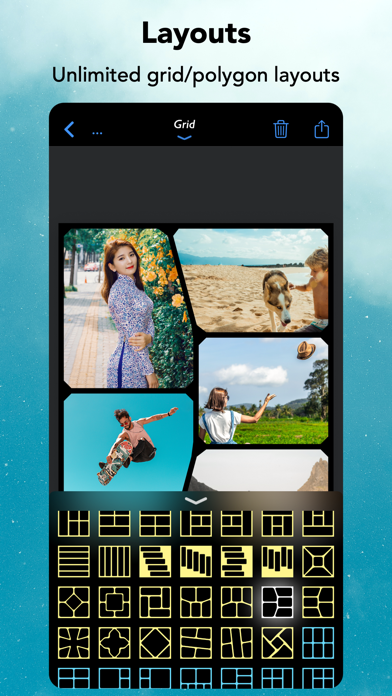
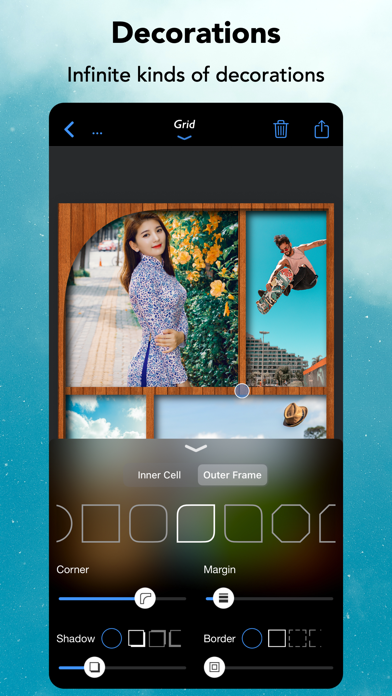
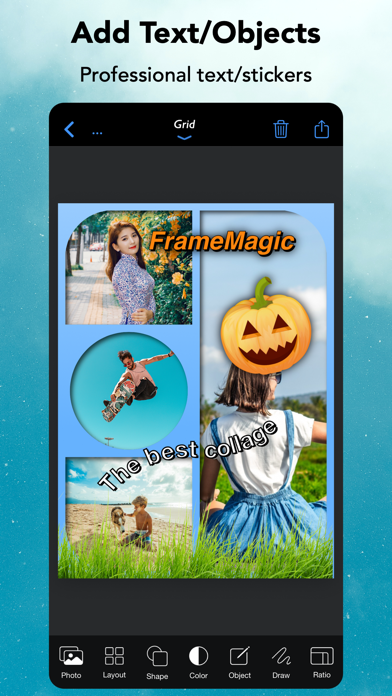
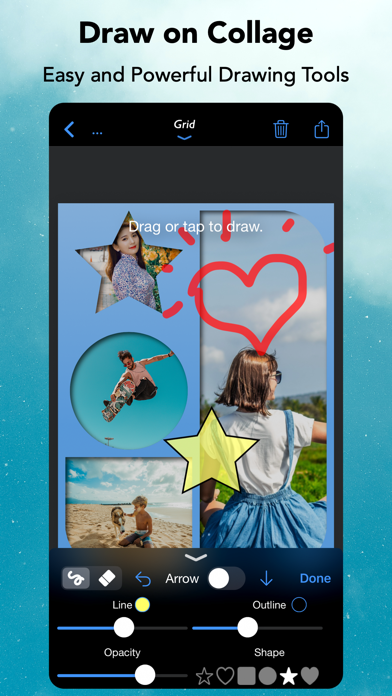
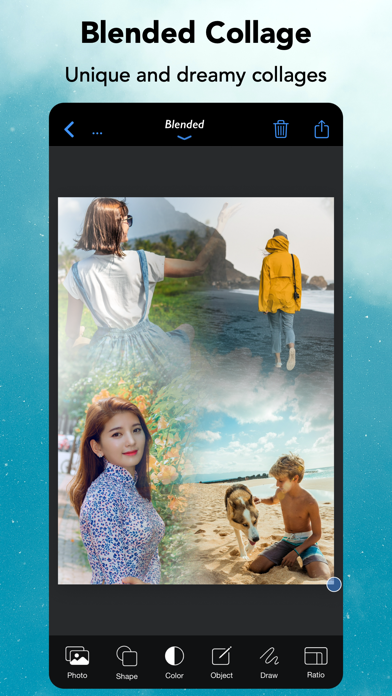
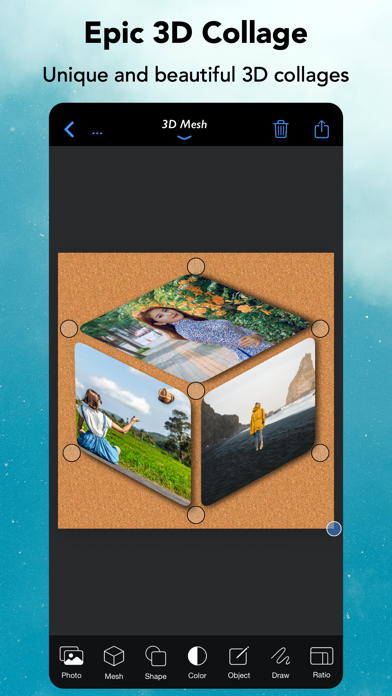
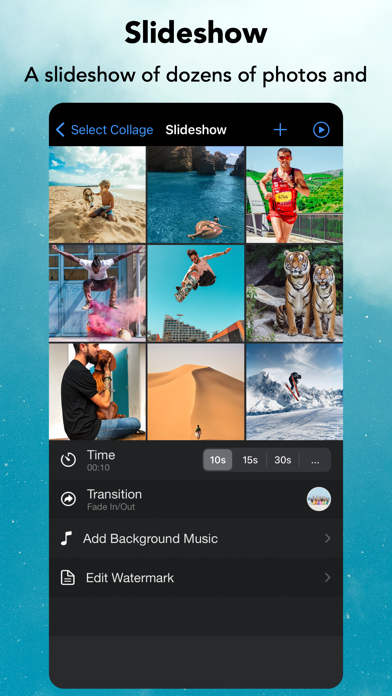
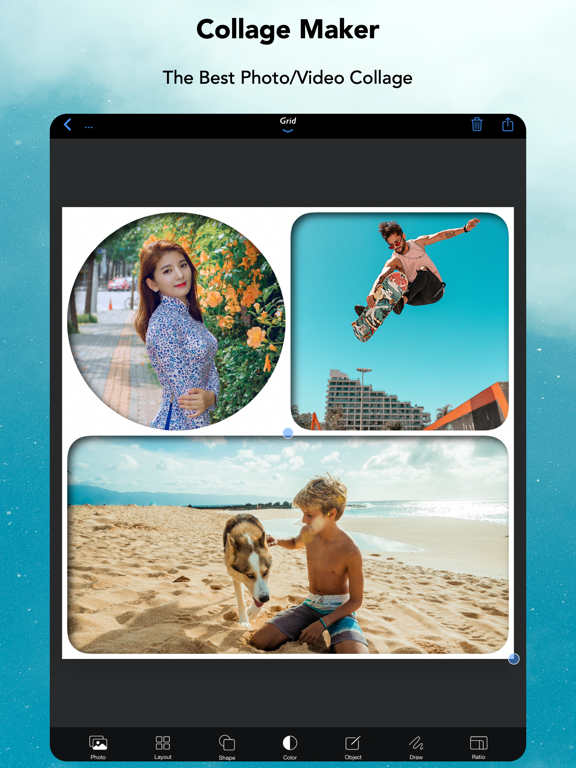
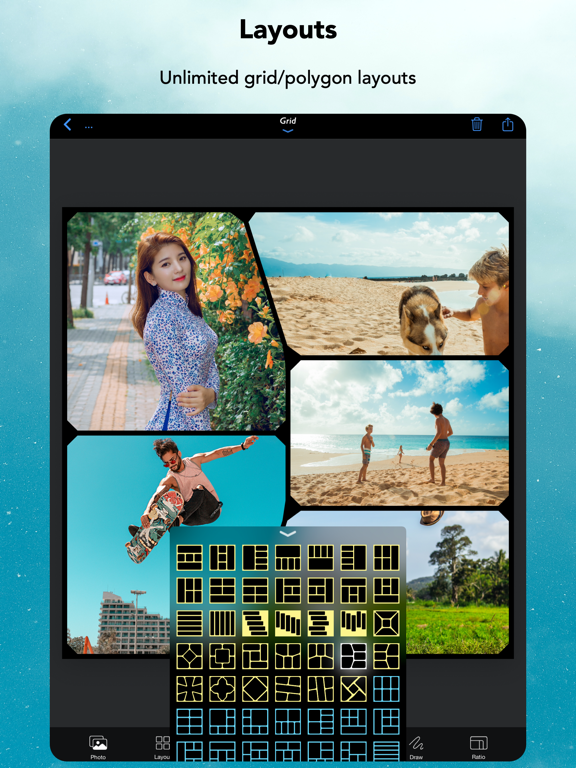
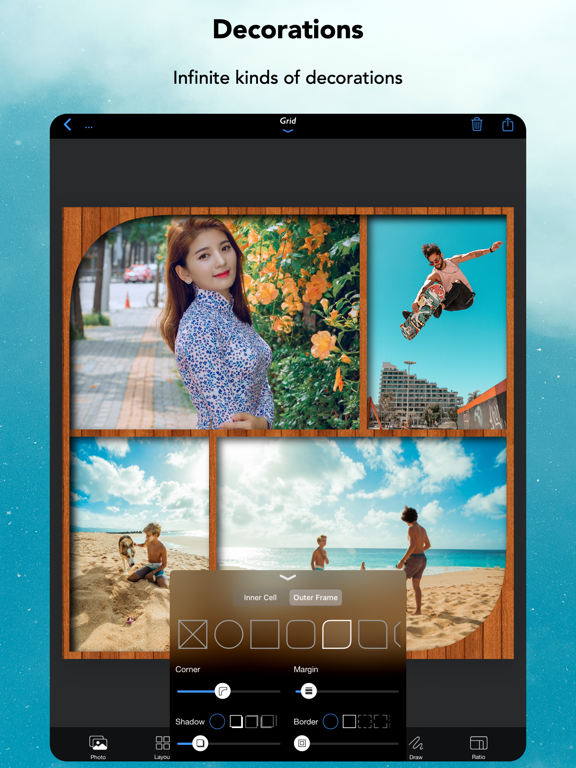
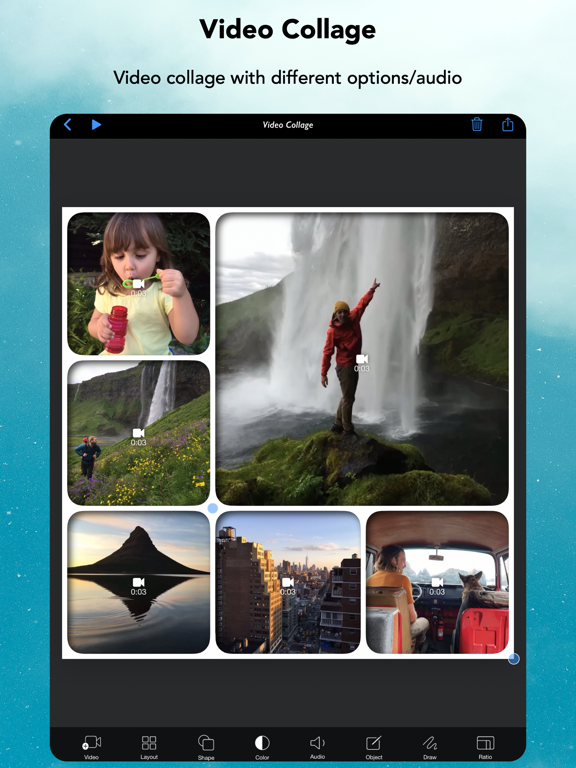
[FrameMagic] enables you to create awesome photo collage, video collage and video slideshow within just a few seconds with tons of layouts, endless options, colors, patterns, powerful text editor, beautiful filter effects, flexible play options, musics and narrations. [FrameMagic] also supports powerful and intelligent photo editors including object removal, soft skin, dark light, bokeh, sticker, silhouette, outline, hole, background blur, motion blur and color splash. [FrameMagic] also supports magical funny photo editors including face morphing, crystal(refracted) text and pic warping effect. [Photo Collage] • The ultimate photo collage layouts. - Grid : Combine multiple photos with hundreds of rectangular and polygonal layouts. - Auto : Create fully automatic collage with a single tap. - Blended : Blend multiple photos and create stunning collage. - Free Style : No limitation on how you add and arrange your photos. - Vertical Stitch : Combine multiple photos into one long. storytelling collage. - Squared : Create squared photo and video optimized for Instagram. - Montage: Create montage photo collage with powerful object masking tool. - 3D Free Style : Free style collage with 3D perspective layouts. - 3D Mesh : 3D meshed collage with beautiful mesh layouts. • Load multiple photos at once. • Unique decoration with rounded corner, margin, border, shadow. • Background colors and patterns. • Gradient and shape background color. • Powerful text editor and beautiful stickers. • Download and install custom fonts from free font servers. • Edit photo with aviary photo editor. • Easy width and height ratio. • Portrait and landscape mode. • Save and share in HD (up to 3600x3600). [Intelligent Photo Editor] • Object Removal : Remove unncessary objects from your photo in single step. • Sticker Generation : Create sticker and montage with powerful object masking tool. • Silhouette Effect : Create beautiful silhouette effect. • Outline Effect : Create beautiful outline and edge effect. • Hole Generation : Create holed image and montage. • Background Blur : Create manual depth blur effect. (aka portrait photo) • Motion Blur : Create manual panning photography. • Color Splash : Create selective color and greyscale effect. • Soft Skin : Create soft skin effect. • Bokeh : Create circular and hexagonal background bokeh effect. • Dark light : Create selective light and darkness effect. [Video Collage & Slideshow] • 101 rectangular layouts with up to 9 videos • Photo slides with your own photos • Video in video with up to 5 videos (PIP) • Load multiple videos at once • Trim each video at any time and size • Apply beautiful filters to each video • Adjust audio volume of each video • Add your own song as background music • Adjust audio volume and start/end time of background music • Unique decoration with rounded corner, margin, border, shadow • Background colors and patterns • Gradient and shape background color • Powerful text editor and stickers • Easy width and height ratio • Portrait and landscape mode • Save and share in HD (up to 1080x1080) [Fun Photo Editors] • Create face morphing effect. • Add refracted text effect. • Create warp in/out effect. [Subscription for Unlocking all features] - You can subscribe for unlimited access to all features offered for purchase within FrameMagic. - Subscriptions are billed monthly or annually. Alternatively, you can purchase each item for the life time access. - Terms of Use: https://sites.google.com/site/mobilabios/terms-of-use - Privacy Policy: https://sites.google.com/site/mobilabios/privacy-policy
Latest release
What’s New
- You can add both inner and outer shadow to collage. - Minor UI enhancements
Audience growth
Ratings growth
Baseline captured. Growth appears after the crawler observes a changed rating count.
Momentum comes from crawler snapshots for the tracked storefront. “Viral growth signal” means unusually fast recent rating gains; it is an indicator, not download data.
Price tracking
Price intelligence
- First observed Aug 14, 2026 · 5:47 PM Free
Screenshots