About this app
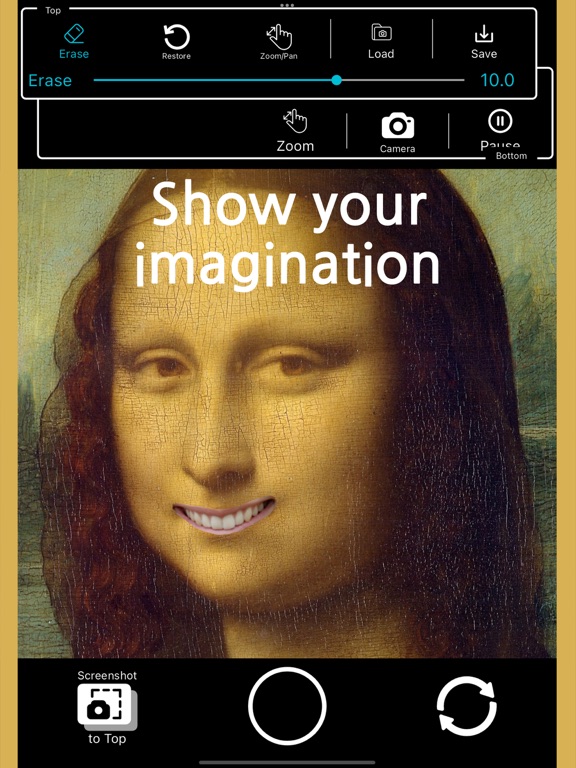
You can combine photos and photos. You can take a picture along with the edited image picture. It's simple to use. Select Bottom. You can use an existing photo image or a new photo taken from the camera. Select an image photo to be used for Top. Edit the Top image by erasing the desired part. Incorrectly edited parts can be restored. Save the edited photo to your camera gallery. Make selfies with funny faces. Create fun composite photos. Create fun photo images and share them with your friends. Show your imagination!
Latest release
What’s New
You can now choose the pen tip shape to be round or square. (Added a pen tip shape selection menu to the right end of the pen size adjustment bar for Erase and Restore respectively.) Advertisements have been added.
Audience growth
Ratings growth
Baseline captured. Growth appears after the crawler observes a changed rating count.
Momentum comes from crawler snapshots for the tracked storefront. “Viral growth signal” means unusually fast recent rating gains; it is an indicator, not download data.
Price tracking
Price intelligence
First snapshot captured. The trend line starts after the next crawler price observation.
- First observed Aug 16, 2026 · 9:14 AM Free
Screenshots