About this app
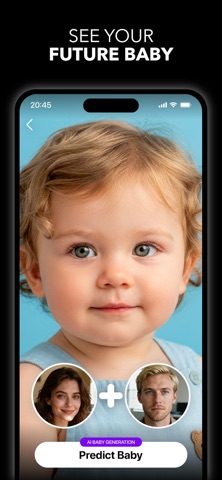
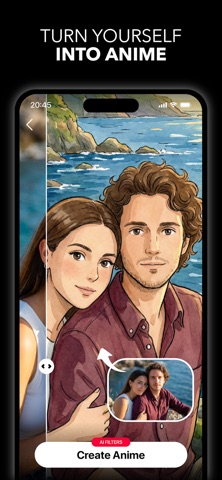
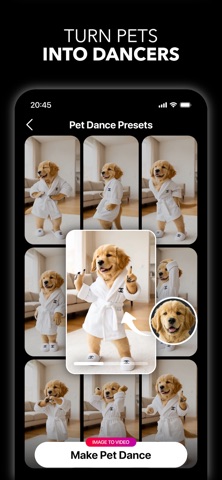
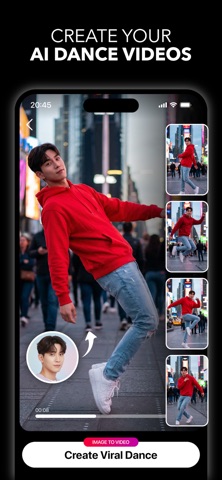
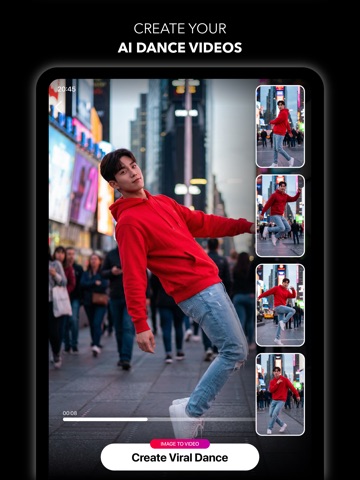
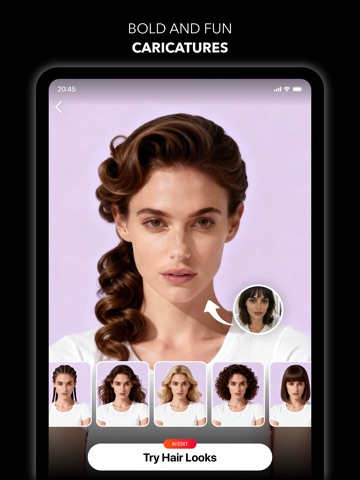
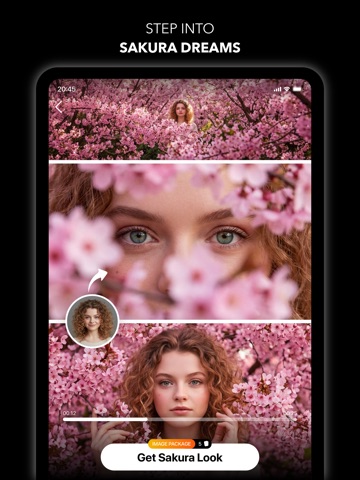
>> Turn your photos into something unforgettable. Glora AI is your personal creative studio — generate viral dance videos, step into anime worlds, preview a new hairstyle, see your future baby, and create studio-quality photoshoots from a single selfie. Whatever you can imagine, Glora can create. Upload your photo and explore hundreds of AI-powered presets across photoshoots, transformations, and video — all designed to make you look incredible and make your content stand out. What you can create with Glora: • AI dance videos and viral motion clips from a single photo • Studio-quality photoshoots in dozens of curated styles • Anime, cartoon, and stylized portrait transformations • Realistic future baby and future family previews • Hairstyle and hair color try-on before you commit • Pet videos, caricatures, and playful creative edits • Beauty retouching, background swaps, and AI retakes AI Photoshoots, Done for You Skip the studio. Choose from premium presets — birthday glamour, monochrome editorial, sakura dreams, and more — and get magazine-quality portraits in seconds. Photo to Video, Made Viral Bring still images to life with AI dance moves, animated effects, and shareable clips built for social. Turn one photo into content people actually stop scrolling for. See Your Future Baby Curious what your future kids might look like? Upload a couple photo and let Glora's AI create realistic baby and family previews in moments. Try Any Hairstyle, Risk-Free Preview a new cut, color, or style on your own face before stepping into the salon. Find your look before you commit. Anime, Cartoons, and Beyond Transform yourself into anime characters, illustrated avatars, and stylized portraits with one tap. Download Glora AI and discover what your photos can become. Subscribe to have unlimited access to premium features as well. • Subscription length: weekly, monthly, yearly • Your payment will be charged to your iTunes Account as soon as you confirm your purchase. • You can manage your subscriptions and turn off auto-renewal from your Account Settings after the purchase. • Your subscription will renew automatically, unless you turn off auto-renew at least 24 hours before the end of the current period. • The cost of renewal will be charged to your account in the 24 hours prior to the end of the current period. • When canceling a subscription, your subscription will stay active until the end of the period. Auto-renewal will be disabled, but the current subscription will not be refunded. • Any unused portion of a free trial period, if offered, will be forfeited when purchasing a subscription. Have a feature request you would like to see in a future version of the app? Do not hesitate to contact us at support@getglora.app Terms of Service: https://getglora.app/terms Privacy Policy: https://getglora.app/privacy
Latest release
What’s New
Bug fixes and improvements
Audience growth
Ratings growth
Baseline captured. Growth appears after the crawler observes a changed rating count.
Momentum comes from crawler snapshots for the tracked storefront. “Viral growth signal” means unusually fast recent rating gains; it is an indicator, not download data.
Price tracking
Price intelligence
First snapshot captured. The trend line starts after the next crawler price observation.
- First observed Sep 4, 2026 · 2:39 AM Free
Screenshots