About this app
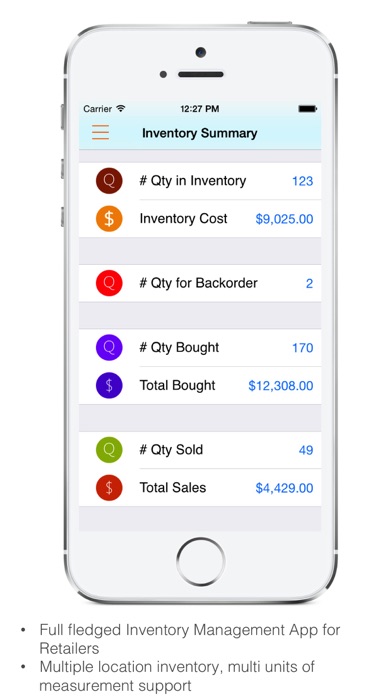
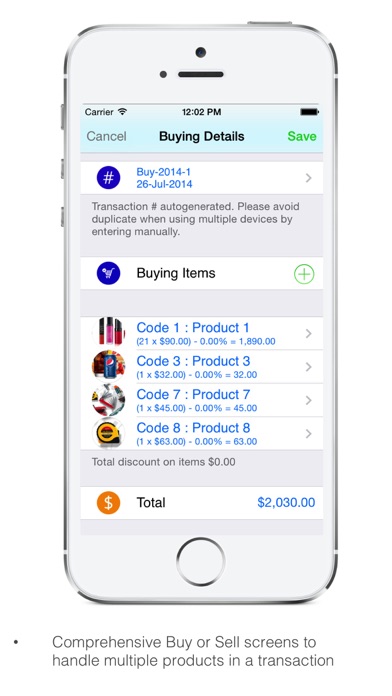
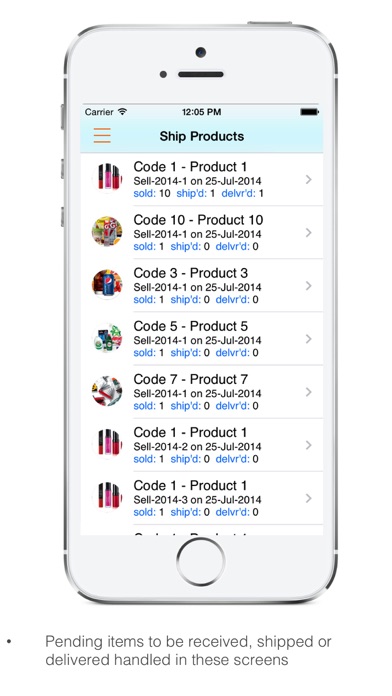
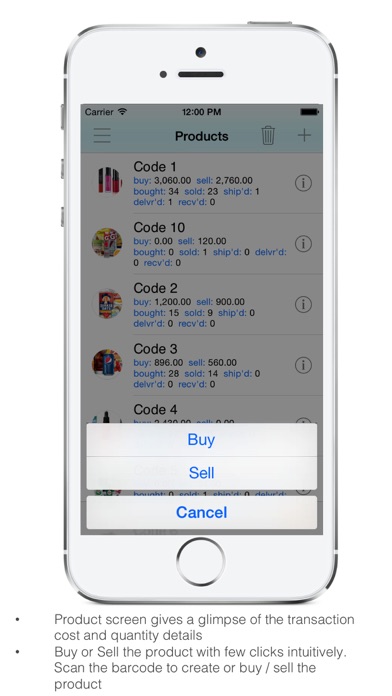
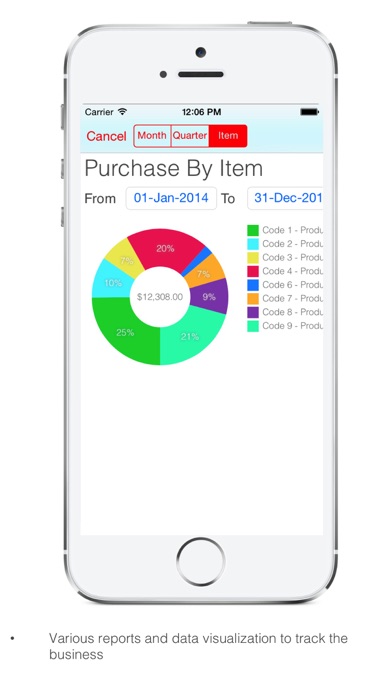
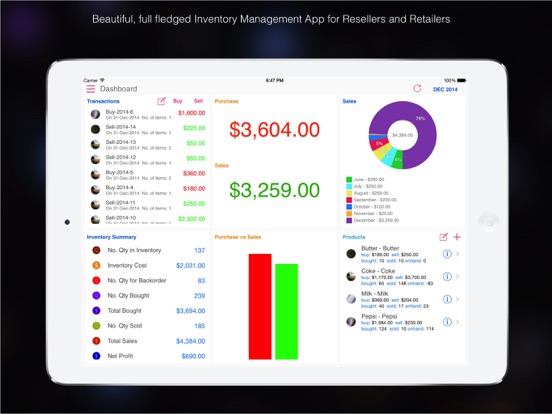
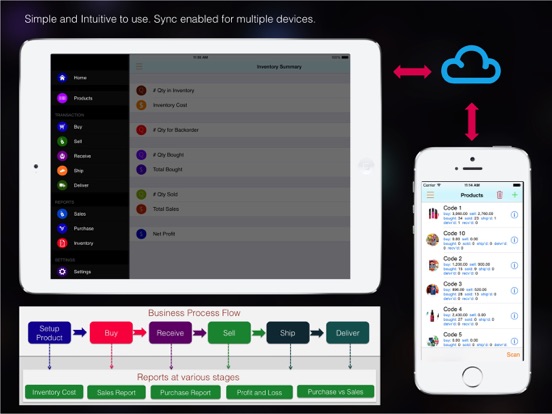
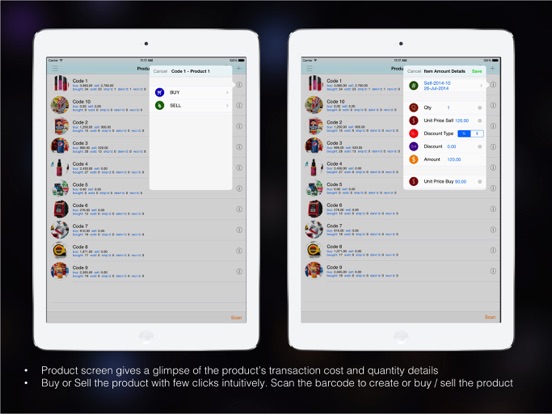
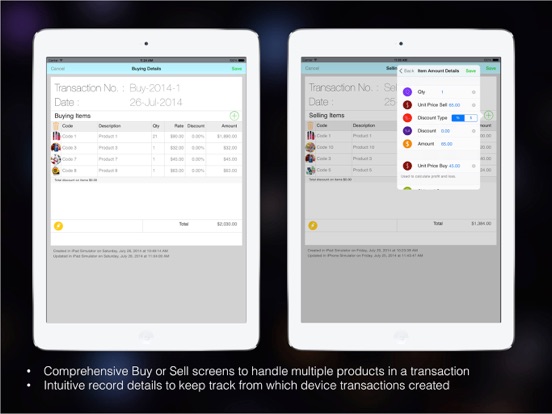
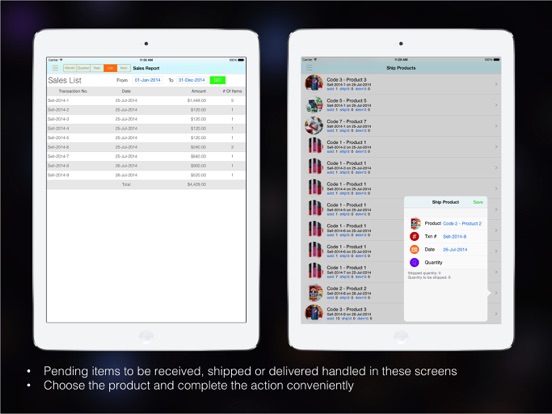
App helps to automate the Resellers business. The app supports the functions of create products, buying products, selling products, receive and update the inventory for buying products, ship the selling products, mark the product delivered once the consignment reaches to customer. Apart from these features, this App have various intuitive reports to run and track the business efficiently by reports like Inventory Cost, Sales Report, Purchase Report, Profit and Loss Report, Purchase vs. Sales Report. App support multiple location inventory tracking. Products support multiple units of measurements like Kg, lbs, meter, ton, etc., App enables sync across multiple devices with iCloud. 1.Business Flow Setup Product -> Buy -> Receive -> Sell -> Ship -> Deliver 2. Product Setup •Product can be created manually or by scanning barcode. •Product can be categorized and identified by location. •Product information is attached with Unit Selling Price and Unit Buying Price. This will be used to calculate Sales profit and loss. If price changes timely basis and it can be updated in a particular sales or purchase transaction, which will provide for accurate calculations. •Product screen provides product information with Total quantity Bought and Purchase amount Total quantity Sold and Sales amount Total quantity Shipped Total quantity Delivered Total quantity Received 1.Buying Transactions •Buy transactions can be created from home screen and from Buy menu or from Product screen to buy a particular product •Buying transaction contains products as line items and their quantity, purchase price, discount if any. Based on these details total will be calculated •Items can be marked as received in the transaction or if there any pending items to be received, it can be done from Receive Transaction screen 4.Selling Transactions •Selling transactions can be created from home screen and from Sell menu or from Product screen to sell a particular product •Selling transactions contains transaction id, date and products as line items and their quantity, unit selling price, unit cost, discount if any. Based on these details total will be calculated. •Line items can be marked as shipped and delivered based on line items status. If there is any pending items to be shipped or delivered, it can be done from Ship, Deliver Transaction screens 5.Receive Transaction •If there are any line items to be received from Buying transaction, it will be displayed here. •The selected line item will show number of quantities to be received. User can update the received quantity. 6.Shipping Transaction •If there are any line items to be shipped from Selling transaction, it will be displayed here. •The selected line item will show number of quantities to be shipped. User can update the shipped quantity. 7.Deliver Transaction •If there are any line items to be received from Selling transaction and Shipping Transaction, it will be displayed here. •The selected line item will show number of quantities to be delivered. User can update the delivered quantity.
Latest release
What’s New
Bug Fixes
Audience growth
Ratings growth
Baseline captured. Growth appears after the crawler observes a changed rating count.
Momentum comes from crawler snapshots for the tracked storefront. “Viral growth signal” means unusually fast recent rating gains; it is an indicator, not download data.
Price tracking
Price intelligence
First snapshot captured. The trend line starts after the next crawler price observation.
- First observed Aug 11, 2026 · 3:11 PM Free
Screenshots