About this app
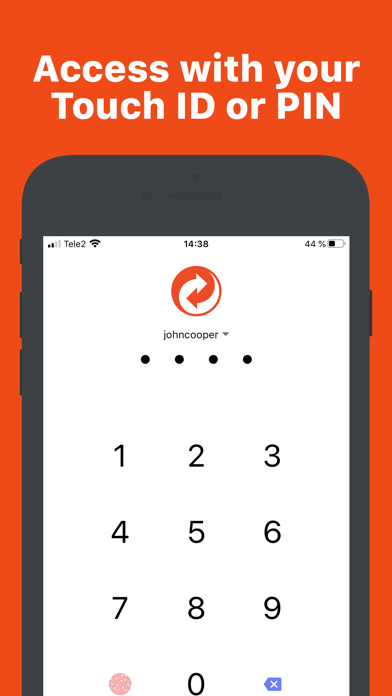
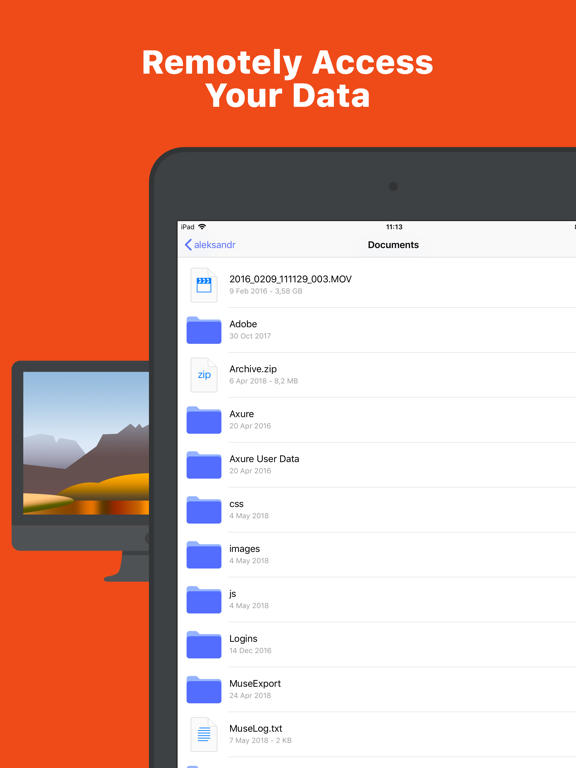
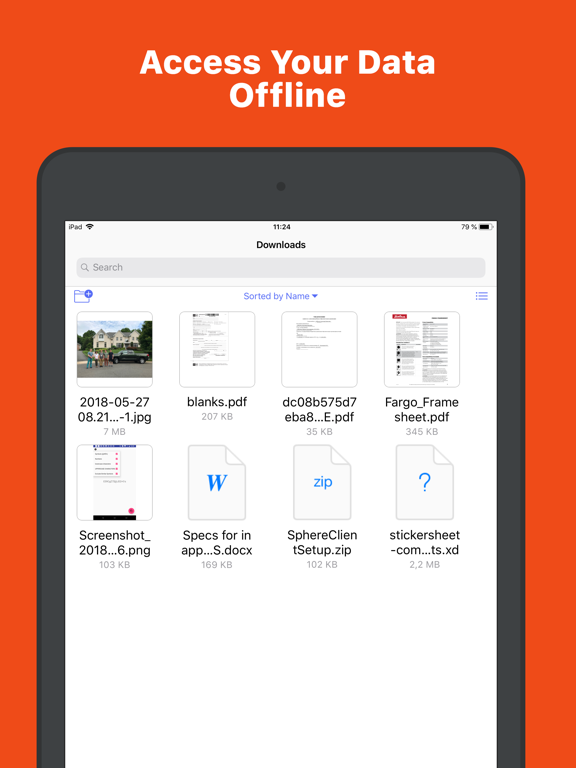
Explore, View, Download files from your desktop computers running GoodSync Connect. Upload files and entire folders from desktop to your device. Using included Server, you can also make files on your phone accessible to GoodSync and GoodSync Explorer on desktop. File transfer works via WiFi or cellular network, automatically selecting the fastest path. Uses: • Client: View and Download files located on any of your Mac or Windows desktops. • Client: Desktops must be running GoodSync Connect. • Server: Backup important files from desktop to iPhone/iPad. • Server: Use iOS device to carry and sync files between several desktops.
Latest release
What’s New
・Added descending sorting option. ・Common changes from GoodSync Desktop ver 12.11.5. ・Miscellaneous bug fixes.
Audience growth
Ratings growth
Baseline captured. Growth appears after the crawler observes a changed rating count.
Momentum comes from crawler snapshots for the tracked storefront. “Viral growth signal” means unusually fast recent rating gains; it is an indicator, not download data.
Price tracking
Price intelligence
First snapshot captured. The trend line starts after the next crawler price observation.
- First observed Sep 6, 2026 · 3:42 AM Free
Screenshots