About this app
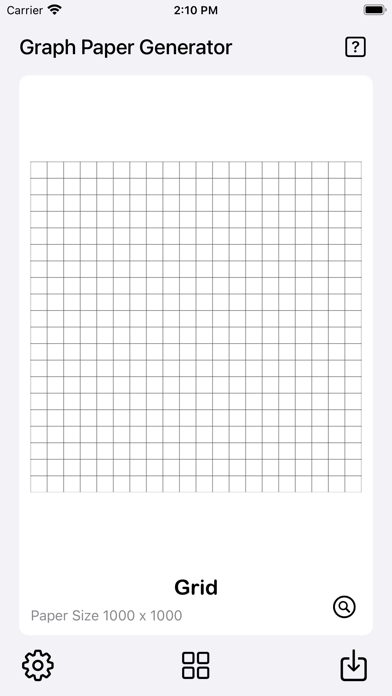
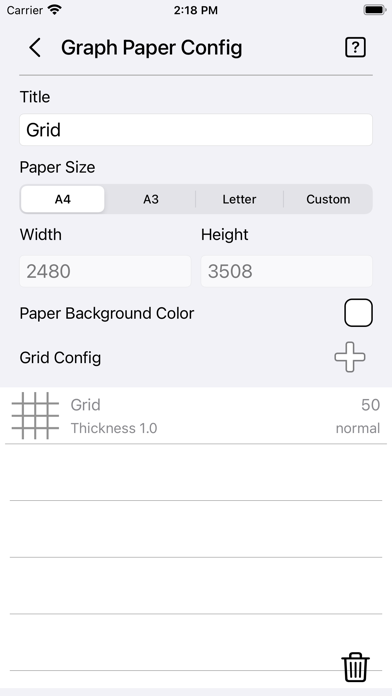
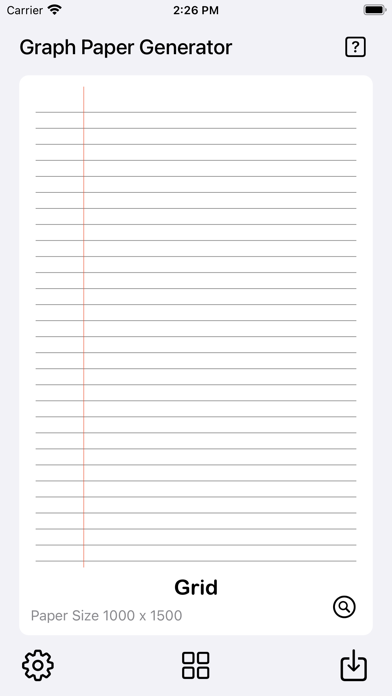
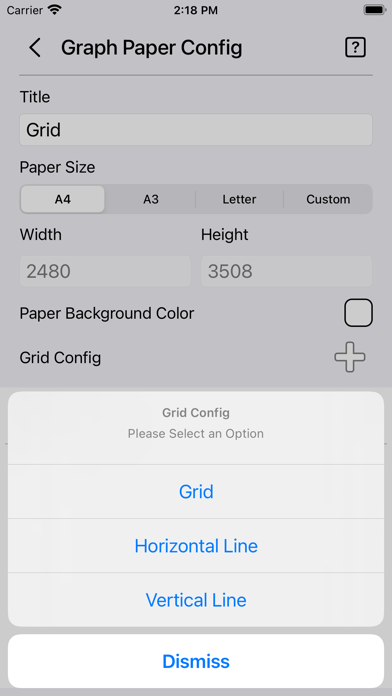
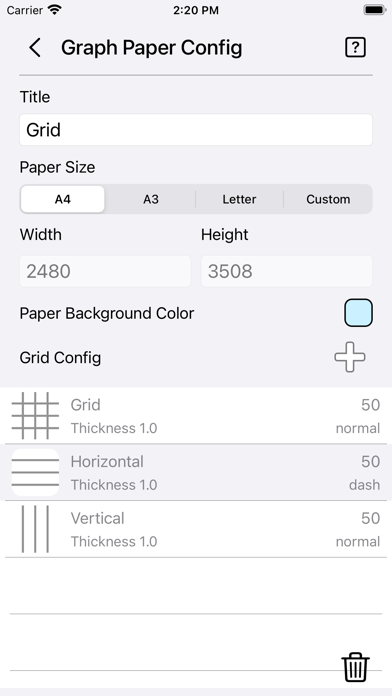
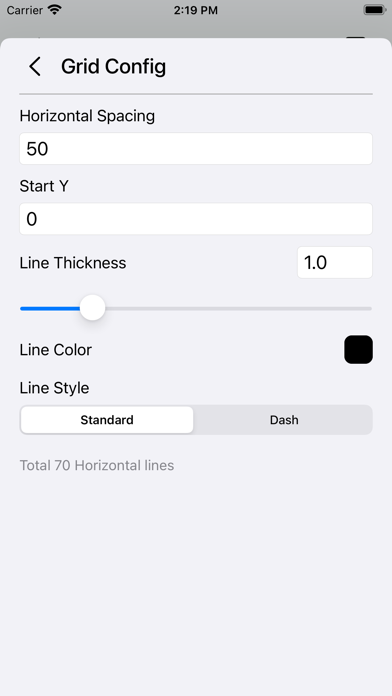
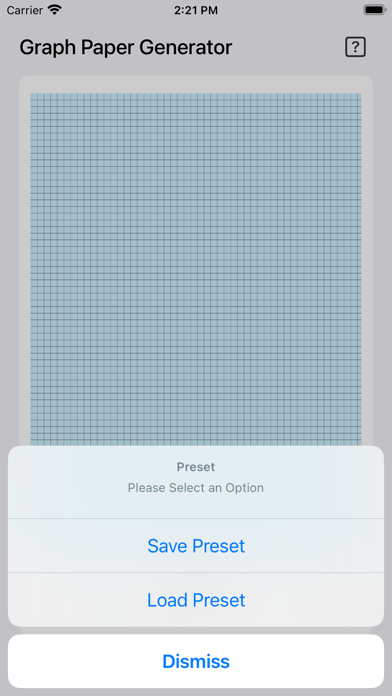
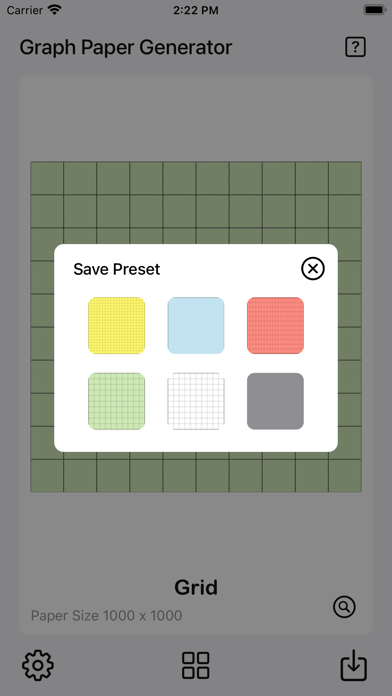
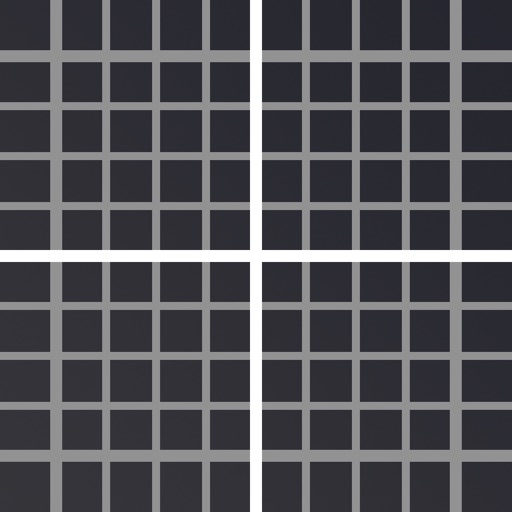
The Graph Paper Generator is a simple tool to generate grid paper. Save generated grid paper as image or PDF files with pre-made guides ready to print. Features: • User-friendly interface. • Add multiple grids/lines with custom settings. • Quick preview of graph paper. • Instant grid paper generator. • Option to save grid configurations as presets. • 6 preset slots available for saving or loading. • Option to save images to the camera roll. • Option to save PDFs to the Files app. • Option to print. • 3 paper templates ready for quick setup [A4, A3, and Letter]. • Custom paper size available. • Option to set paper color. • Grid configuration for grid, horizontal line, and vertical line. • Add up to 6 grid/line configurations. • Option to set grid/line spacing. • Option to set Start X or Start Y position for horizontal and vertical lines. • Option to set line thickness (range: 0.1 – 5.0). • Option to set grid/line color. • Option to set grid/line style (solid or dashed). • Simple statistics showing how many lines or grids are generated on the paper. Quick Guide: - Tap on the settings icon at the bottom left to start. - Set the desired paper size. - Choose a paper color or leave it as the default white. - Tap on the Plus icon beside the Grid Config. - Choose either Grid, Horizontal Line, or Vertical Line. - The Grid Config page will appear. - Set Grid/Line Spacing as desired. [The bottom of the page shows the total number of grids/lines to be generated. Use it as a reference.] - Set other parameters such as line thickness, line color, or line style. - Tap back to the main page for a preview. - Use the preview mode to check the grid paper — you can zoom and pan for detail. - When finished, you can save it to the camera roll as an image or save it as a PDF file for printing. Save Presets: - Once you are done with all the settings, - You can save them as a preset by tapping on the preset button. - Tap on Save Preset. - Tap on any empty slot and the preset will be saved. - You can tap on any slot to overwrite it if you want to. Load Presets: - Tap on the preset button. - Tap on Load Preset. - Tap on any preset slot and it will load automatically. Thanks for your support, and please visit nitrio.com for more apps for your iOS devices.
Latest release
What’s New
- Updated for the newest devices. - Minor bugs fixed.
Audience growth
Ratings growth
Baseline captured. Growth appears after the crawler observes a changed rating count.
Momentum comes from crawler snapshots for the tracked storefront. “Viral growth signal” means unusually fast recent rating gains; it is an indicator, not download data.
Price tracking
Price intelligence
First snapshot captured. The trend line starts after the next crawler price observation.
- First observed Aug 31, 2026 · 12:05 PM $2.99
Screenshots