About this app
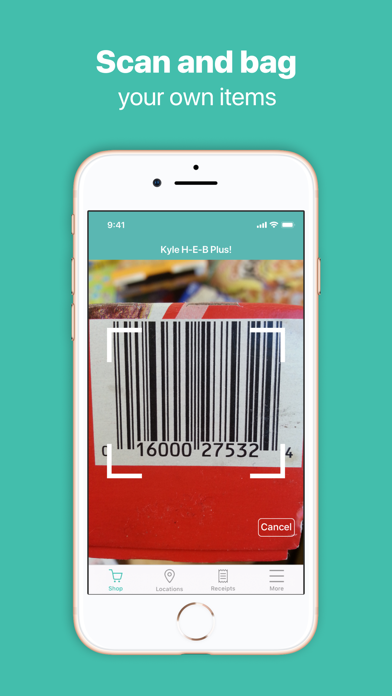
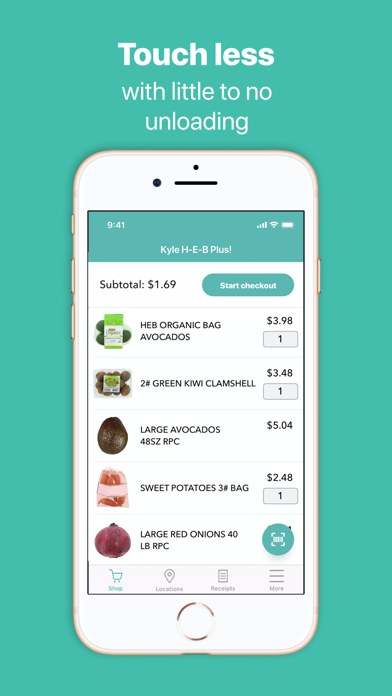
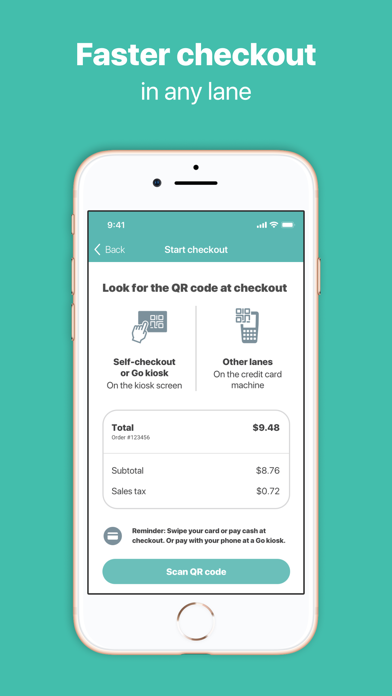
With the app, you can scan and bag your own items as you shop, make less contact with others, and save time at checkout in any lane. Get started by launching the application at an eligible *H-E-B location, then log in with your HEB.com credentials or create a new account. *Piloting at select locations. Once you have created an account, then: 1. Scan and bag as you shop Use your mobile device to scan your items as you place them in your cart or bag. The app will track your items as you shop, and you can add or remove products before finalizing your purchase. 2. Head to checkout When you’re done shopping, head to self-checkout. At self-checkout, the kiosk screen will guide you through the checkout process. 3. And Go! Pay as you normally would, grab your receipt and go! Or if your store has an H-E-B Go kiosk, check out by scanning the kiosk’s code and paying with the app.
Latest release
What’s New
We've made improvements and fixed a few bugs to better serve Texans.
Audience growth
Ratings growth
Baseline captured. Growth appears after the crawler observes a changed rating count.
Momentum comes from crawler snapshots for the tracked storefront. “Viral growth signal” means unusually fast recent rating gains; it is an indicator, not download data.
Price tracking
Price intelligence
First snapshot captured. The trend line starts after the next crawler price observation.
- First observed Aug 18, 2026 · 2:01 AM Free
Screenshots