About this app
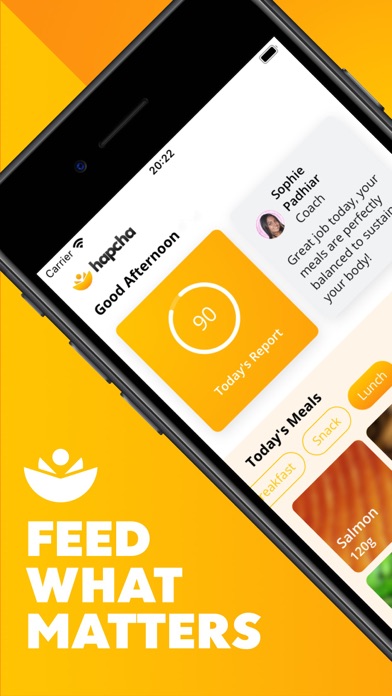
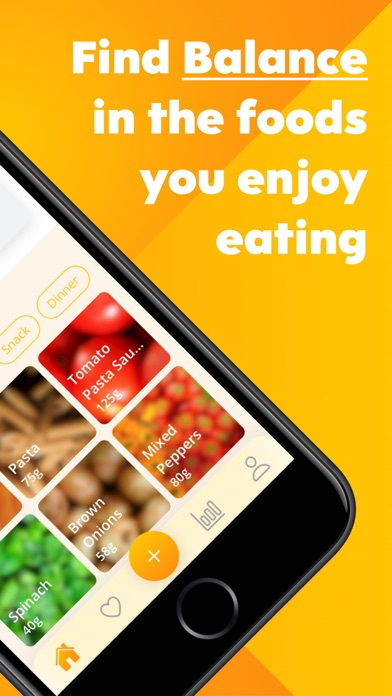
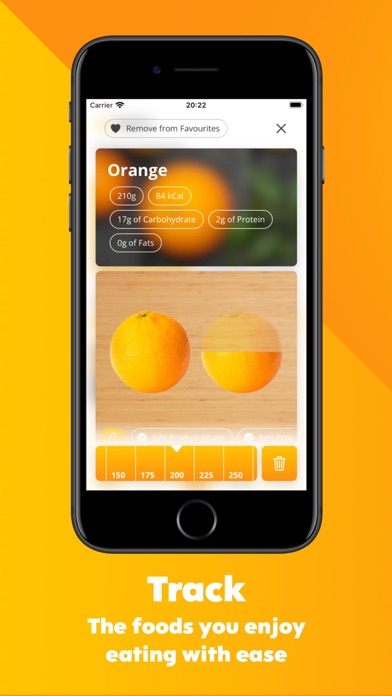
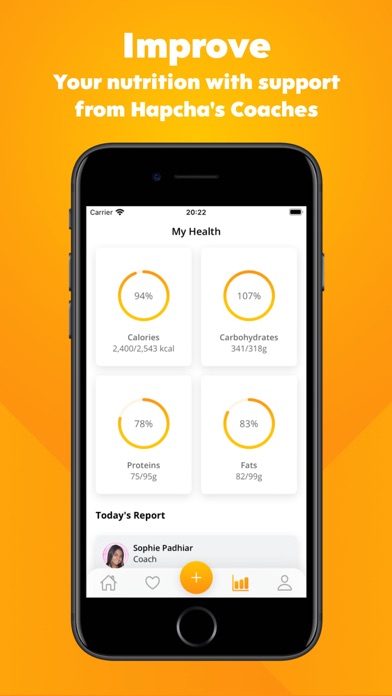
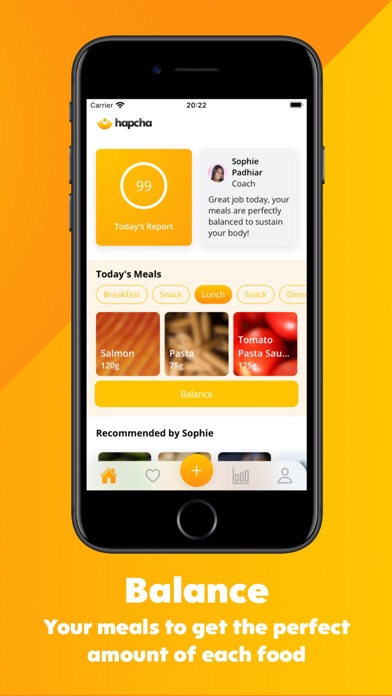
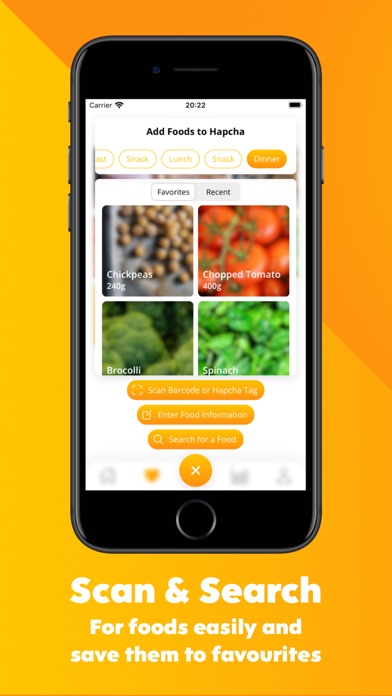
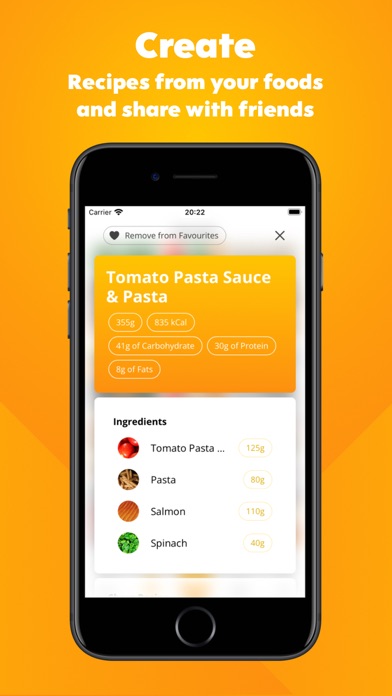
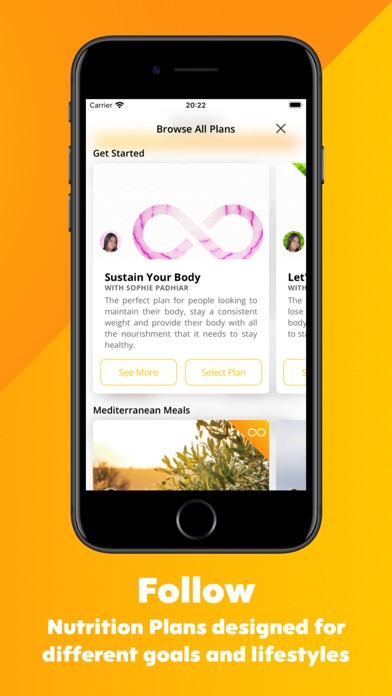
Hapcha – Healthy Nutri Coach is designed to make healthy eating as easy as possible, so you can focus on pursuing the goals that really matter to you. Simply log the foods you eat in the app and your Hapcha coach will suggest small changes you can make to optimise the diet you already have. Then, take it to the next level and tap “Balance”. Hapcha will intelligently scan all the foods you’re eating today and tweak the amount of each so that you can get the nutrition you need from the foods you love. We can’t wait to help you feed what matters! But how does Healthy Nutri Coach work? Great question! Hapcha will ask you for a few basic measurements such as your height and weight. You can update these at any time to see your progress and this allows us to understand a bit more about how your body processes food. You’ll also have the chance to follow a nutrition plan from one of our brilliant Hapcha coaches. This team of expert Nutritionists and Personal Trainers created these nutrition plans to cover a wide variety of goals and lifestyles so there’s something for everyone. Then, as you log foods each day in the app, your coach will let you know how closely your foods match this nutrition plan and give you tips to make small changes to get you closer to the plan. These small changes over time add up to make a big difference! Hapcha has one more secret weapon though for ensuring you get the right amount of calories and nutrients from your foods. Tap “Balance” and our Artificial Intelligence will tweak the portion size of each food in your meals to help you get the right amount of carbohydrate, protein and fats. This makes it easier than ever to follow your nutrition plan! Download Healthy Nutri Coach today and start getting the nutrition your body needs from the foods you enjoy.
Latest release
What’s New
We've made Hapcha more accessible than ever! The Add Food page has been redesigned to make it easier to add foods to meals and you can now increase or decrease the default font size in the account page. We also fixed a number of small bugs, making the app even faster.
Audience growth
Ratings growth
Baseline captured. Growth appears after the crawler observes a changed rating count.
Momentum comes from crawler snapshots for the tracked storefront. “Viral growth signal” means unusually fast recent rating gains; it is an indicator, not download data.
Price tracking
Price intelligence
First snapshot captured. The trend line starts after the next crawler price observation.
- First observed Aug 23, 2026 · 11:14 AM Free
Screenshots