About this app
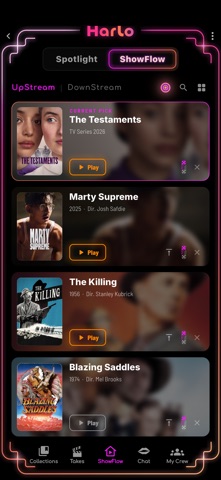
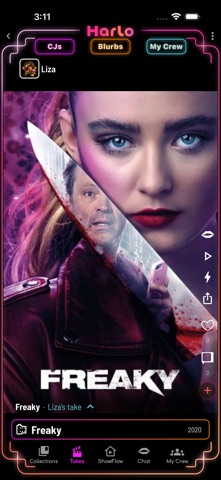
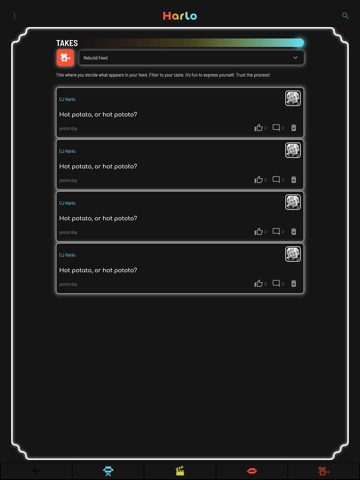
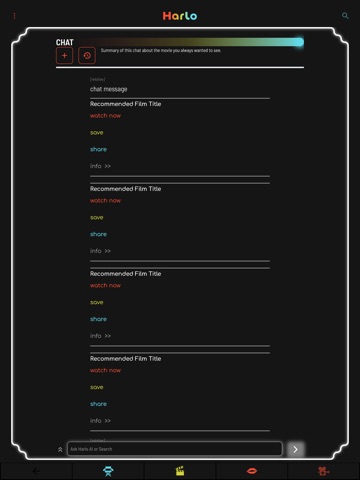
Too many streaming services and still nothing to watch? Harlo helps you decide what to watch before you turn on the TV. Instead of endlessly scrolling, debating, and forgetting recommendations, Harlo makes deciding what to watch fast, fun, and social—so when it’s time to watch, it’s time to press Play. Discover movies, series, and documentaries through trusted creators, friends, expert curators, and AI that learns your taste over time. Save anything that catches your attention the moment inspiration strikes, so the decision is already made when you’re ready to watch. BULLSEYE Need something now? Bullseye gives you one personalized pick—ready to watch tonight. UPSTREAM & DOWNSTREAM Your UpStream is everything you’re excited to watch next. Your DownStream remembers what you’ve watched—and how much each title actually meant to you. The more you use Harlo, the better it understands your taste. TAKES Watch short recommendations from trusted creators, friends, and Harlo CJs. Real opinions. No spoilers. Just quick reasons why something is actually worth your time. COLLECTIONS Build and share themed collections like Movies I Rewatch When I’m Sick, Documentaries That Changed How I Think, or Hidden Sci-Fi Gems. Discover great entertainment through people whose taste you trust. FRIENDS See what your friends are saving, watching, and recommending. Borrow great taste from people you already know. AI CHAT Ask naturally: * “A documentary that’ll wreck me in the best way.” * “An underrated French thriller from the ’70s.” * “A quiet series about aging.” * “What should I watch after Past Lives?” Harlo’s AI responds with thoughtful recommendations shaped by your taste—not generic popularity lists. ONE TAP TO WATCH Tell Harlo which streaming services you use, then tap once to open a title directly in the service where it’s available. Less searching. More watching. A SAFE COMMUNITY Report and Block controls help keep Harlo welcoming, thoughtful, and spoiler-conscious. PRIVACY Harlo personalizes recommendations using what you save, rate, and watch in the app. AI Chat requests your consent before using your activity or sending prompts to Google’s Gemini. Friend matching is optional and hash-based—your address book is processed on your device and is never stored on our servers. Harlo never uses your precise location or biometric information. Harlo exists to eliminate entertainment indecision. Decide before you watch. When it’s time to watch… it’s time to press Play.
Latest release
What’s New
Harlo just leveled up: - Harlo Chat — ask for anything, get real picks in seconds (it's fast now. Like, fast fast.) - Bullseye — one tap, one great, personalized pick. No scrolling. No debating. - Five in the tank — Harlo keeps your UpStream topped up so you always know what to watch tonight. - Takes, reworked — smoother feed, autoplay, and a cleaner action rail. - Share your takes — friends see them even without the app. For now. - Find your friends — private contact matching. Your address book never leaves your phone. Plus a truckload of speed and polish. The streaming struggle is over.
Audience growth
Ratings growth
Baseline captured. Growth appears after the crawler observes a changed rating count.
Momentum comes from crawler snapshots for the tracked storefront. “Viral growth signal” means unusually fast recent rating gains; it is an indicator, not download data.
Price tracking
Price intelligence
First snapshot captured. The trend line starts after the next crawler price observation.
- First observed Aug 20, 2026 · 11:32 PM Free
Screenshots