About this app
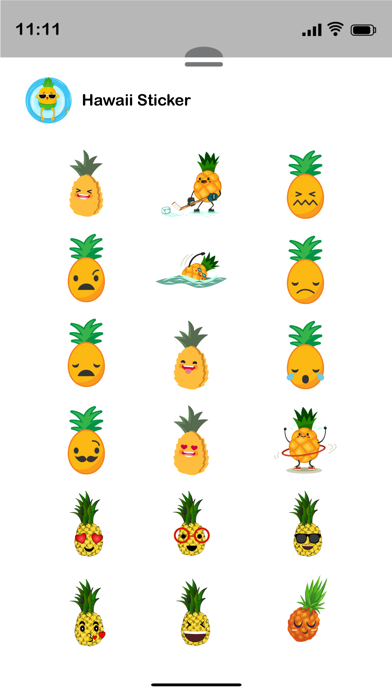
Love going to Hawaii! Then for sure, you will love Hawaii Pineapple Emojis! Best Hawaii stickers for you to download. How To Install iMessage App and Use Stickers : - Open iMessage from your iPhone. - Click on the Appstore icon. - Tap the four oval icon on the lower left corner to open the app drawer. From there, tap the plus icon labelled 'Store' to access the Messages App Store. - In the App Store, tap the Manage tab in the top right to add your purchased apps to your app drawer - Select the your stickers app . - Just with a single tap send stickers. - Also simply long touch and peel off the stickers to add them with your texts!! or existing stickers. - Scale & Rotate stickers by using a second finger before you place it on a bubble.
Latest release
What’s New
- Improvements in stickers & stability fixes.
Audience growth
Ratings growth
Baseline captured. Growth appears after the crawler observes a changed rating count.
Momentum comes from crawler snapshots for the tracked storefront. “Viral growth signal” means unusually fast recent rating gains; it is an indicator, not download data.
Price tracking
Price intelligence
First snapshot captured. The trend line starts after the next crawler price observation.
- First observed Aug 12, 2026 · 4:14 PM $1.99
Screenshots