About this app
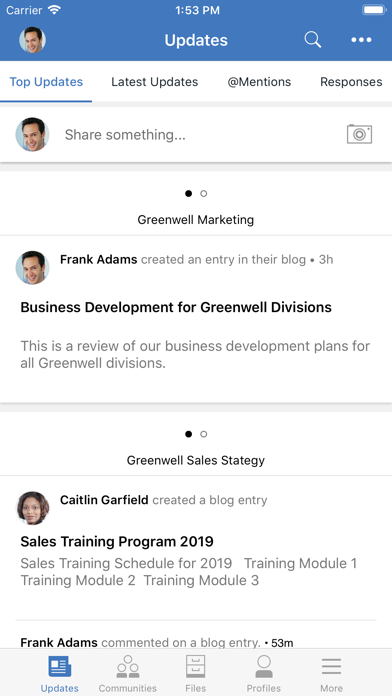
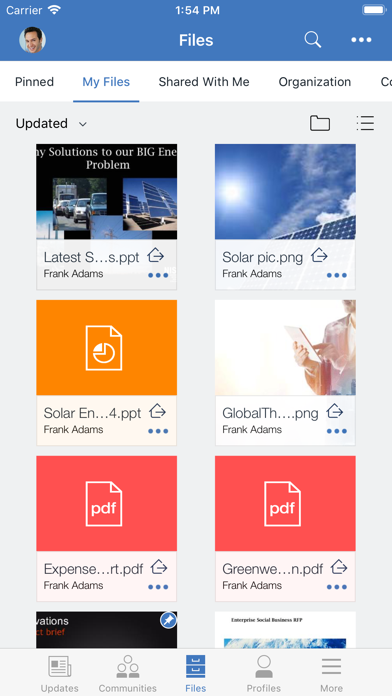
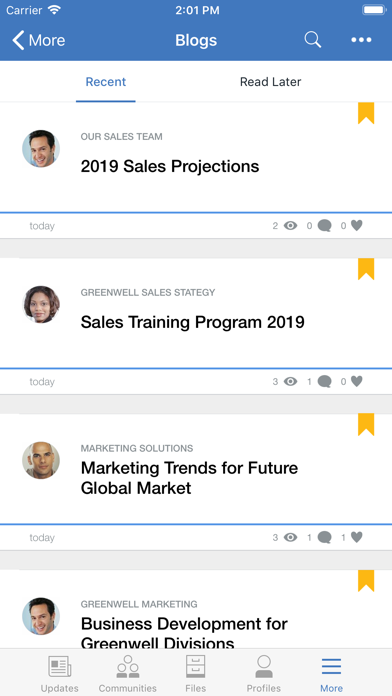
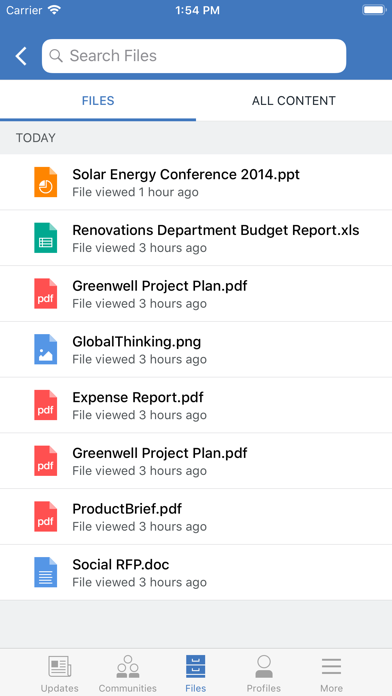
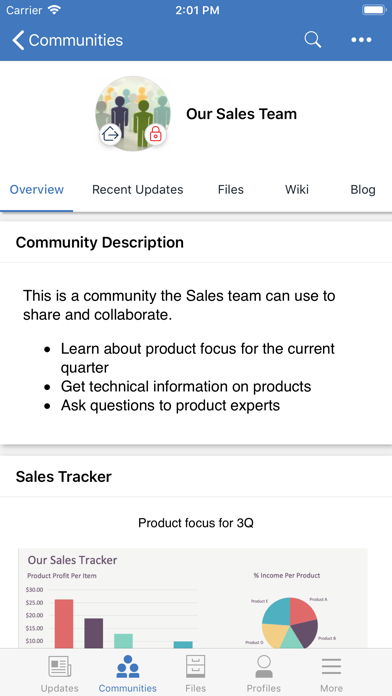
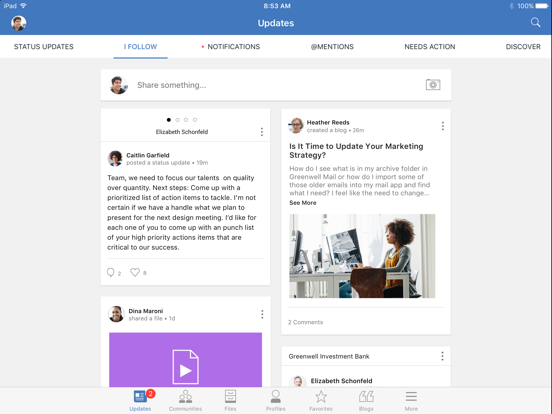
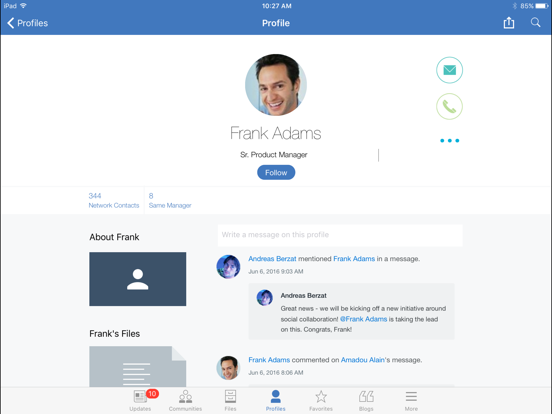
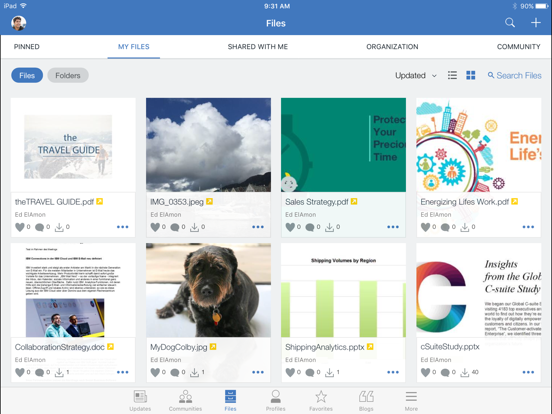
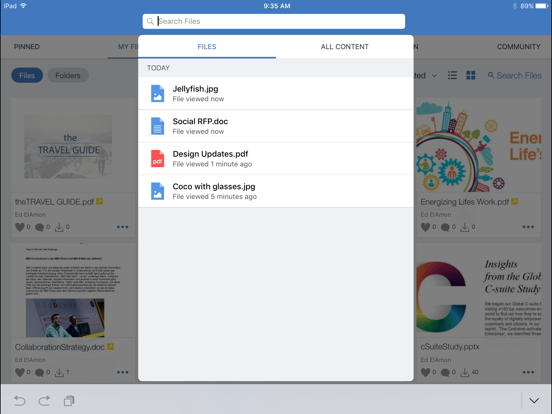
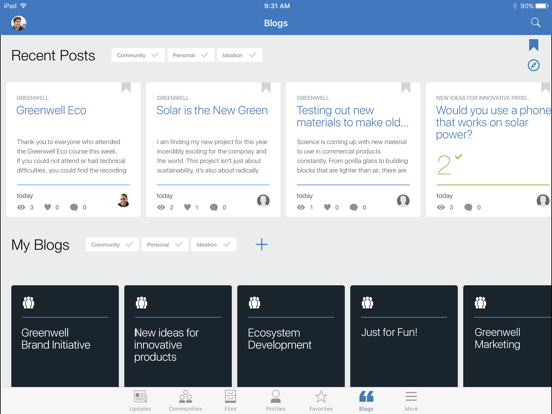
HCL Connections (formally IBM Connections) is social software for your business. It enables you to build a network of colleagues and subject matter experts, and then leverage that network to further your business goals. You can discuss ideas, work collaboratively on presentations or proposals, share photos or files, plan and track project tasks, and much more. HCL Connections is a server product that is deployed on your company intranet or the IBM Connections Cloud. This HCL Connections mobile app extends access to that server for employees, like yourself, who are on the go directly from their iPhone, iPod Touch and iPad. This app can also be securely managed by your company administrator through server side policies. Features - Securely drop documents, presentations and photos to your colleagues with Files. - Find experts in your organization and build a social network with Profiles. - Join together with others to accomplish business goals through Communities. - Influence and share your expertise through Blogs and Wikis. - Get everyone on the same page using Bookmarks. - Track your project progress to success with Activities. - Share news, links and status across your network at any time. - View and print documents, presentations, and spreadsheets over AirPrint ---------------------------------------------------------------------- In order to access your company Connections server, you will need a userid and password along with the URL address of the server. The app will prompt you for this information. If you are an end user and experiencing a problem, please contact your company IT help desk. If you are a Connections administrator experiencing a problem, please open a case at the HCL customer support site. In addition to rating the app here at the App Store, you can tell us what we have done right or what we can do better by emailing HCL mobile software engineering directly at heyhcl@pnp-hcl.com. Note: Continued use of GPS running in the background can dramatically decrease battery life.
Latest release
What’s New
Fixed Community Content Issues
Audience growth
Ratings growth
Baseline captured. Growth appears after the crawler observes a changed rating count.
Momentum comes from crawler snapshots for the tracked storefront. “Viral growth signal” means unusually fast recent rating gains; it is an indicator, not download data.
Price tracking
Price intelligence
First snapshot captured. The trend line starts after the next crawler price observation.
- First observed Sep 4, 2026 · 3:24 AM Free
Screenshots