About this app
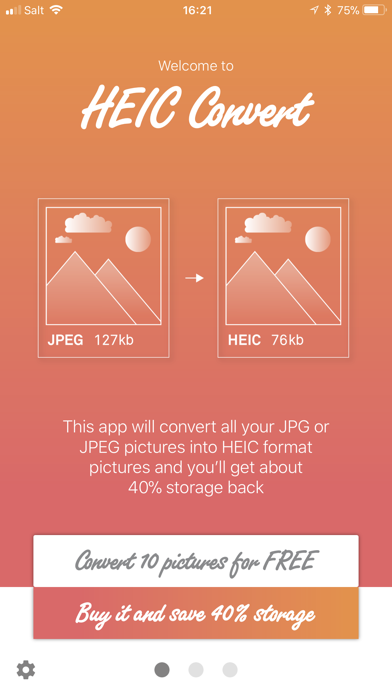
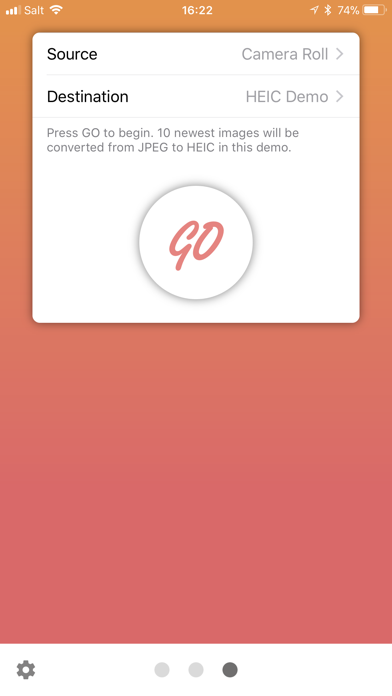
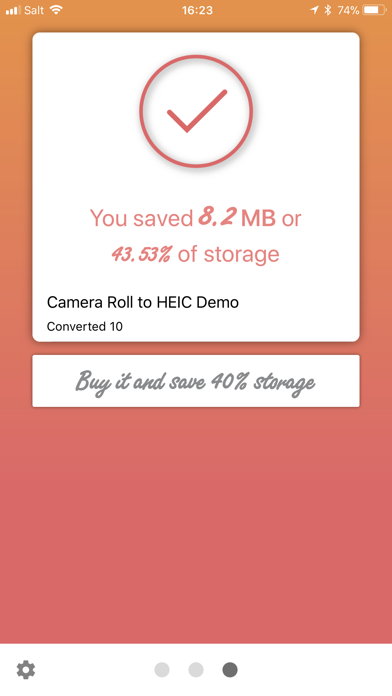
With the release of iOS 11 in September 2017, Apple introduced a new image format called HEIC (mypicture.heic) based on the High Efficiency Image File Format (HEIF) standard. The main advantage of this new format is that every HEIC pic will save you roughly 40% on storage space compared to the 20-year-old JPEG format. The iOS 11 system and the new file format are supported by the following devices: iPhone: iPhone 5s iPhone SE iPhone 6 and 6 Plus iPhone 6s and 6s Plus iPhone 7 and 7 Plus iPhone 8, 8 plus and X iPhone XR, XS and XS Max iPad: iPad mini 2 iPad mini 3 iPad mini 4 iPad (5th generation) iPad Air iPad Air 2 iPad Pro 9.7 iPad Pro 10.5 iPad Pro 12.9 (1st generation) iPad Pro 12.9 (2nd generation) iPad Pro 11 (octobre 2018) iPad Pro 11 (mars 2020) iPad Pro 12.9 (octobre 2018) iPad Pro 12.9 (mars 2020) iPad Air (March 2019) iPad (September 2019) iPod touch: iPod touch (6th generation) However, even if all the listed devices can read this new format, not all of them can support the shooting and saving of pictures and videos with this new format. By default, only the following devices with iOS 11 can shoot and save pictures and movies, as HEIF standard: iPhone: iPhone 7 and 7 Plus iPhone 8, 8 Plus and X iPhone XR, XS and XS Max iPhone 11, 11 Pro and 11 Pro Max iPad: iPad Pro 10.5 iPad Pro 12.9 (2nd generation) iPad Pro 11 (octobre 2018) iPad Pro 11 (mars 2020) iPad Pro 12.9 (octobre 2018) iPad Pro 12.9 (mars 2020) iPad Air (March 2019) iPad (September 2019) If you are wondering why only these models are natively compatible, it is because they use the A10 processor or better. Powerful processors are required to natively support the saving of pictures and videos with the HIEF standard. This is why, so far, the HEIC Convert app only works with those devices and converts all of the JPG or JPEG pictures taken by your device or others in HEIC format (which is derivative of the HEIF standard). The resolution will be preserved as the information is related to GPS and EXIF. However, for now, the app will not convert Portrait, PNG, GIF or Live files. It is the same with the movies, which stay in their original format. Finally, if you have edited your JPG or JPEG images with the Apple’s Photos app, the HEIC Convert app will only convert the final picture with all of the filters, modifications, etc. you have applied to it. So you will not be able to get back to your original image. Before running our app, make sure that you have backed up your iPhone with iTunes or iCloud.
Latest release
What’s New
Updated to run better on iOS 13.4
Audience growth
Ratings growth
Baseline captured. Growth appears after the crawler observes a changed rating count.
Momentum comes from crawler snapshots for the tracked storefront. “Viral growth signal” means unusually fast recent rating gains; it is an indicator, not download data.
Price tracking
Price intelligence
First snapshot captured. The trend line starts after the next crawler price observation.
- First observed Sep 4, 2026 · 4:38 AM Free
Screenshots