About this app
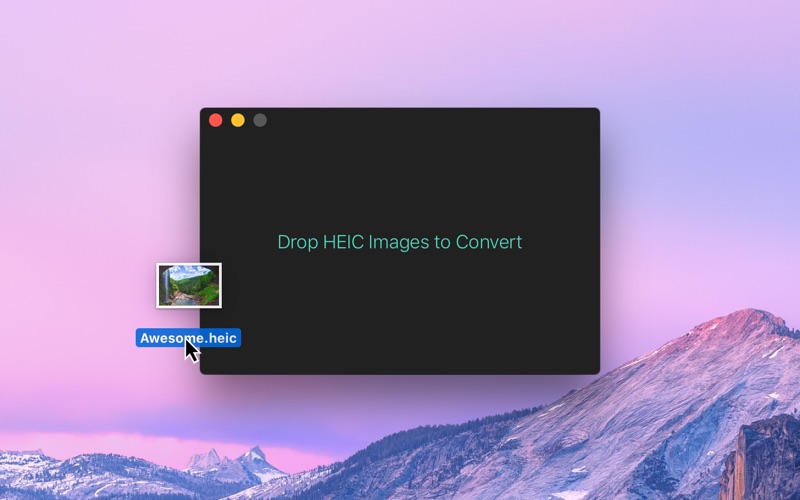
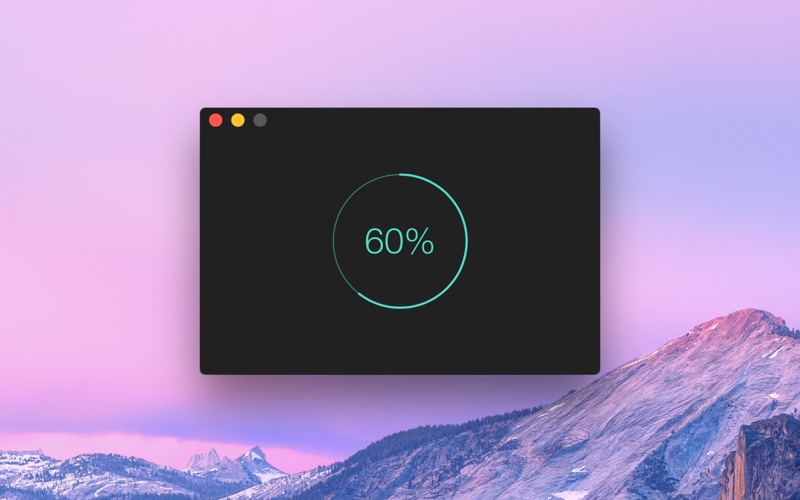
Convert HEIC images to JPEG or PNG. ■ Features - Very fast conversion. - Convert to either JPEG or PNG. - Choose JPEG quality. - Preserves image metadata (Exif). - Set default output directory. ■ How to convert - Drag and drop your HEIC images onto the window or the Dock icon. - Click the “Open” button in the window or in the “File” menu and then choose your HEIC images. - Right-click your HEIC images in Finder and select this app in the “Open With” menu. ■ FAQ ‣ Can I drag and drop images from the Photos app? No. The Photos app doesn't provide the original HEIC images when dragging. Instead, just drag and drop images from the Photos app to Finder to convert. ■ Support Click the feedback button in the “Help” menu in the app.
Latest release
What’s New
- The app now requires macOS 26. You can get the last macOS 15 compatible version from the app's website.
Audience growth
Ratings growth
Baseline captured. Growth appears after the crawler observes a changed rating count.
Momentum comes from crawler snapshots for the tracked storefront. “Viral growth signal” means unusually fast recent rating gains; it is an indicator, not download data.
Price tracking
Price intelligence
First snapshot captured. The trend line starts after the next crawler price observation.
- First observed Aug 6, 2026 · 7:51 AM Free
Screenshots