About this app
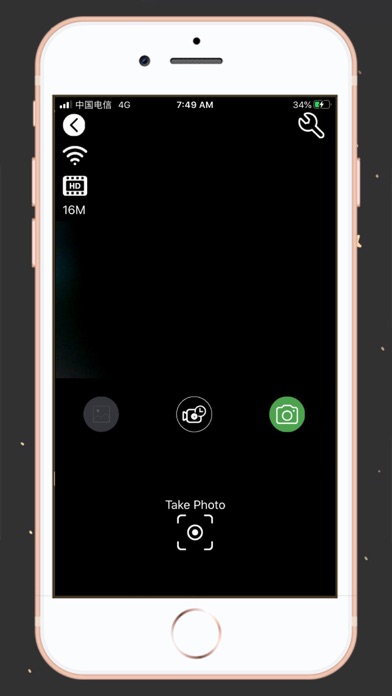
This is the application you must have on your device to control the visional action camera. With this application, it offers real-time viewing of the video streaming from the camera, start recordings, take photos, see the photo you took and download the video or image. How to connect: 1. Activate the camera's wifi 2. Connect your smartphone to the camera's wifi. The connection password is in the manual. 3. Open the application 4. Click the 'connect' button Camera functions with the app: 1. Live view of the camera 2. In live view mode, you can trigger the camera to take videos or photos 3. Continuous shooting mode 4. Timer trigger mode 5. Change the video quality 6. Change the image quality 7. You can format the camera's SD card 8. List the photo and video files 9. Download or delete the files 10. Photo reproduction 11. Video playback with audio
Latest release
What’s New
fix some bugs of video player.
Audience growth
Ratings growth
Baseline captured. Growth appears after the crawler observes a changed rating count.
Momentum comes from crawler snapshots for the tracked storefront. “Viral growth signal” means unusually fast recent rating gains; it is an indicator, not download data.
Price tracking
Price intelligence
First snapshot captured. The trend line starts after the next crawler price observation.
- First observed Aug 21, 2026 · 1:56 AM Free
Screenshots