About this app
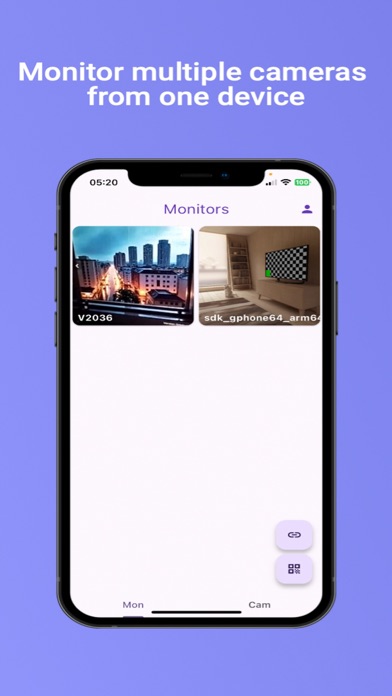
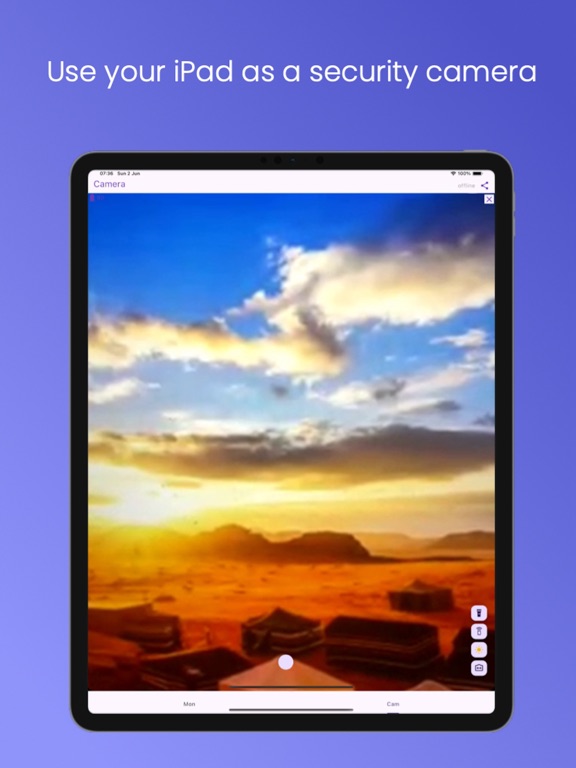
Hardware Requirements: Please note that this system requires two smartphones (running iOS or Android) to function: one to act as the camera and one as the monitor. Compatibility Note: This app is designed for phone-to-phone connection only. It is not compatible with standalone IP cameras. Don’t let your old smartphone gather dust—turn it into a powerful home security system! Homesafe allows you to repurpose unused devices into a fully functional surveillance network, offering features that rival expensive IP camera systems for a fraction of the cost. Whether you need a baby monitor, a pet cam, or full home surveillance, Homesafe connects your devices instantly for 24/7 peace of mind. KEY FEATURES: • Live HD Streaming: View live video and audio from anywhere in the world. • Motion Detection: Get instant alerts when movement is detected. • Secure Cloud Recording: Record and save suspicious activity directly to the cloud for evidence. • Remote Control Center: Control the camera device entirely from your monitor phone: - Camera Switch: Toggle between front and back cameras remotely. - Flashlight Control: Turn on the torch to see in the dark. - Siren Alarm: Trigger a loud alarm to scare off intruders. - Screen Dimmer: Save battery and stay discreet by dimming the camera screen remotely. - Instant Recording: Start or stop video recording with a single tap. HOW IT WORKS: 1. Prepare the Camera: Open Homesafe on your spare phone, select the 'Cam' tab, and ensure the status is "Online" (Red Button). 2. Connect the Monitor: Open Homesafe on your personal phone, select the 'Mon' tab, and tap the 'QR' icon. 3. Link Devices: Scan the QR code displayed on the Camera phone, or simply share the connection link. That’s it—you’re connected! Terms of Service: https://brahman.top/terms
Latest release
What’s New
Bug fix
Audience growth
Ratings growth
Baseline captured. Growth appears after the crawler observes a changed rating count.
Momentum comes from crawler snapshots for the tracked storefront. “Viral growth signal” means unusually fast recent rating gains; it is an indicator, not download data.
Price tracking
Price intelligence
First snapshot captured. The trend line starts after the next crawler price observation.
- First observed Sep 6, 2026 · 5:57 AM Free
Screenshots