About this app
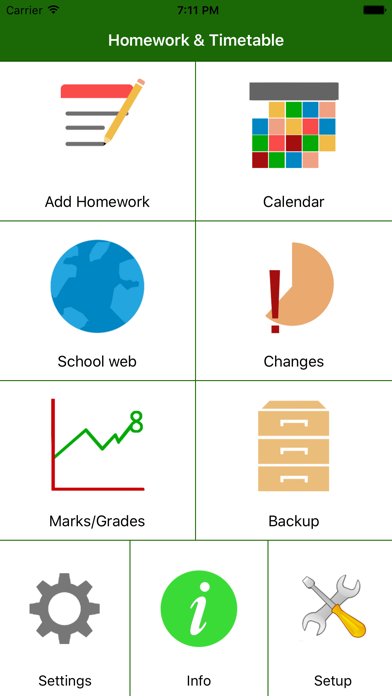
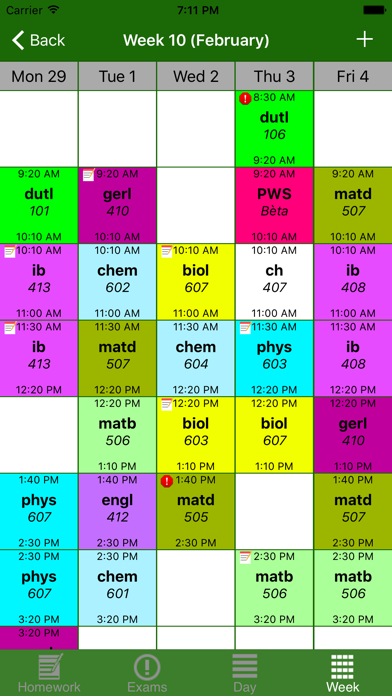
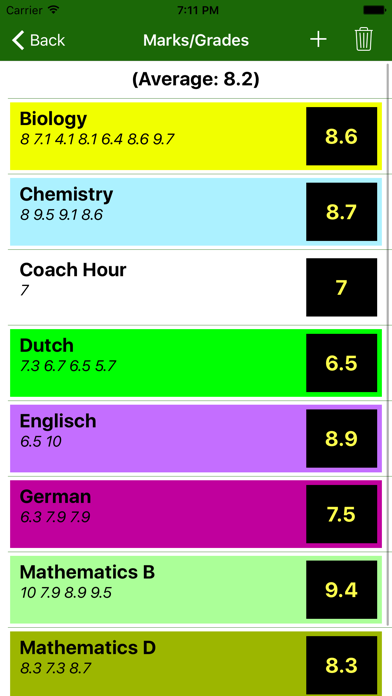
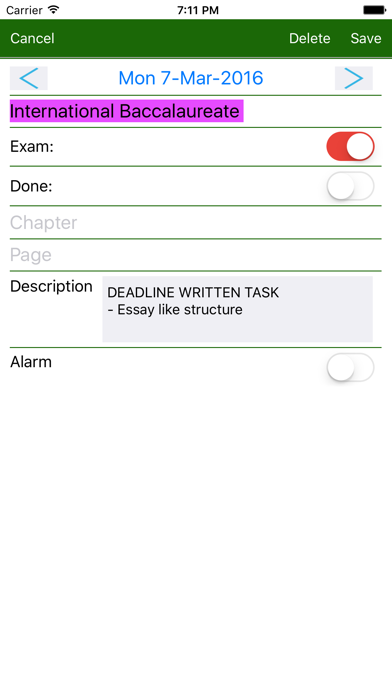
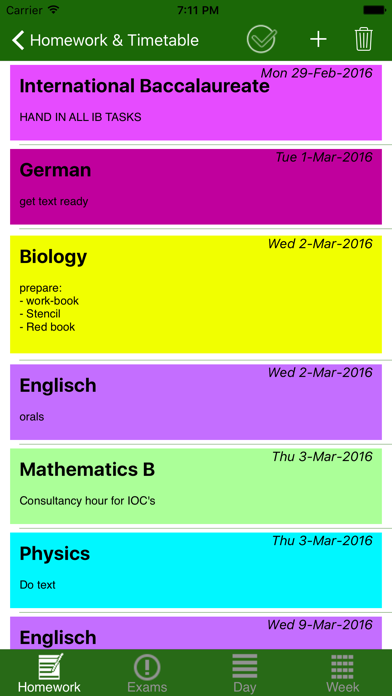
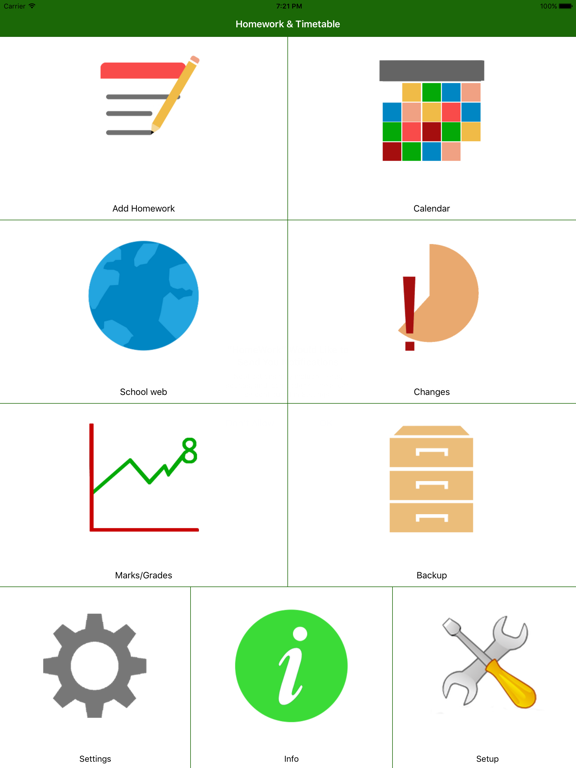
Finally now also available for iOS, the HomeWork app, over 1 million downloads worldwide There is a Demo Backup file in the app to get a quick impression of the functionality. You can email your HomeWork backup file to your iOS device and click the attached backup file to import it in this app. + HomeWork & Timetable app to keep track of your Homework and Timetable. + You can define your own subjects/lessons. + You can define the start and end times of the lessons. Upto 20 lessons per day. + You can define contact information for each subject. + Feature to make a temporary (one lesson, one day) timetable change. + Possible to use a 2- 3- 4- and 10-week timetable + Possible to use a rotating timetable + Prioritized timetables (lower prio number has precendence!) + By Clicking on a lesson in the Calendar screens, you can define homework for that lesson. + By Clicking on a lesson in the Calendar screens, you can cancel that lesson. + By Clicking on a lesson in the Calendar screens, you can make a one-time lesson change. + By Long-Clicking on a lesson in the timetable screens, you get a popup with the Homework for that lesson + In the calendar screens, there are icons for unfinished homework and exams for lessons. + By sweeping left or right on the timetable screen, you can go forward or backward in time. + Pull down to go back to current day/week + Option to export your Homework and Exams to an external calendar (e.g. icloud calendar) + Adjustable notification for Homework and Exams (e.g. evening before) + Teacher mode (subject become classes) + Integrated web page to have quick access to school web site + Keeping track of Marks/Grades + Automatic calculation of required Mark/Grade per Subject + Automatic calculation of Subject Average Mark/Grade + Backup feature to share your data with others or other devices + Demo and Reset backup set included in the app. + Adjustable first day of the week (can be any day!) + Adjustable number of days in the week. + Definition of Holidays klwinkel.com
Latest release
What’s New
+Build for latest iOS version
Audience growth
Ratings growth
Baseline captured. Growth appears after the crawler observes a changed rating count.
Momentum comes from crawler snapshots for the tracked storefront. “Viral growth signal” means unusually fast recent rating gains; it is an indicator, not download data.
Price tracking
Price intelligence
First snapshot captured. The trend line starts after the next crawler price observation.
- First observed Sep 11, 2026 · 3:59 AM $2.99
Screenshots