About this app
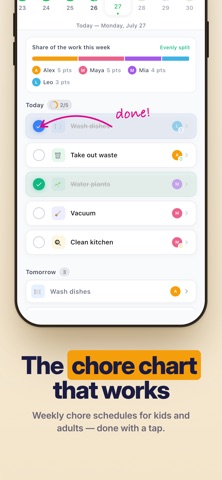
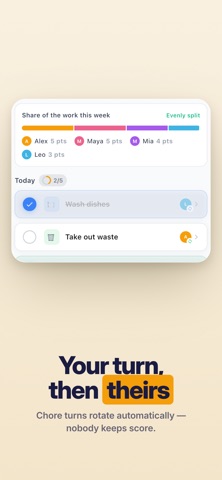
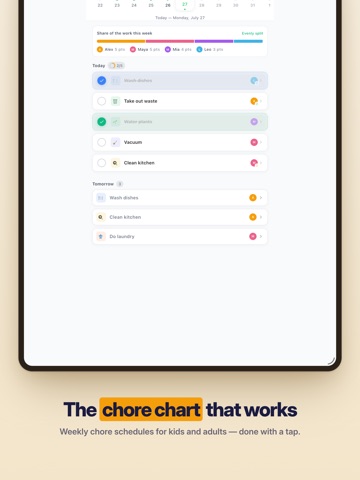
Homsy — Home Management for Modern Families Homsy brings your entire household together with shared calendars, task management, shopping lists, and more — all syncing instantly across every family member's device. Less mental load, fewer forgotten tasks, more peace at home. TASKS & PROJECTS Assign tasks to family members with due dates and priorities Organize into projects with subtasks and comments Set up recurring tasks that repeat automatically Never wonder "who was supposed to do that" again CHORES Schedule daily, weekly, or monthly chores Track completions and see who's contributing Build streaks and keep the household running smoothly SHOPPING LISTS Share lists that update in real time Organize by category with quantities and notes Mark favorites for quick re-adding Multiple lists for groceries, hardware, and more FAMILY CALENDAR One calendar everyone can see and edit Recurring events with flexible scheduling Reminders so nothing gets missed Assign events to specific family members MOMENTS Track "time since" events — last oil change, dentist visit, filter replacement Set countdowns for birthdays, vacations, and milestones Stop relying on memory for life's irregular tasks UTILITIES & BILLS Log electricity, water, and gas meter readings Visualize usage trends over time Catch unusual spikes before they hit your wallet TRASH SCHEDULE Set collection reminders for waste, recycling, glass, and bio Color-coded and impossible to forget SHARED NOTES Household notepad for anything — codes, instructions, ideas Pinnable and searchable BUILT FOR REAL LIFE Works offline, syncs when connected Multi-device support for the whole family Each member gets their own login Light and dark themes Homsy is free to download. Optional premium subscription unlocks additional features. Privacy Policy: https://gethomsy.com/privacy Terms of Service: https://gethomsy.com/terms
Latest release
What’s New
- Invite household members with an invite link - No-account home members for kids with no phones. - Bugfixes and improvements.
Audience growth
Ratings growth
Baseline captured. Growth appears after the crawler observes a changed rating count.
Momentum comes from crawler snapshots for the tracked storefront. “Viral growth signal” means unusually fast recent rating gains; it is an indicator, not download data.
Price tracking
Price intelligence
First snapshot captured. The trend line starts after the next crawler price observation.
- First observed Aug 8, 2026 · 10:42 PM Free
Screenshots