About this app
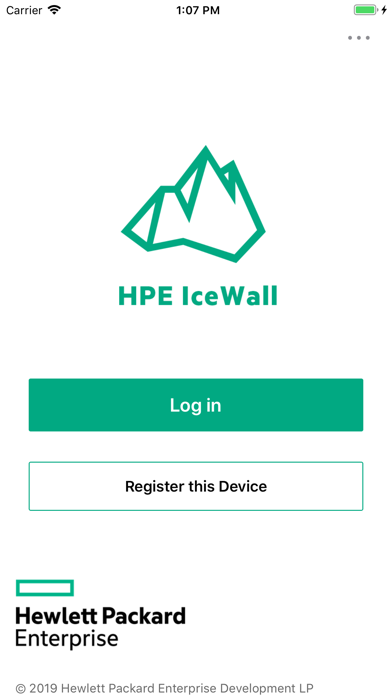
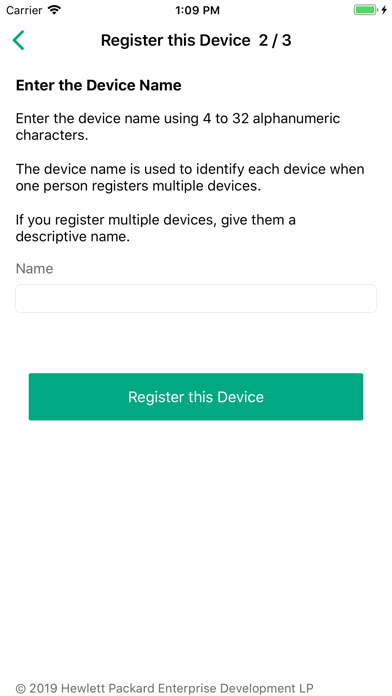
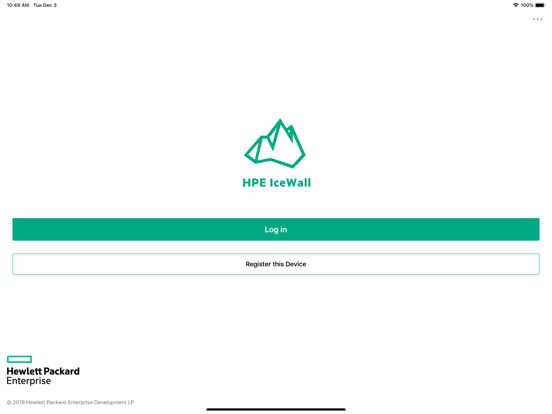
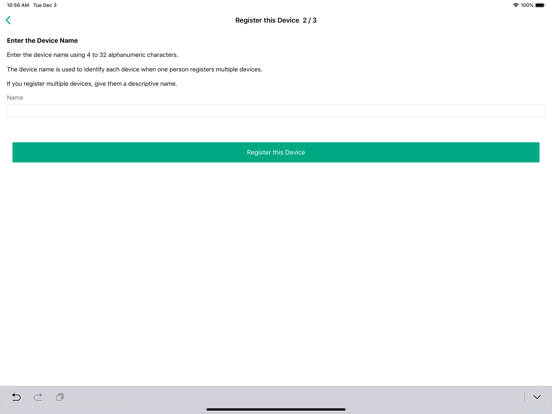
Using this app, secure authentication based on the standard specification (WebAuthn) can be performed on IceWall Hello compatible websites (portals, financial sites and various websites). In order to do Passwordless authentication to the website with this app, first register the device (iPhone, iPad) to the desired Authentication Server. Passwordless authentication can be performed on Server that have registered devices once. This app creates and stores private key / public key pairs in the keychain at device registration. The app also generates signatures in the keychain during authentication. How to use: Device registration 1. Launch the app and tap "Register Device". 2. Scan the registration QR code of the desired Authentication Server. 3. Enter the user ID and password for device registration and tap "Login". 4. Enter the device name and tap "Register this Device". 5. After verifying the identity with Face ID or Touch ID, the app creates a credential and a public key / private key pair and stores them in the device. Then app send your registration information and public key to the Authentication Server. 6. After confirming the registration information on the Server, the registration complete screen is displayed. Now the device registration is complete. Passwordless login 1. Launch the app and tap "Log in". 2. The app signs the challenge sent from the Server after identity verification with Face ID or Touch ID with the private key in the device, The app sends a response to the Authentication Server. 3. After verifying the response on Server, the portal screen is displayed. Now the login is complete. Delete all keys in device 1. Launch the app and tap "Delete all keys" from the menu. 2. Tap "Delete all keys". Tap "Delete all keys" on the confirmation screen. 3. The app deletes all key information stored in the device (iPhone, iPad) after identity verification with Face ID or Touch ID. Menu item - "App Info": Displays the version number of this application. - "Go to Management Site": Launches SFSafariView to display the website device management screen. - "Delete All Keys": Deletes all key information saved in the device (iPhone, iPad). - "Terminal identifier": Displays the IDFV of this application. If the desired Authentication Server restricts the devices registered to the site, notify the site administrator offline of this IDFV in advance. - "About HPE IceWall": Displays the introduction page of HPE IceWall. - "Privacy Policy": Displays the Privacy Policy page.
Audience growth
Ratings growth
Baseline captured. Growth appears after the crawler observes a changed rating count.
Momentum comes from crawler snapshots for the tracked storefront. “Viral growth signal” means unusually fast recent rating gains; it is an indicator, not download data.
Price tracking
Price intelligence
First snapshot captured. The trend line starts after the next crawler price observation.
- First observed Aug 17, 2026 · 12:11 AM Free
Screenshots