About this app
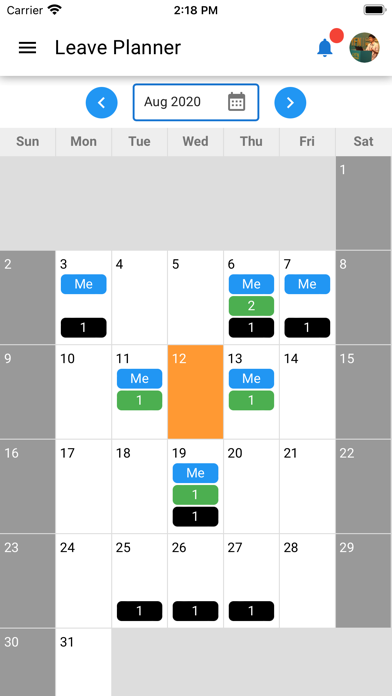
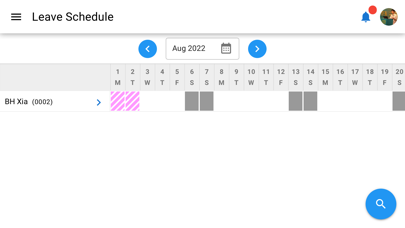
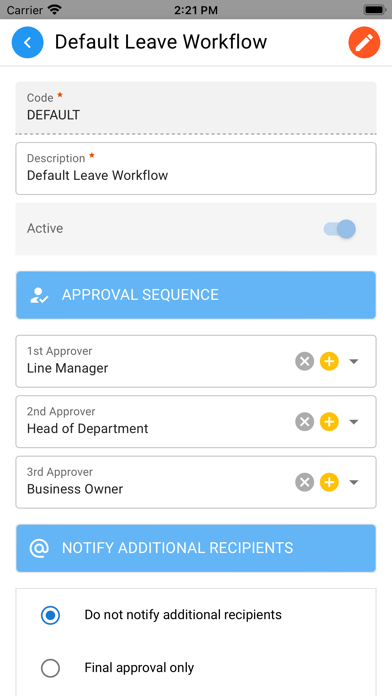
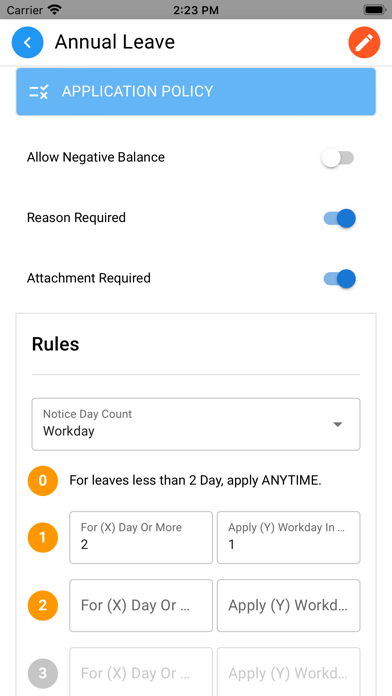
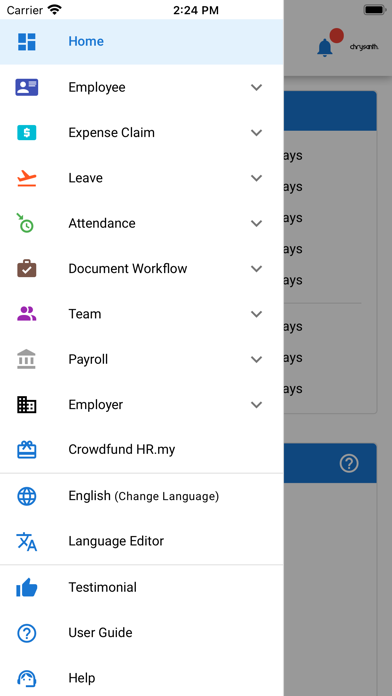
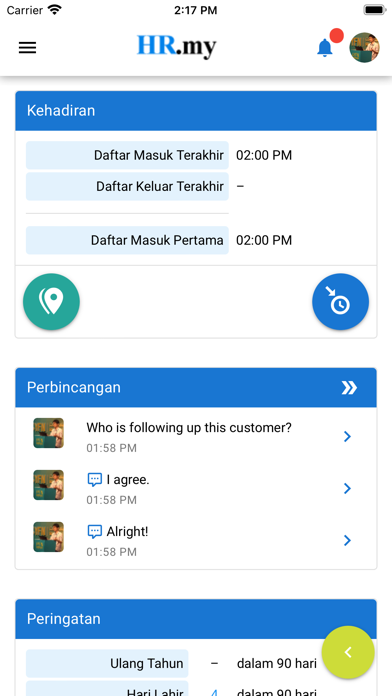
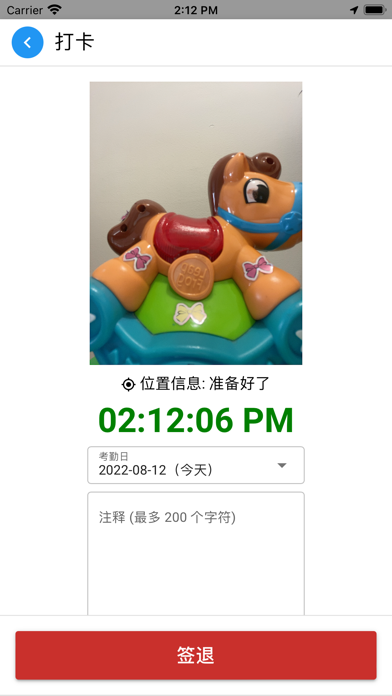
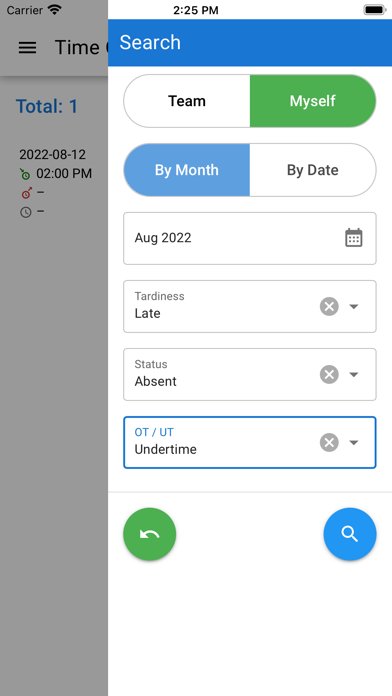
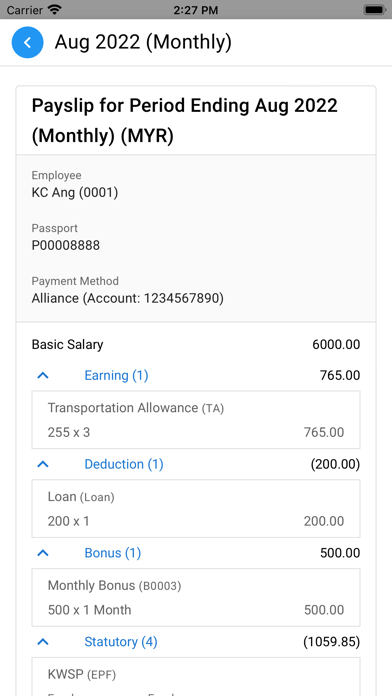
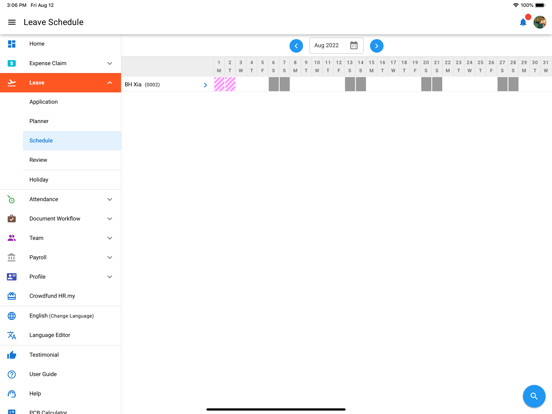
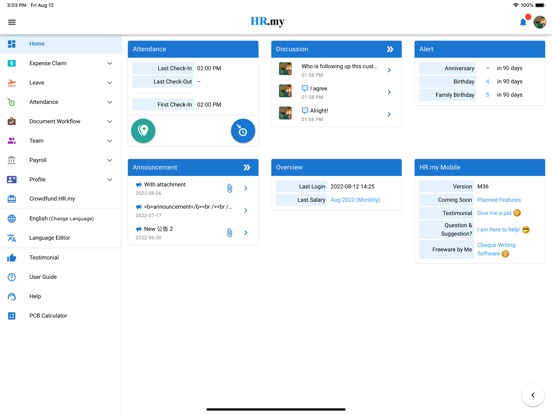
HR.my Mobile is a free HR app for human resources and employee management. HR.my is FREE Forever with UNLIMITED data storage for UNLIMITED headcount, it does not matter if your organization has 10 or 1000+ employees. You may manage employees anytime anywhere from this free HRMS app or via the web portal at https://hr.my This Multi-Lingual free Human Resource Management (HRM) offers a powerful self-service employee portal that supports various Employee Management features. Most importantly, this free HRM app empowers multiple users with different HR Roles to access the employer account for day to day HR management duties with customizable user rights. 1. Time Clock and Field Check-In - Employers can specify if Selfie and Geolocation should be captured for Time Clock, while both Selfie and Geolocation are required for Field Check-In (which is for mobile workforce field attendance tracking) - Employees will be able to check Attendance, Time Clock and Field Check-In records. - Search for attendance records based on tardiness, overtime or undertime, attendance status (such as Present or Absent). - View time clock selfie and geolocation map. - Attendance Report. 2. e-Leave (Leave Management System) - Check leave Entitlements and leave Application history. - Apply new leaves, edit or cancel existing leaves. - Leave Schedule and Leave Planner that allow Employees to view leaves applied by themselves, team or other colleagues (depending on Employer account setting). - Leave Review for Managers to review leave applications from their team. Managers may also review applications via Leave Planner. - Leave Report. 3. e-Claim (Expense Claim Management) - Check claim Entitlements and claim Application history. - Submit new expense claims, edit or delete existing expense claims. - Claim Review for Managers to review expense claim applications from their team. - Expense Claim Report. 4. Incident Management - Designed to report, track and investigate incidents related to employee misconducts, merits, or job place safety, accidents etc. 5. Document Workflow - A multi purpose workflow engine that allows employees to submit documents/ forms such as stationery request, timesheet etc which will be reviewed by Managers according to approval workflow. - Create your own day-to-day form with Custom Fields to facilitate internal form submissions 6. Discussion Forum - Employees will be able to join discussions in 3 scopes, i.e. Organization, Department or Branch level. 7. Document & Form Sharing - Employees will be able to access files shared by Employer (e.g. Employee Handbook), or upload files (e.g. Personal Resume) to share with Employer and managers. 8. Payroll - Salary Process - Payslip - Annual Salary Statement - Salary Details - Salary Adjustment history 9. Employees may update their profiles easily upon approval from the management: - Personal - Family - Contact - Health - Education - Experience - Legal Document - Job - Training 10. Employee Directory 11. Announcement 12. Organisation's Holiday Listing 13. Multi-Lingual support. Supports 67 languages: - English - 中文 (简体) (Chinese Simplified) - 中文 (繁體) (Chinese Traditional) - 日本語 (Japanese) - 한국어 (Korean) - Tiếng Việt (Vietnamese) - العربية (Arabic) - Français (French) - Español (Spanish) - Deutsch (German) - Italiano (Italian) - Português (Portuguese) - Bahasa Indonesia (Indonesian) - Bahasa Melayu (Malay) - עברית (Hebrew) - Русский (Russian) - etc and more features will be added soon. This is an ad-supported app. The ads will be automatically turned off if your employer joins the crowdfunding campaign.
Latest release
What’s New
+ Improved: Updated the app to meet the latest iOS platform requirements. + Improved: Refined English UI wording for better clarity and consistency. + Improved: Updated and completed several language translations. + Improved: Improved app compatibility, stability, and overall reliability.
Audience growth
Ratings growth
Baseline captured. Growth appears after the crawler observes a changed rating count.
Momentum comes from crawler snapshots for the tracked storefront. “Viral growth signal” means unusually fast recent rating gains; it is an indicator, not download data.
Price tracking
Price intelligence
First snapshot captured. The trend line starts after the next crawler price observation.
- First observed Aug 20, 2026 · 12:20 PM Free
Screenshots