About this app
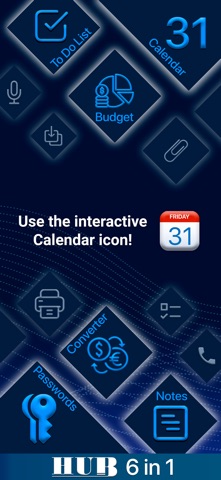
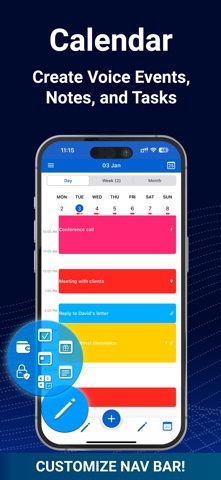
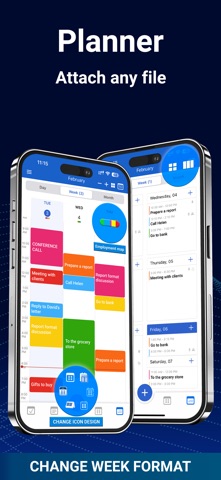
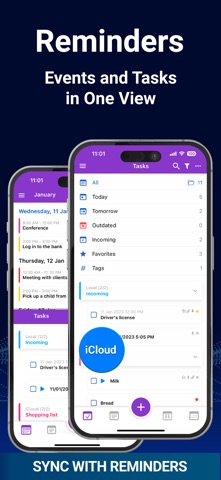
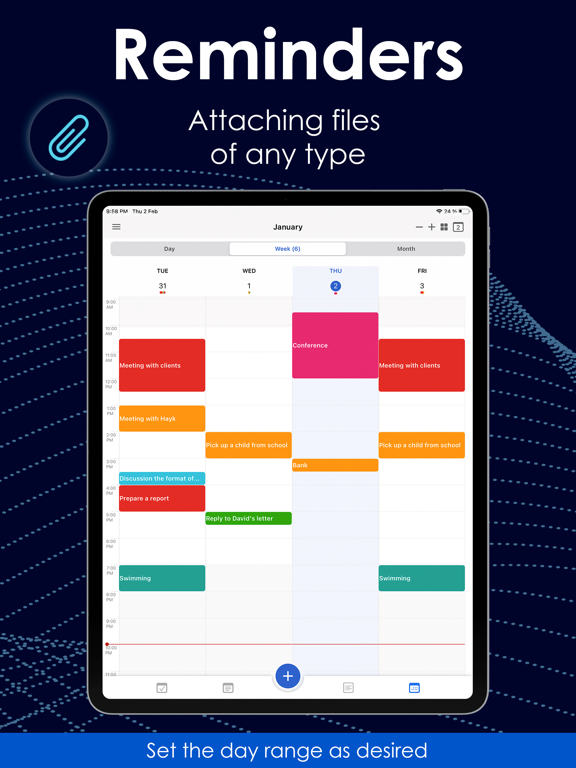
HUB is the epitome of versatility in the MC product lineup. One app, six productivity tools: • Calendar • Notes • Reminders/To-Do List • Budget • Password Manager • Currency Converter No other app offers such a wide array of tools for effectively organizing your life. Customize your productivity! HUB offers users the unique opportunity to customize the navigation panel to manage functions independently. Personalize your interface by selecting the most important tools and functions to make your work even more efficient and convenient for you. If necessary, you can change the design of the navigation panel icons and the application's themes. Application Features Calendar: • The calendar ensures ease of use in both online and offline modes, as well as full synchronization with iCloud, Google, Outlook, Office365 calendars, etc. • Standard calendar views (day, week, month, and year). • Standard week with the option to set the number of days. • Combined agenda view of the day and month for added convenience. • Weekly view in two formats: standard and daily planner format. • Creation of voice events. • Easy adjustment of event duration and time using drag and drop. • Creation, editing, and management of calendar events that can easily be turned into tasks. • Attachment of files to events. • Printing. • Creation of up to five private calendars. • App lock. • Full data backup and restoration. • Event forwarding. • Account switching during editing. • Graphical visualization of schedule for day, week, month, and year. • Interactive widgets. • Other settings according to your preferences. To do List (Fully synchronized with the 'Reminders' app): • Creation of simple and complex to-do lists. • Conversion of tasks into events. • Creation of voice tasks. • Sorting and filtering tasks by categories and types. • Adding subtasks and much more. Notes: • Two viewing options for notes (standard and board format). • Conversion of notes into tasks. • Creation of voice notes. • Drawing and much more. Financial Tracker: • Tracking income and expenses in different currencies. • Management of budget categories and currency conversion. • Graphical diagrams by categories and accounts. • Simplified transaction input. Password Manager: • Secure storage of your data. • Protection of confidential notes and data, such as credit card numbers or personal notes. • Management of multiple accounts and passwords with ease thanks to an intuitive interface. • Protection and storage of photos of documents, business cards, or other confidential images. Currency Converter: • Instant conversion between currencies. • Convenient multi-currency calculator for quick calculation of amounts in different currencies. • Ability to add and save favorite currency pairs for quick access to them. • Automatic currency rate updates for current information on exchange rates. All this diversity is presented in a convenient interface with clear and simple design. If you are looking for a technically flawless and multifunctional application, look no further! HUB covers everything related to organization and planning, with convenience and precision. Download HUB and stay at the peak of your efficiency and lifestyle! You can also contact us at hub@plantech.app for your questions, suggestions, and feedback. Don't miss the opportunity to try out the convenient interface, clear design, and numerous settings. Terms of Use calenhub.com/TermsandConditionsENG.htm
Latest release
What’s New
We continue to improve the app, making it more convenient for planning and organizing your day. If you have any suggestions or questions, please contact us at: hub@plantech.app
Audience growth
Ratings growth
Momentum comes from crawler snapshots for the tracked storefront. “Viral growth signal” means unusually fast recent rating gains; it is an indicator, not download data.
Price tracking
Price intelligence
- First observed Aug 15, 2026 · 1:38 AM Free
Screenshots