About this app
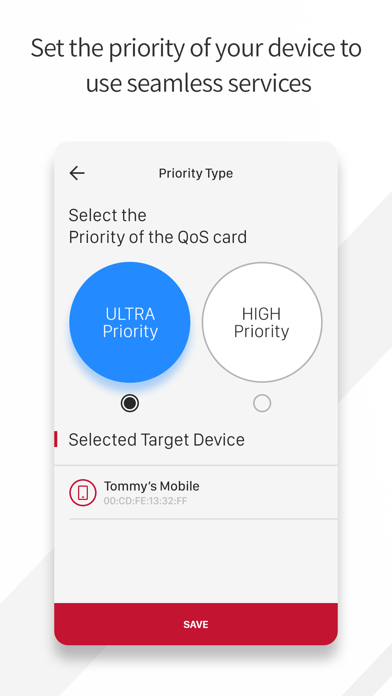
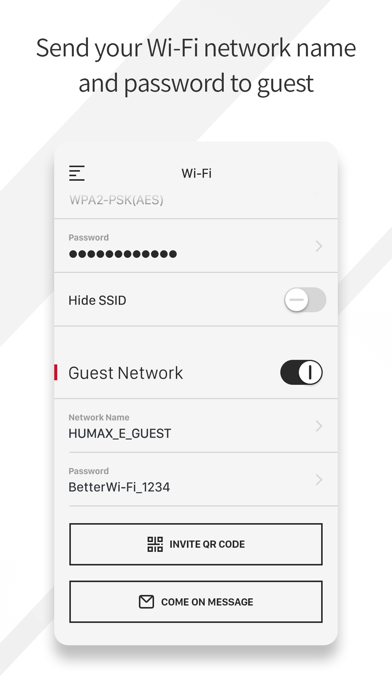
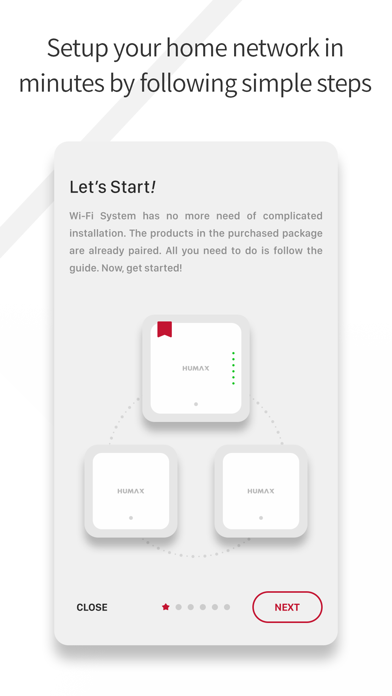
The HUMAX Wi-Fi System app allows you to quickly and easily install and manage your HUMAX Home Wi-Fi System. Now, you can monitor your home Network from anywhere, and make changes right from your mobile or tablet. The master and node units work together to create fast, reliable and seamless Wi-Fi all around your home -- easily see which devices are online, prioritize them for better performance, or pause the Wi-Fi on specific devices. Key Features: - Set up your HUMAX Home Wi-Fi System in just a few minutes. - Quickly view the status of your Internet and connected devices from anywhere. - Restrict access to certain websites, service or block specific devices from accessing the internet; even if they’re home and you’re not. - Schedule or pause the Wi-Fi on specific devices. - Prioritize a device for faster speeds when it matters most. To set up your Home Wi-Fi system, simply plug your master unit into your internet and follow the instructions in the HUMAX Wi-Fi System app. The app also helps you find the best spots in your home to place additional node units. Once your home Wi-Fi system is up and running, you can enjoy faster, stronger Wi-Fi connections that won’t drop out, even when you’re moving from room to room. For additional help, visit our support site at http://quantum.humaxdigital.com/support.
Latest release
What’s New
This update from Apple will improve the functionality of this app. No new features are included.
Audience growth
Ratings growth
Baseline captured. Growth appears after the crawler observes a changed rating count.
Momentum comes from crawler snapshots for the tracked storefront. “Viral growth signal” means unusually fast recent rating gains; it is an indicator, not download data.
Price tracking
Price intelligence
First snapshot captured. The trend line starts after the next crawler price observation.
- First observed Aug 21, 2026 · 11:58 PM Free
Screenshots