About this app
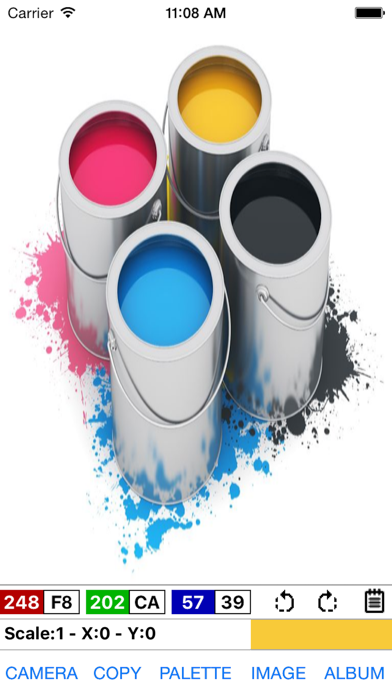
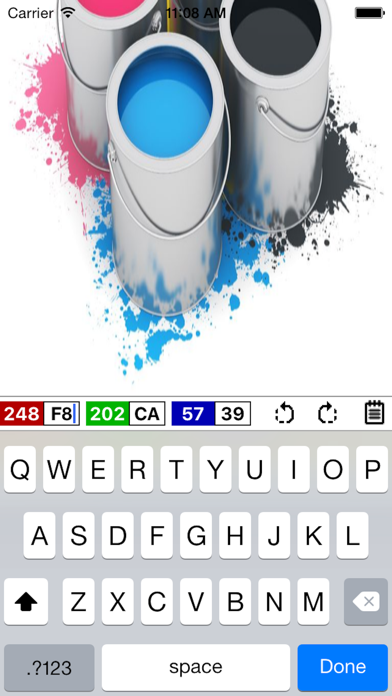
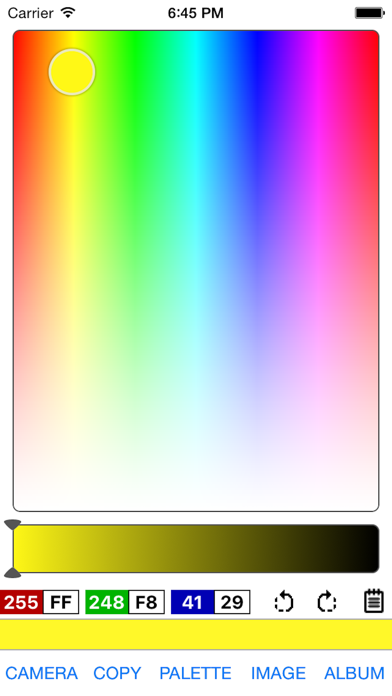
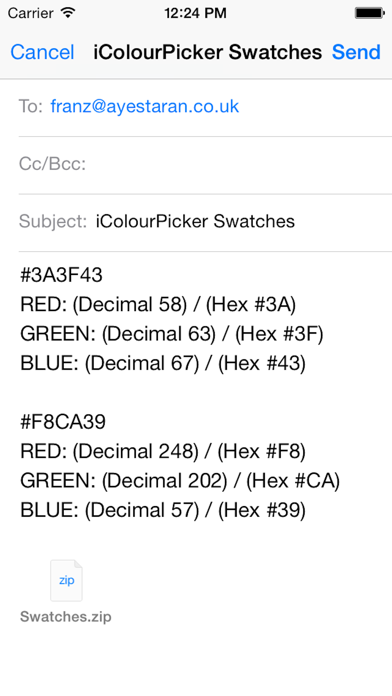
The user can extrapolate both decimal and hexadecimal RGB colour values derived from a given image by simply tapping on the screen, whether it be the from the camera or an existing album. The built-in colour picker makes it easy to choose from and create a wide range of colours. Colour swatches can be copied and exported via email or Dropbox. • Add an image via camera or an album • Simply tap anywhere on an image to generate a corresponding RGB value • Export Bookmark list and colour swatches via email or Dropbox • Manually inputted hexadecimal values are automatically converted to decimal • Choose from a wide range of colours with the aid of the custom picker • Rotate image, portrait or landscape • Export camera EXIF to clipboard (Exchangeable image file format) • Very useful for web designers, creative professionals and software engineers • Convey colour themes direct to a web designer or event organiser Sample data available to download from the support website.
Latest release
What’s New
This update from Apple will improve the functionality of this app. No new features are included. Added scale and x/y coordinates
Audience growth
Ratings growth
Baseline captured. Growth appears after the crawler observes a changed rating count.
Momentum comes from crawler snapshots for the tracked storefront. “Viral growth signal” means unusually fast recent rating gains; it is an indicator, not download data.
Price tracking
Price intelligence
First snapshot captured. The trend line starts after the next crawler price observation.
- First observed Aug 19, 2026 · 10:12 AM Free
Screenshots