About this app
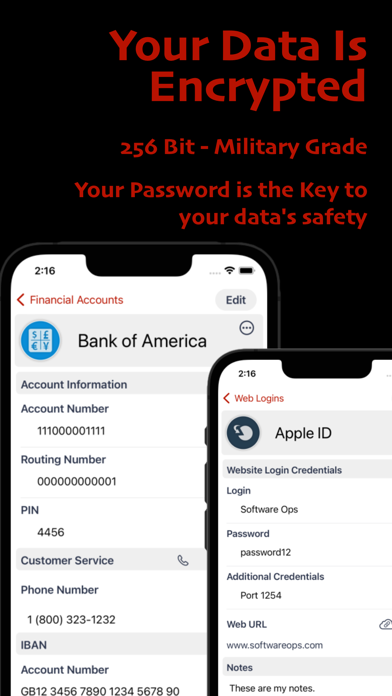
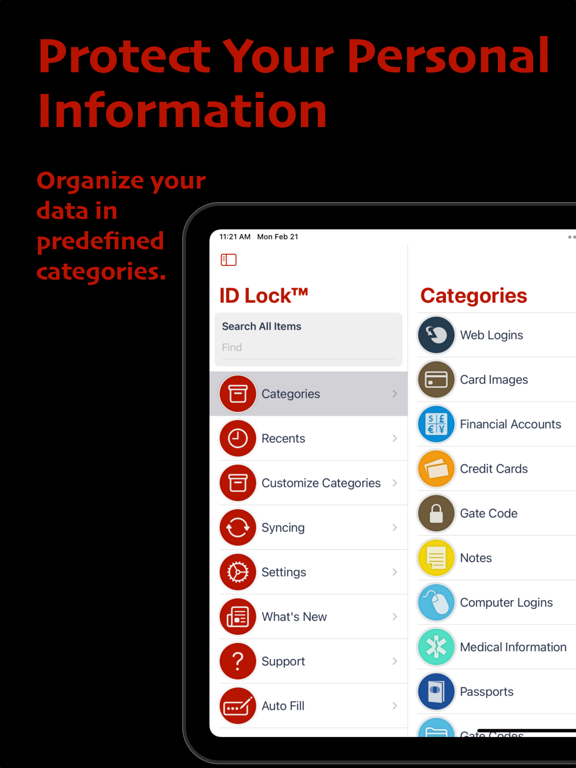
Say goodbye to post-it notes and lost passwords. Keep your passwords and personal information safe and secure with ID Lock®. Our app is designed with your convenience in mind, offering fast and easy setup, secure backup and syncing across all of your devices. Security Features ID Lock® securely stores all of your important information, including web site passwords, credit card numbers, bank account information, and more. Our advanced encryption technology includes password protection, powerful 256-bit AES encryption, and an additional layer of keychain security that other apps don't have. Never worry about loss or theft again. Sync Across Devices ID Lock® synchronizes your data across all of your iOS devices, allowing you to have instant access to your critical information wherever you are. And with our secure cloud service, your data is backed up and protected at all times. Easy to Use Interface Convenience is key with ID Lock®. Our user-friendly interface makes data entry fast and easy, and our 14 built-in data categories and customizable options allow you to tailor the app to your needs. Plus, our full-text search and support for Bluetooth keyboards make it easy to find the information you need quickly. Try Before You Buy Try ID Lock® risk-free with our try-before-you-buy option. Our in-app purchase unlocks secure syncing and cloud backup, unlimited items, and extra features. And for a limited time, we're offering secure syncing and cloud backup free for 30 days. Auto-Renewing Subscription Please note that ID Lock is an auto-renewing subscription service, and your credit card will be charged through your iTunes account. You can turn off auto-renew at any time from your iTunes account settings. -------------------------------------------------------------- Auto-Renewing Subscription Your subscription will automatically renew each month or year, and your credit card will be charged through your iTunes account. You can turn off auto-renew at any time from your iTunes account settings. Privacy Policy: https://www.softwareops.com/software-ops-privacy-policy Terms of Use: https://www.softwareops.com/software-ops-license-agreement
Latest release
What’s New
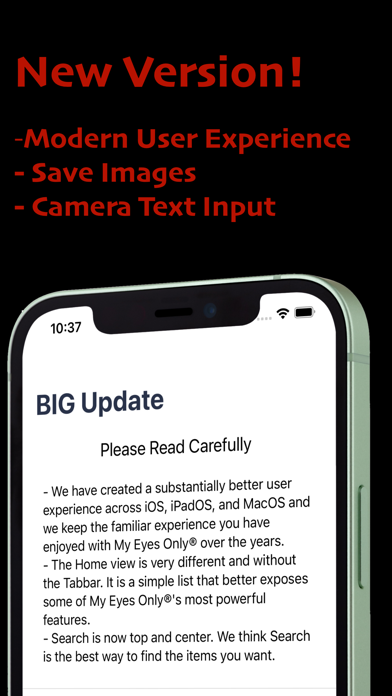
Big Update! • Added a new Files category for storing PDF documents. • Added PDF import, preview, open, replace, and delete support. • Added support for PDF file elements in custom categories. • Added support for card image elements in custom categories. • Added front and back card image placeholders when building custom categories. • Improved the Custom Elements picker so tapping an element preview selects it. • Added editable element titles when building or editing custom categories. • Added Save and Cancel controls when editing existing custom categories. • Improved saving and syncing behavior for edited custom categories. • Fixed custom element title clearing so the visible title updates immediately.
Audience growth
Ratings growth
Baseline captured. Growth appears after the crawler observes a changed rating count.
Momentum comes from crawler snapshots for the tracked storefront. “Viral growth signal” means unusually fast recent rating gains; it is an indicator, not download data.
Price tracking
Price intelligence
- First observed Sep 6, 2026 · 1:28 AM Free
Screenshots