About this app
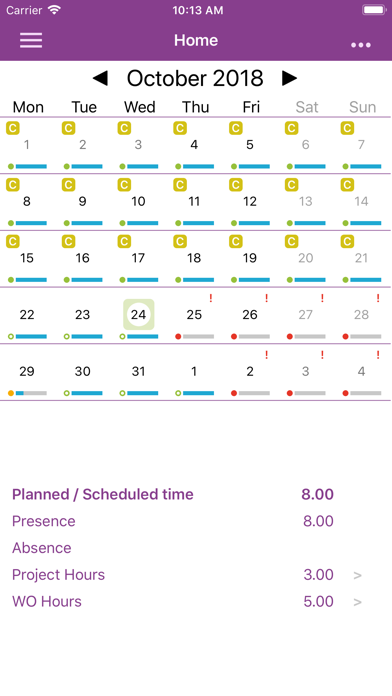
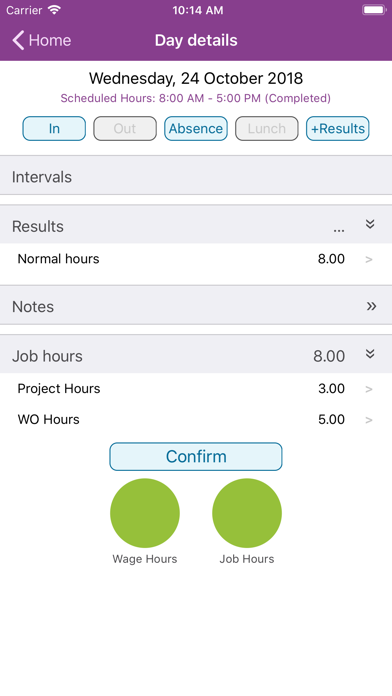
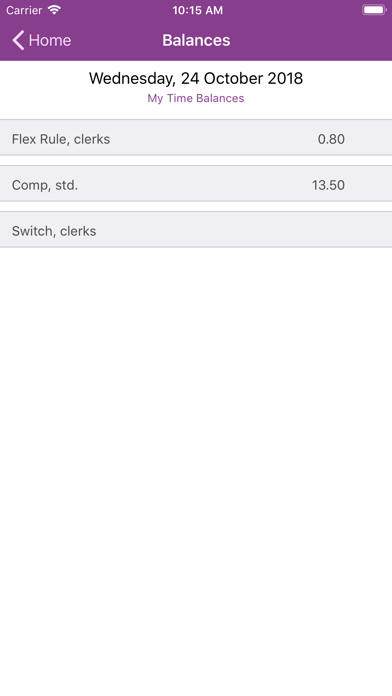
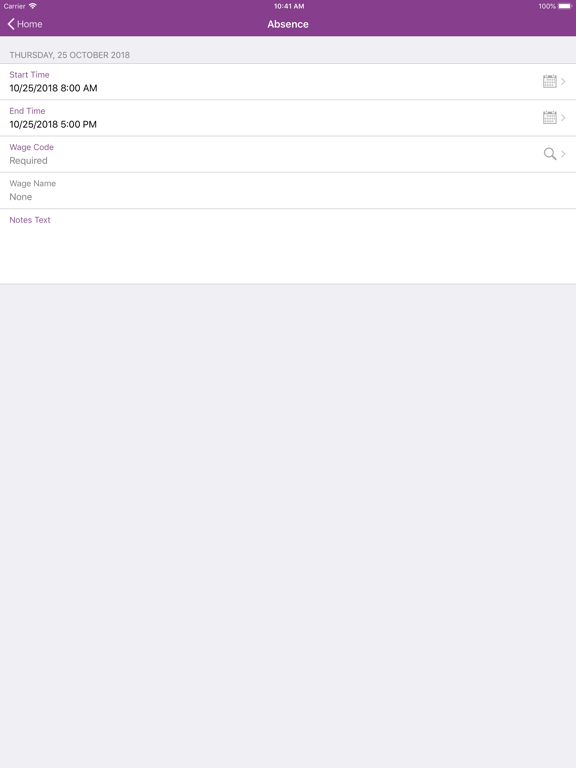
Manage your daily time reporting quick and easy with IFS Time Tracker 10 for IFS Applications 10. IFS Time Tracker 10 lets you register and confirm the time reporting on hours worked, projects and work order tasks. Use wage codes to report deviance’s such as overtime and absence. Current status is shown at a glance in the monthly calendar overview and makes it easy to keep track of unreported time and other information. Features: • Different working modes supported - suitable to your time base • Flexible time confirmation mechanism (single or multiple days) • Offline mode to assure smooth operation when there is no internet connection. Clock in or out quickly regardless of internet connection. • Essential time information for each day • Time reporting for Work Order tasks IFS Time Tracker 10 can be used in Try Me mode with demo data without requiring a log on or network connection. Use of IFS Time Tracker 10 connected to your company’s IFS Applications installation(s) requires that your company has a valid IFS Touch Apps subscription. It is recommended to be used with IFS Applications 10 and the latest version of IFS Mobile Framework.
Latest release
What’s New
- Fixed the incorrect overlapping validation in day details form when clocking time. - Changes to the way of display of absence limit values in absence limits window.
Audience growth
Ratings growth
Baseline captured. Growth appears after the crawler observes a changed rating count.
Momentum comes from crawler snapshots for the tracked storefront. “Viral growth signal” means unusually fast recent rating gains; it is an indicator, not download data.
Price tracking
Price intelligence
First snapshot captured. The trend line starts after the next crawler price observation.
- First observed Aug 24, 2026 · 1:35 AM Free
Screenshots