About this app
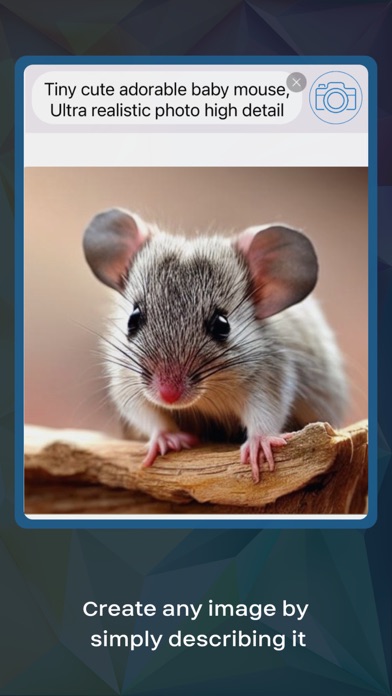
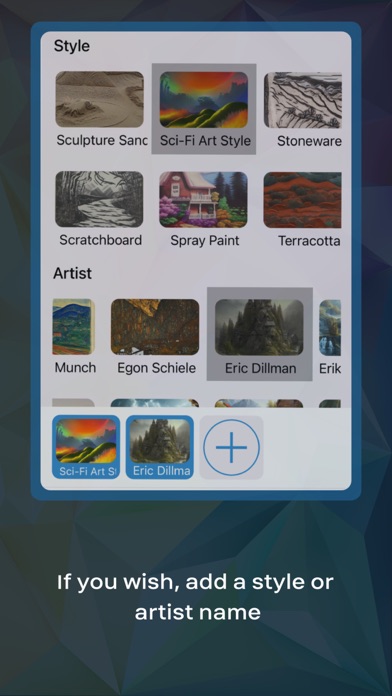
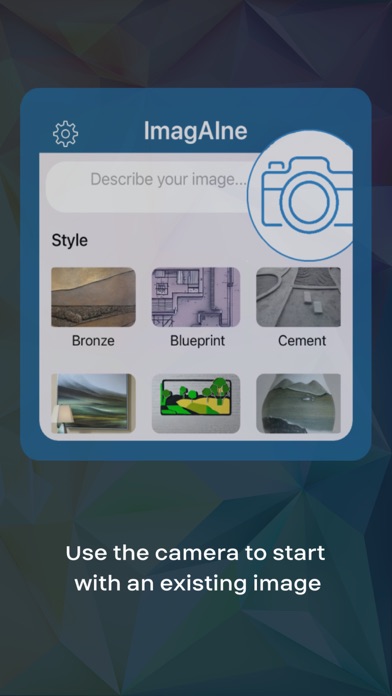
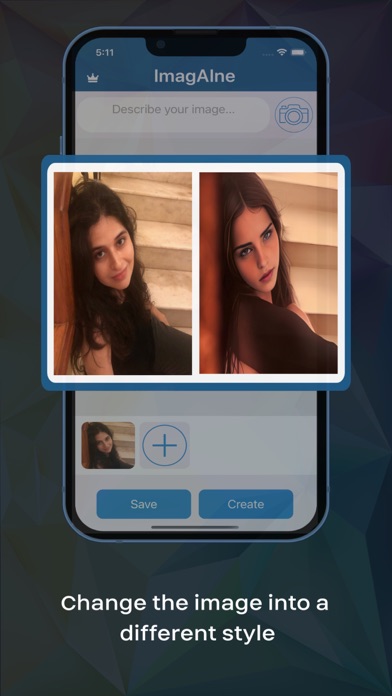
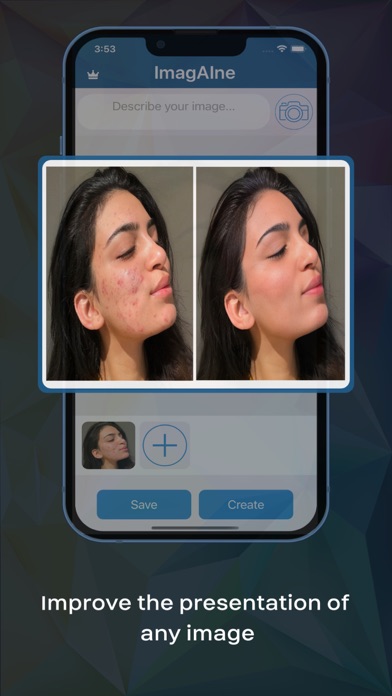
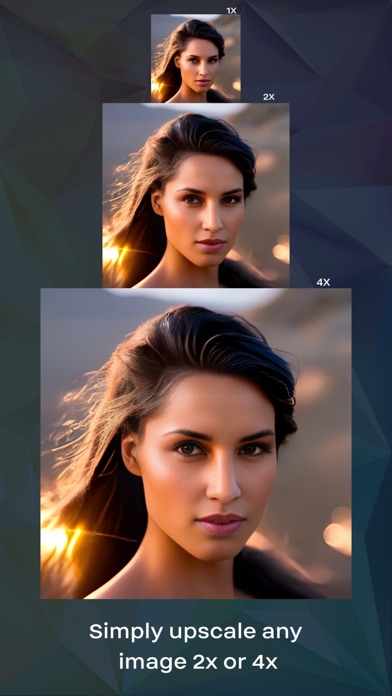
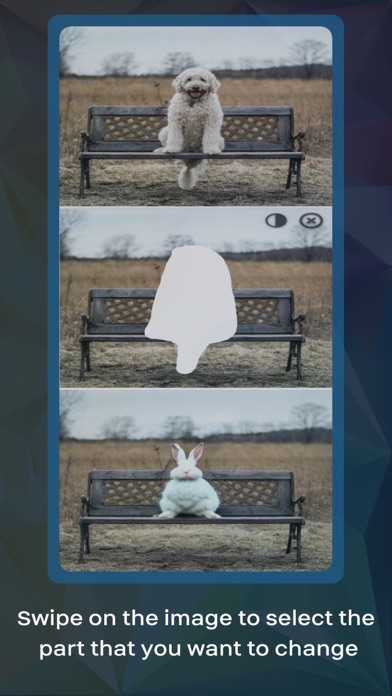
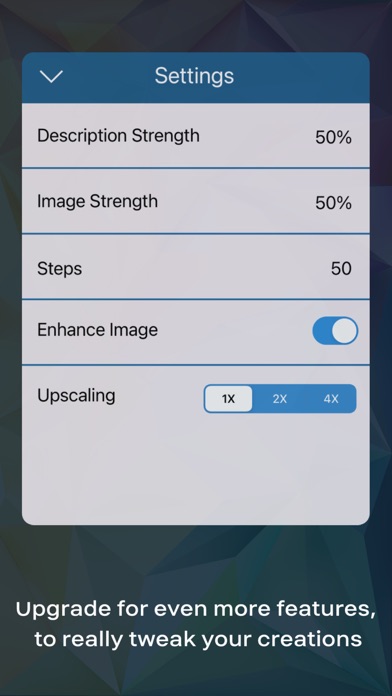
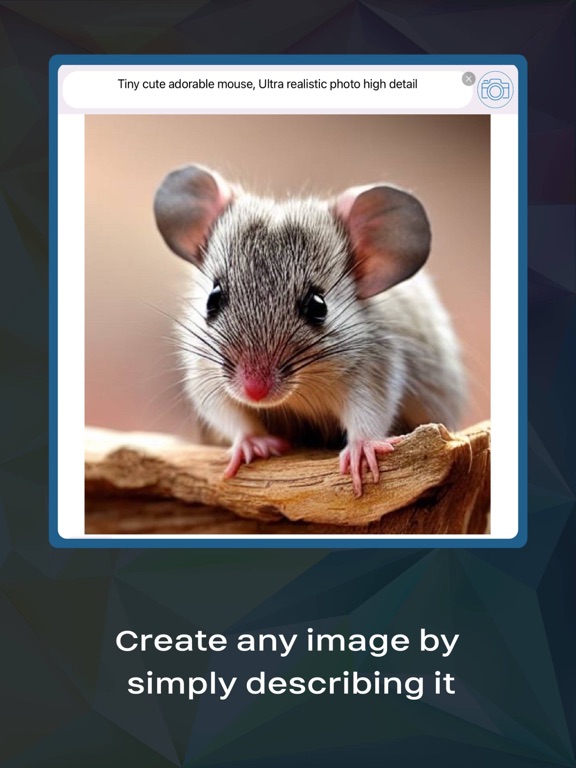
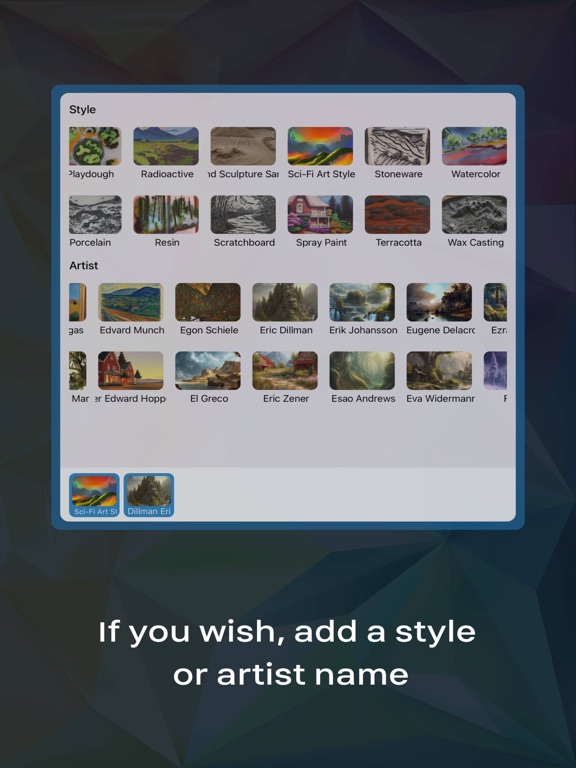
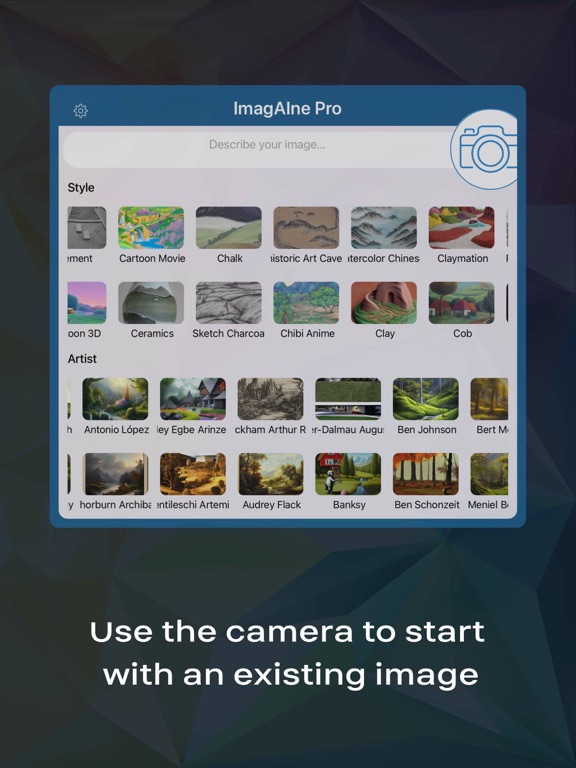
ImagAIne With ImagAIne you can generate any image with just a few words. Describe the image, press ‘create’ and the app will present an image that reflects what you have written. The sky is the limit, there are no restrictions. ImagAIne gives you the option to use a certain style for your image. Dozens of styles and media are available, use them for inspiration. These are fully optional but can help you to get going. And you might find out a few new styles! You can also add the name of an artist into your creation. ImagAIne will then present the image in that artist’s particular style. If you want, you can combine both styles and artist name. If you start with a blank canvas, ImagAIne will generate the image purely from the text and styles it is given. But you can also upload an image to start with. This can be anything, from a rough sketch to a family photo. Or use one of the images you created with ImagAIne earlier. If you select a part of the image by swiping on it, you can change that part of the image with the text and styles from ImagAIne. This way you can for example put your family members into a movie set, or invite a celebrity over into one of your own photos. Combine this with the art styles and you have a lot of flexibility. ImagAIne uses advanced AI to ensure the resulting image looks logical. If you type 'Pix2Pix' + description, it will use instruct pix2pix to adjust the image. This will keep the image more or less intact. You can use it to change the expression of a face, change the outfit or change the background, etc. If you type 'Scribble' + description, it will take the image you uploaded as a sketch, and create a full image out of the sketch, using the description. (Using the ControlNet engine) If you type 'Pose' + description, it will copy the pose It finds in the image and use the same pose with the description that you give. You could take a photo of yourself standing in a particular way, and make any character do the same thing. If you type 'Architect' + description, it will copy the structure it finds in the image and create a new image based on that and the description. Want even more? You can enable ImagAIne Pro. This will give you full freedom on the focus on either image or text, allow you to perform more steps for higher quality images, upscale your image to higher resolution, select random on or off and select a sampler and image setting. It will also remove any ads that our free edition comes with. We aim to keep ImgAIne up to date with the latest AI imaging developments, which are happening at a crazy pace now. Enjoy the app and if you have any suggestions or notice issues, let me know! Please refer to the end user license agreement for our app: https://sparklingapps.com/imagaine-eula.html All data (text description as well as photos) provided to ImagAIne are used only for image generation within the app itself and will not be used in any other way ever. See our privacy policy here: https://sparklingapps.com/imagaine-privacy.html
Latest release
What’s New
- Improved subscription controls - Bug fixes and performance improvements
Audience growth
Ratings growth
Baseline captured. Growth appears after the crawler observes a changed rating count.
Momentum comes from crawler snapshots for the tracked storefront. “Viral growth signal” means unusually fast recent rating gains; it is an indicator, not download data.
Price tracking
Price intelligence
First snapshot captured. The trend line starts after the next crawler price observation.
- First observed Aug 13, 2026 · 5:40 AM Free
Screenshots