About this app
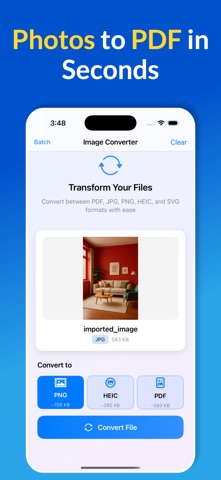
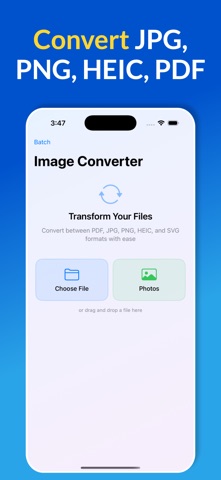
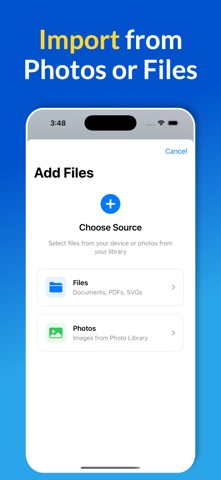
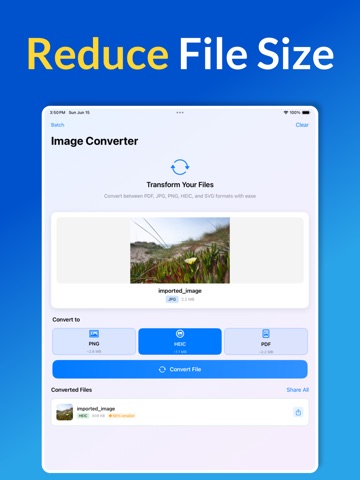
Convert between PDF, JPG, PNG, HEIC, and SVG formats with ease using this powerful file conversion app. Whether you need to convert a single document or process multiple files at once, Image Converter makes it simple and fast. Key Features: • Convert PDFs to high-quality JPG or PNG images • Transform images between JPG, PNG, HEIC formats • Convert SVG files to raster images • Create PDFs from your photos • Batch conversion for multiple files • Drag and drop support • Import from Files app or Photos library • Instant sharing of converted files • Clean, intuitive interface with visual progress tracking Perfect for: • Converting PDF documents to images for presentations • Changing photo formats for compatibility • Batch processing multiple files efficiently • Creating PDFs from photos for documents • Converting SVG graphics to standard image formats Image Converter provides real-time conversion progress, estimated file sizes, and seamless sharing options. With support for the most common file formats, Image Converter is your go-to tool for quick and reliable file transformations. Supported Formats: Input: PDF, JPG, JPEG, PNG, HEIC, SVG Output: PDF, JPG, PNG, HEIC Download Image Converter and convert your files in seconds!
Latest release
What’s New
This version of Image Converter: Convert Photo adds minor UI updates.
Audience growth
Ratings growth
Baseline captured. Growth appears after the crawler observes a changed rating count.
Momentum comes from crawler snapshots for the tracked storefront. “Viral growth signal” means unusually fast recent rating gains; it is an indicator, not download data.
Price tracking
Price intelligence
First snapshot captured. The trend line starts after the next crawler price observation.
- First observed Aug 19, 2026 · 5:14 AM Free
Screenshots