About this app
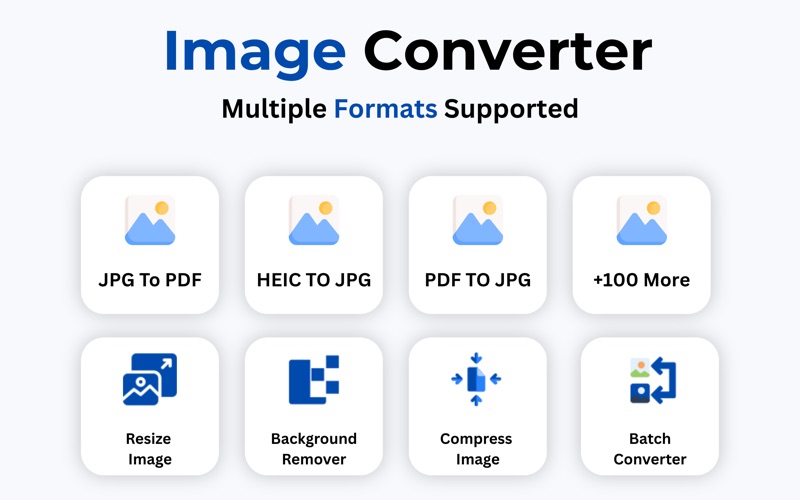
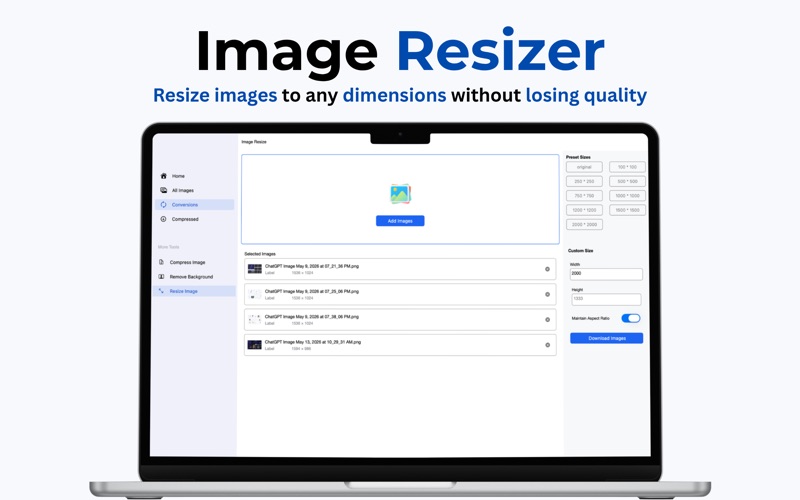
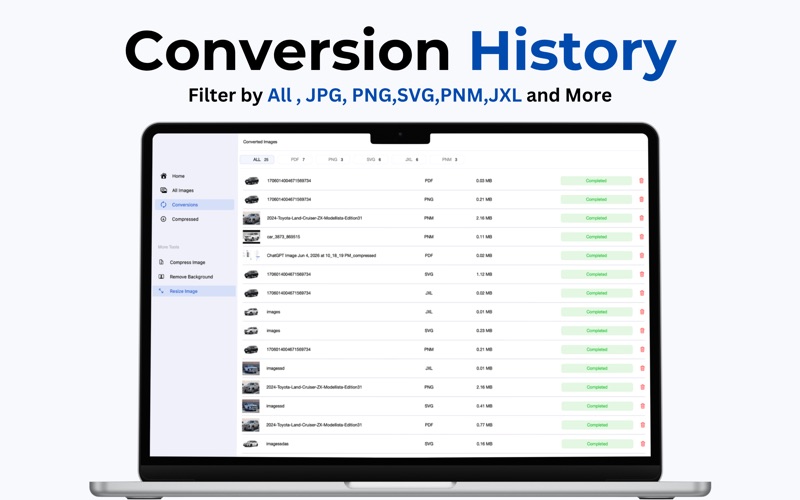
Image Converter – Convert, Resize, Compress & Remove BG with Ease Image Converter is a powerful all-in-one macOS application designed to simplify image and document conversion, optimization, and editing. Whether you're a designer, photographer, architect, student, or business professional, Image Converter provides the tools you need to convert, resize, compress, and enhance your files quickly and efficiently. Convert Between Hundreds of Popular Formats Convert images, documents, and design files into your preferred format with just a few clicks. Powered by advanced conversion technology, the app supports a wide range of file types including: • JPG / JPEG • PNG • WEBP • GIF • BMP • TIFF • SVG • PDF • PSD • HEIC • ICO • EPS • AI (Adobe Illustrator) • DWG (AutoCAD Drawing) • DXF (Drawing Exchange Format) • And many more popular image and document formats Whether you need to convert design assets, engineering drawings, scanned documents, logos, illustrations, or photos, Image Converter delivers reliable results while preserving quality. Resize Images Instantly Need the perfect dimensions for websites, social media, email attachments, presentations, or print projects? The built-in Image Resizer allows you to: • Set custom width and height • Maintain aspect ratio automatically • Resize multiple images at once • Scale images up or down efficiently • Create optimized images for websites and applications • Prepare photos for social media platforms and online stores Resize images accurately while maintaining visual quality and clarity. Compress Images Without Losing Quality Reduce file sizes while keeping images sharp and professional. Image Compressor features: • Smart image compression technology • Significant file size reduction • Quality-preserving optimization • Batch compression support • Faster uploads and sharing • Reduced storage usage Perfect for websites, emails, presentations, cloud storage, and content creators who need smaller files without sacrificing image quality. AI Background Remover Remove image backgrounds in seconds with intelligent background detection. Create transparent PNG images for: • Product photography • Marketing materials • Social media content • E-commerce listings • Profile photos • Graphic design projects Achieve clean and professional results without complicated editing software. Batch Processing Support Save time by processing multiple files simultaneously. Batch features include: • Convert multiple files at once • Resize entire image collections • Compress multiple images together • Consistent output settings • Faster workflow management Ideal for professionals handling large volumes of images and documents. Why Choose Image Converter? Instead of using multiple applications for conversion, resizing, compression, and background removal, Image Converter combines everything into a single powerful macOS solution. Convert files, optimize storage, resize images, remove backgrounds, and streamline your workflow with one easy-to-use application. Download Image Converter today and transform the way you work with images and documents on macOS. Subscription Details Your iTunes account will be charged upon purchase confirmation and at the start of each renewal period. Subscriptions with a free trial automatically renew unless canceled at least 24 hours before the trial ends. To avoid charges, cancel your subscription in iTunes settings before the end of the current period. Any unused portion of a free trial will be forfeited if you purchase a premium plan during the trial. Terms of Use https://sites.google.com/view/dfapps/terms-of-use Privacy Policy https://sites.google.com/view/dfapps/privacy-policy
Audience growth
Ratings growth
Baseline captured. Growth appears after the crawler observes a changed rating count.
Momentum comes from crawler snapshots for the tracked storefront. “Viral growth signal” means unusually fast recent rating gains; it is an indicator, not download data.
Price tracking
Price intelligence
First snapshot captured. The trend line starts after the next crawler price observation.
- First observed Aug 8, 2026 · 4:11 PM Free
Screenshots