About this app
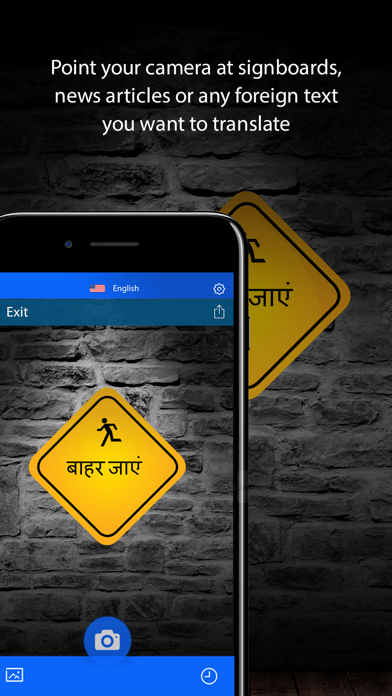
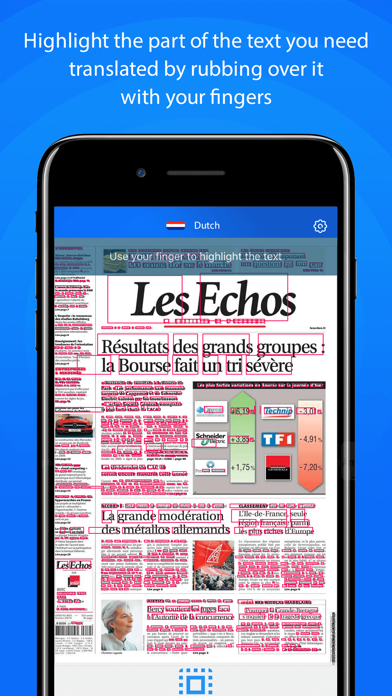
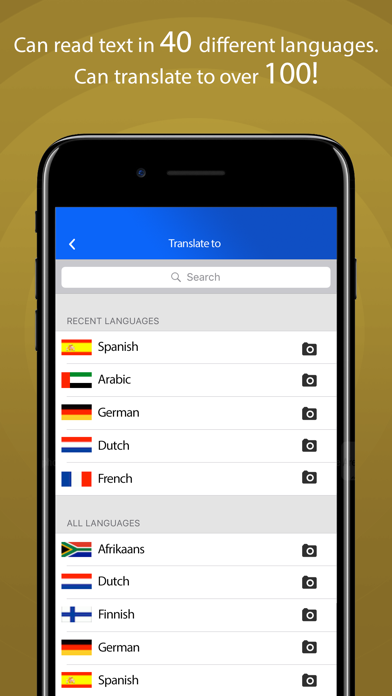
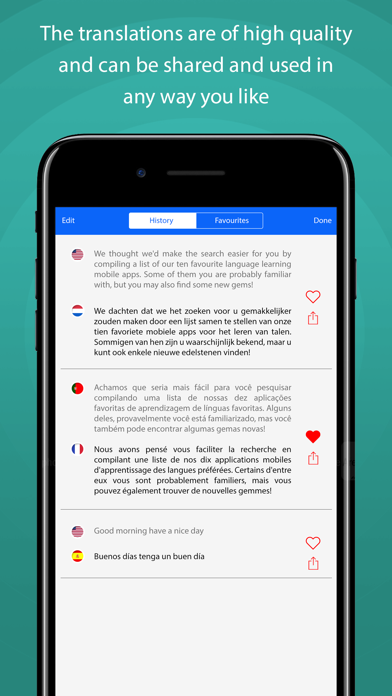
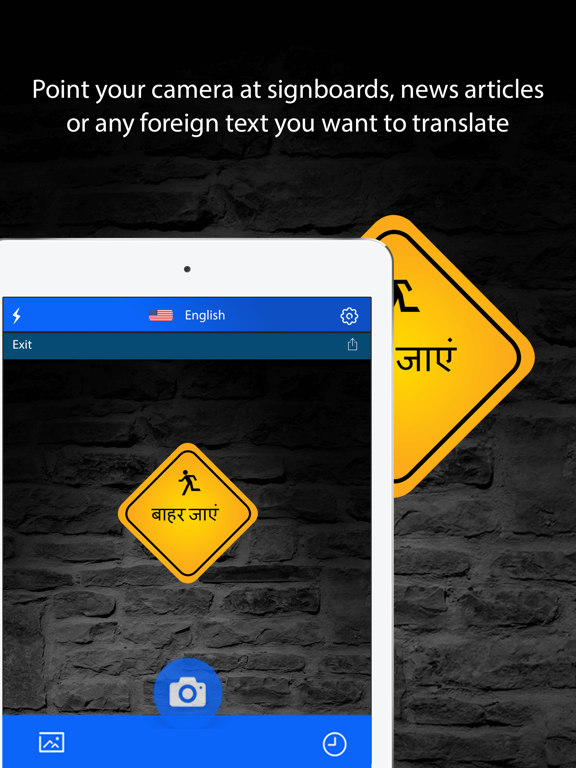
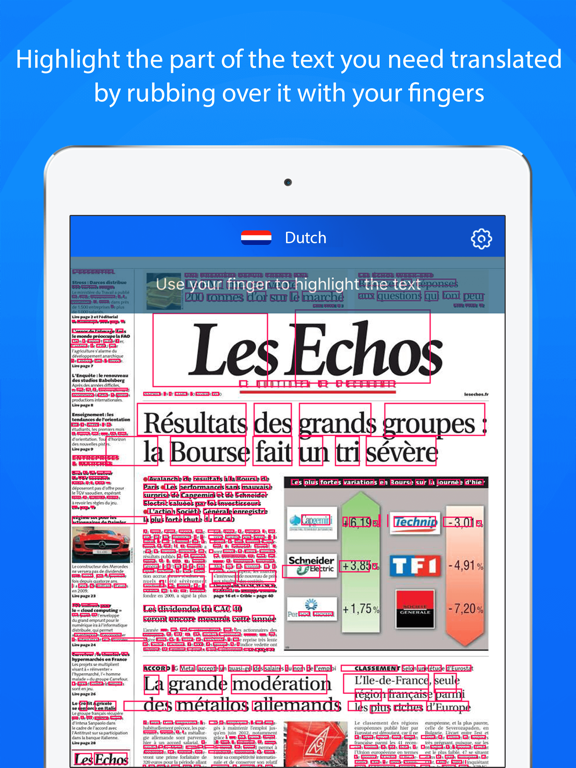
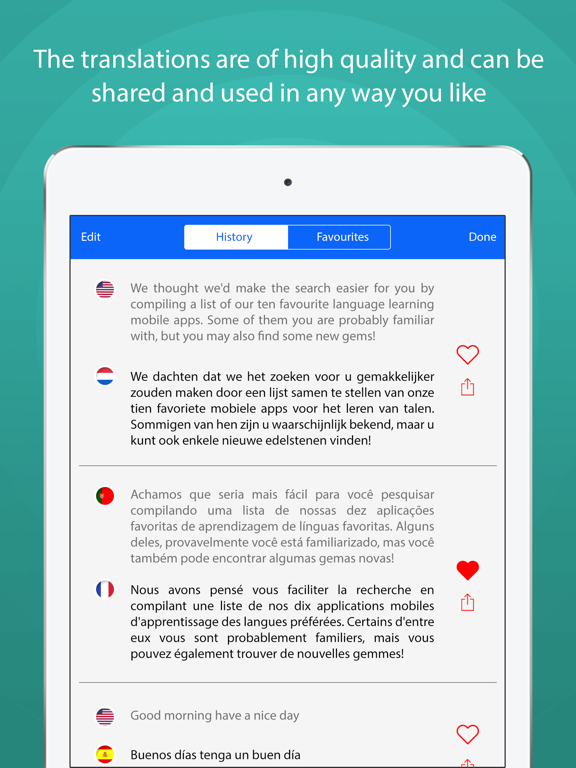
Take a photo of any text in any language, and translate it! - Supports over 40 languages. Any alphabet type, any font. - Translate to more than 100 different languages. - Speaks the translation out in a natural voice. - Remembers earlier translations, providing playback without internet. Image Translator uses advanced AI techniques to find the text in the image. Either translate directly using your camera, or use any images stored on your phone. Image translator also stores the previous translations in its database and allows you to prepare a set of translations in advance. You can then play them back later without the need for internet and data roaming costs.
Latest release
What’s New
This update from Apple will improve the functionality of this app. No new features are included. - Performance improvements.
Audience growth
Ratings growth
Baseline captured. Growth appears after the crawler observes a changed rating count.
Momentum comes from crawler snapshots for the tracked storefront. “Viral growth signal” means unusually fast recent rating gains; it is an indicator, not download data.
Price tracking
Price intelligence
- First observed Aug 13, 2026 · 5:40 AM Free
Screenshots