About this app
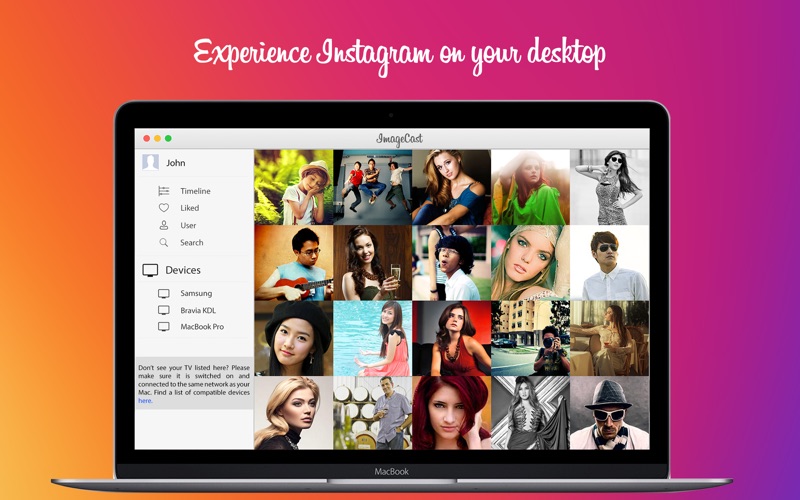
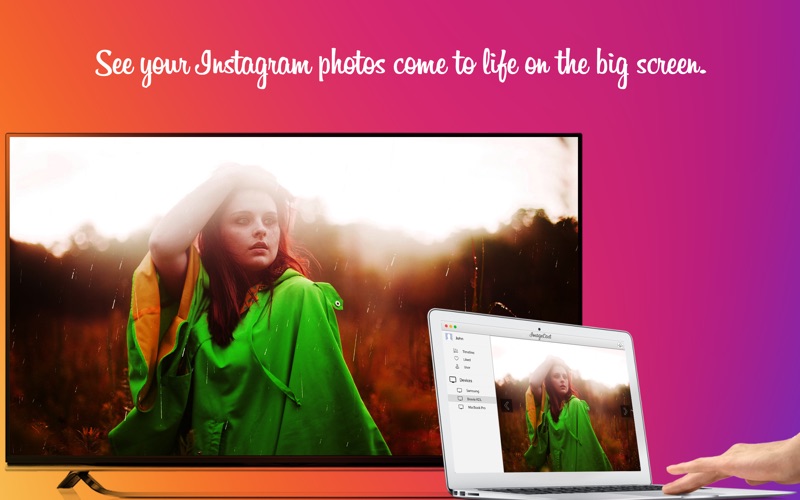
ImageCast allows you to share your favorite photos or videos from your Mac directly to your TV connected to the same network. Yes, straight to your big screen, no need for any additional hardware. Requirements to get started : 1. To share the images you’ll need an active internet connection. 2. This version of ImageCast supports: • Western Digital Media Players (WD TV Live, WD TV Live Plus, WD TV Live Hub) • Samsung SmartTVs • Sony Bravia SmartTVs • Panasonic Viera TVs • Philips SmartTVs • Toshiba SmartTVs • Sharp TVs • LG Connected TVs • Xbox 360 • Xbox One • XBMC Use the ImageCast app to : • Native Instagram experience for your Mac • Share images across all internet connected SmartTV’s and Chromecast devices Note that while using the app, an internet connection is required. Sparkling Apps is not responsible for charges by your internet provider. ImageCast is not associated with, endorsed by or affiliated with Instagram.
Latest release
What’s New
- Performance improvements.
Audience growth
Ratings growth
Baseline captured. Growth appears after the crawler observes a changed rating count.
Momentum comes from crawler snapshots for the tracked storefront. “Viral growth signal” means unusually fast recent rating gains; it is an indicator, not download data.
Price tracking
Price intelligence
First snapshot captured. The trend line starts after the next crawler price observation.
- First observed Aug 13, 2026 · 5:40 AM Free
Screenshots