About this app
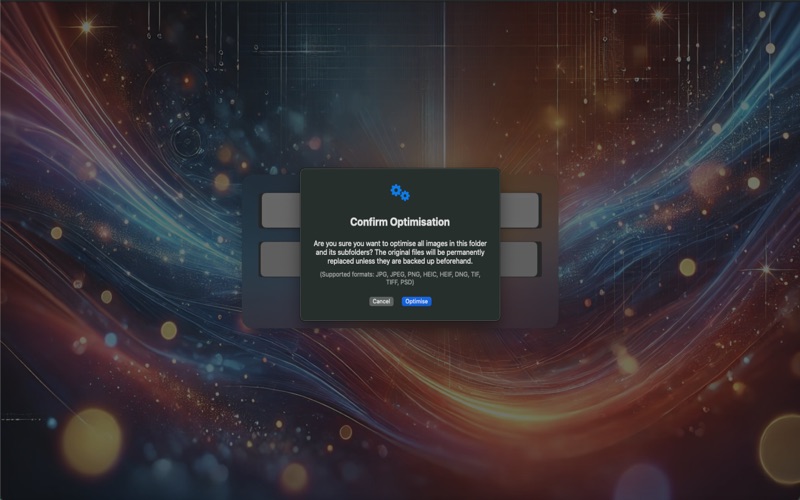
ImageDelOptim is a fast and simple macOS app to optimise or delete images in bulk, directly from a root folder and all its subfolders. Choose a folder, click once, and ImageDelOptim processes all supported images recursively while keeping strong visual quality and reducing file size. You can also remove all supported images in one action when needed. ImageDelOptim includes an advanced scheduler: pick a folder, set an end date/time, and choose an interval (5, 10, 15, 30, or 60 minutes). Optimisation starts immediately, then repeats automatically until the selected end time. You can stop scheduled runs at any moment. The app also provides clear progress tracking and improved reliability: * Live progress with processed/total file count * Stop controls for optimisation, deletion, and scheduler tasks * Detailed error log for unreadable/damaged images, with quick Finder access * Safe file writing workflow and preserved file creation/modification dates Key Features * One-click recursive image optimisation * One-click recursive image deletion * Scheduled optimisation with selectable intervals (5/10/15/30/60 min) * Automatic stop at selected end time * Real-time progress and status feedback * Error reporting for problematic image files * Lightweight, focused macOS experience Supported File Formats * JPG / JPEG * PNG * HEIC / HEIF * TIF / TIFF * PSD * DNG Important Notes * Optimised images are saved as JPEG files (_o.jpg). * Already optimised files are skipped in future runs. * Non-date metadata is not preserved during optimisation. Simple by Design ImageDelOptim focuses on efficiency and ease of use. The interface is intentionally minimal so you can optimise and delete large collections of images without distractions or unnecessary configuration.
Latest release
What’s New
* Added flexible scheduled optimisation intervals: 5, 10, 15, 30, or 60 minutes. * Improved scheduler controls with clear start/end timeline and one-click stop. * Added detailed optimisation error log for unreadable/damaged images. * You can now open problematic files directly in Finder from the error log. * Improved processing control with stop actions for optimisation and deletion. * Enhanced file safety during optimisation with more reliable write/replace handling. * File creation and modification dates are now preserved after optimisation. * Improved overall status and progress feedback during long operations.
Audience growth
Ratings growth
Baseline captured. Growth appears after the crawler observes a changed rating count.
Momentum comes from crawler snapshots for the tracked storefront. “Viral growth signal” means unusually fast recent rating gains; it is an indicator, not download data.
Price tracking
Price intelligence
First snapshot captured. The trend line starts after the next crawler price observation.
- First observed Aug 27, 2026 · 11:16 AM Free
Screenshots