About this app
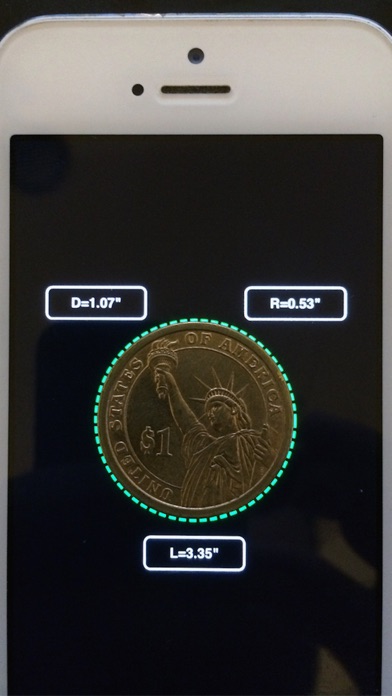
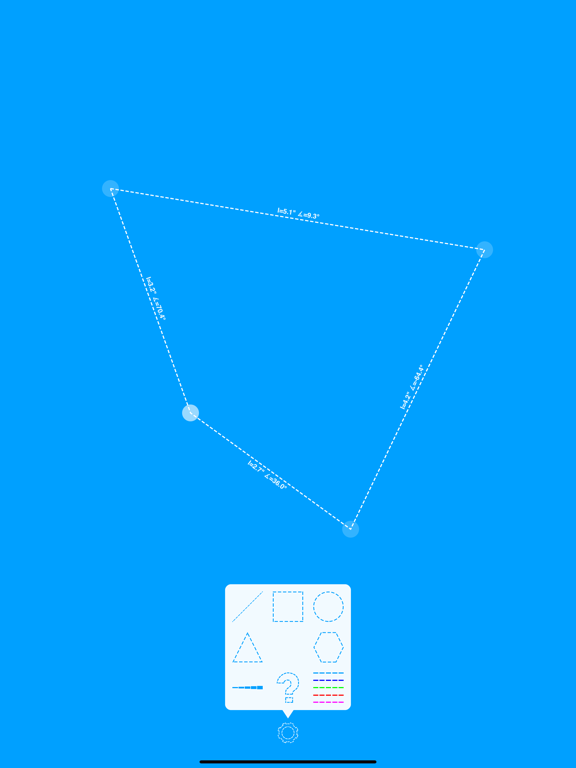
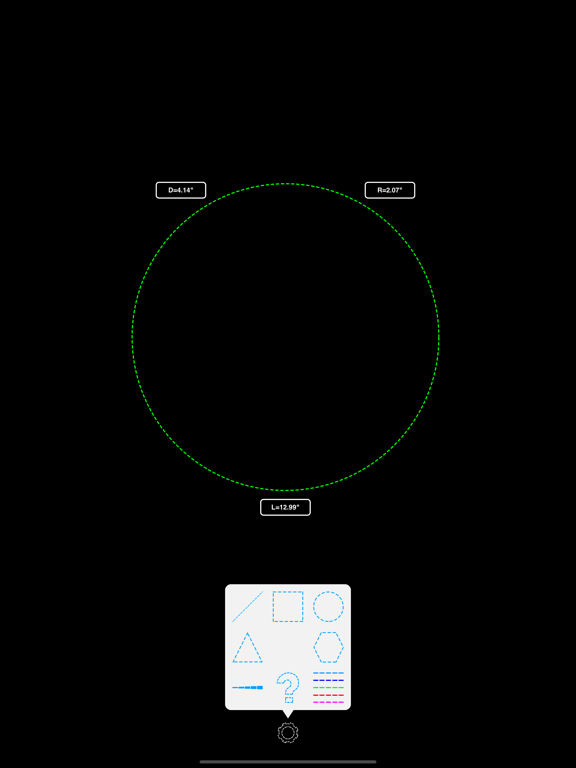
User your device screen as a ruler or calibre, measure real objects in fun and interactive way... * Explore metric or imperial units (mm or inch). * Measure length, angle,radius & diameter . How to use ? : 1. Place your device on a flat surface... 2. Place any object on the screen and select the relevant shape. 3. Click any control point and drag your finger across the screen. 4. Double click in order to select or deselect all control points. 5. Pinch the screen in order to scale the selected shape. * Watch on YouTube : https://www.youtube.com/watch?v=6n65TlH0xTg * Please make sure to use screen protector in order to avoid scratches.
Latest release
What’s New
Supporting iOS 12 General improvements.
Audience growth
Ratings growth
Baseline captured. Growth appears after the crawler observes a changed rating count.
Momentum comes from crawler snapshots for the tracked storefront. “Viral growth signal” means unusually fast recent rating gains; it is an indicator, not download data.
Price tracking
Price intelligence
First snapshot captured. The trend line starts after the next crawler price observation.
- First observed Aug 16, 2026 · 8:08 PM Free
Screenshots