About this app
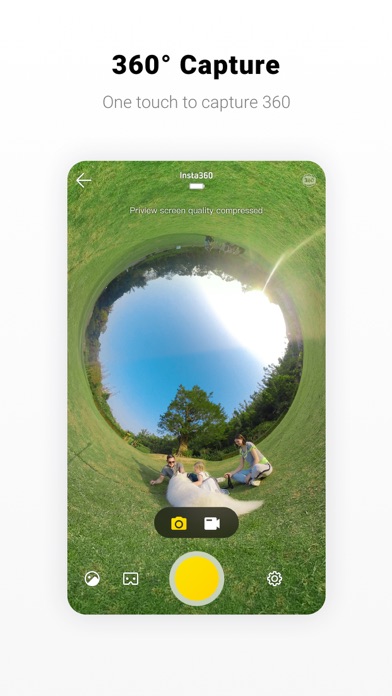
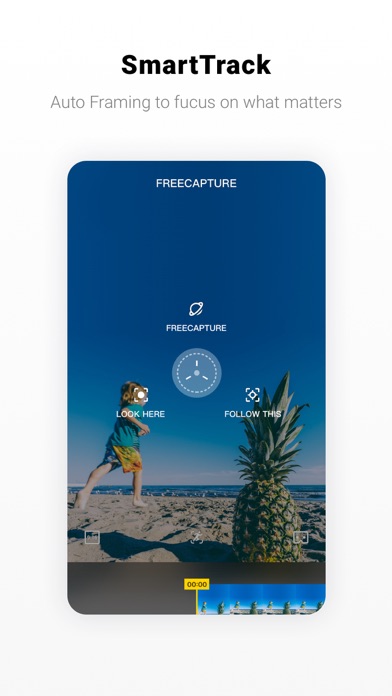
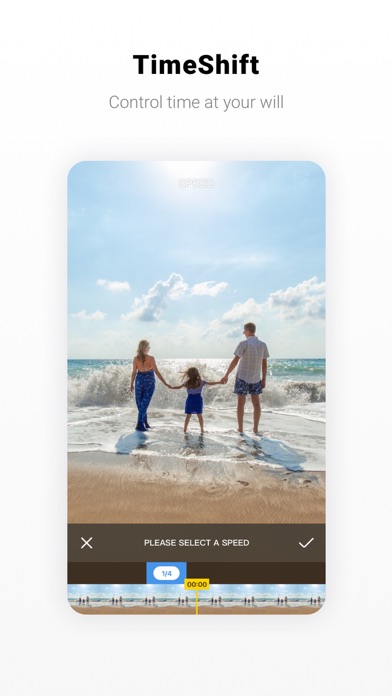
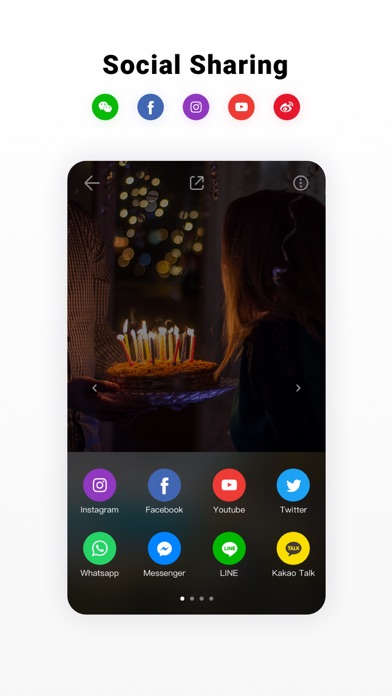
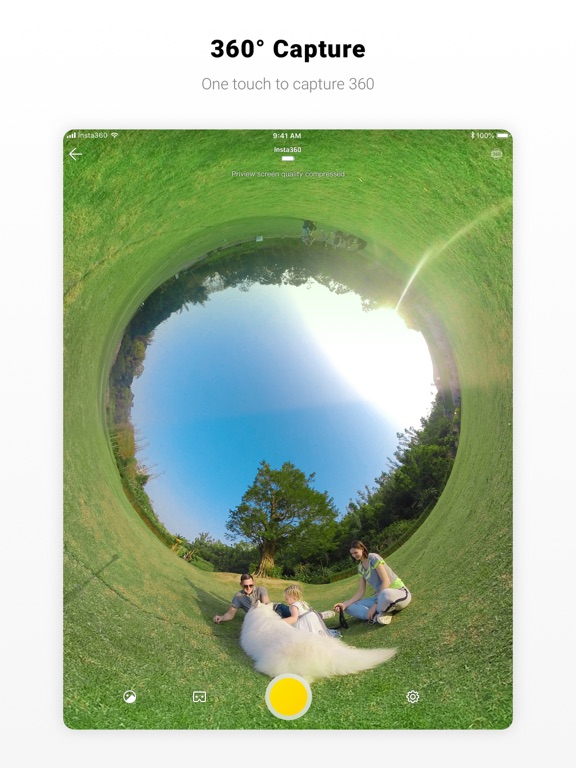
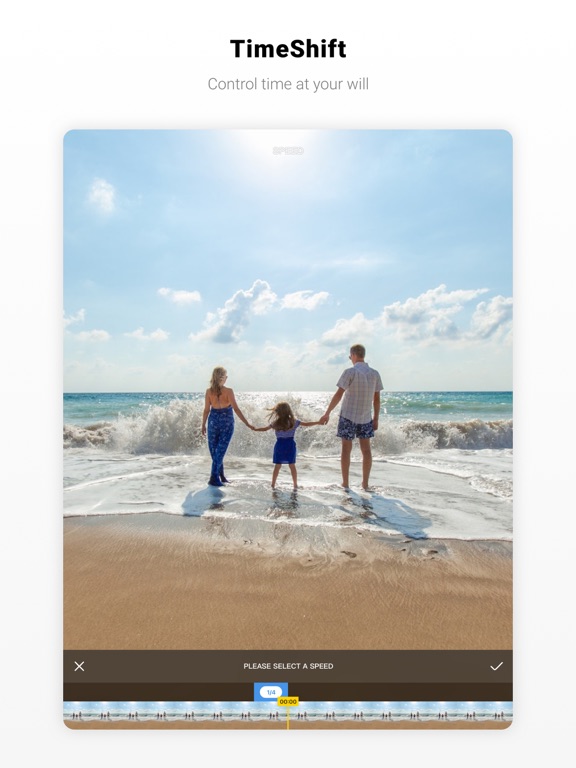
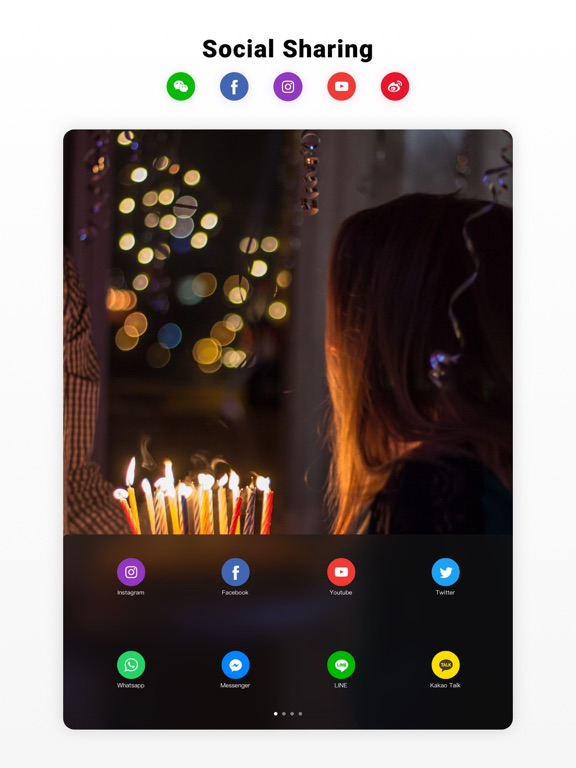
The Insta360 EVO app – A full editing room to accompany your EVO. Connect to EVO to preview and control your 180° 3D or 360° shots. Once you’re done capturing memories, send your shot right back to your phone over WiFi for editing and sharing. 3D video straight from your phone. Pop the HoloFrame accessory onto your phone and watch as your 3D content jumps to life — no glasses needed. It’s simple, mind-blowing and feels like magic. All in the app. Editing EVO makes it easy. Just shoot, trim and hone in on the heart of the moment with a range of intuitive editing tools. With 360°, choose the best parts of your shot and create cinematic edits with the app after the fact. Try dropping points throughout your clip in the editing interface. The camera will follow along, panning smoothly to wherever you want. Adjust the speed of different parts of a clip on a whim with TimeShift. Highlight key moments with cinematic slow-mo, or speed things up to suit the rhythm of the scene – the app always keeps playback smooth. Share Share your 360 shots to any social app with one touch, or upload your 180° 3D video right to YouTube. Check out the Insta360 Community in the app, they’re great! - Compatibility: Subject to the Insta360 official website compatibility list. Stop by and learn more at: www.insta360.com Having some issues? Let us know at support@insta360.com
Latest release
What’s New
Fix iOS15 export issue
Audience growth
Ratings growth
Baseline captured. Growth appears after the crawler observes a changed rating count.
Momentum comes from crawler snapshots for the tracked storefront. “Viral growth signal” means unusually fast recent rating gains; it is an indicator, not download data.
Price tracking
Price intelligence
First snapshot captured. The trend line starts after the next crawler price observation.
- First observed Aug 14, 2026 · 3:12 PM Free
Screenshots