About this app
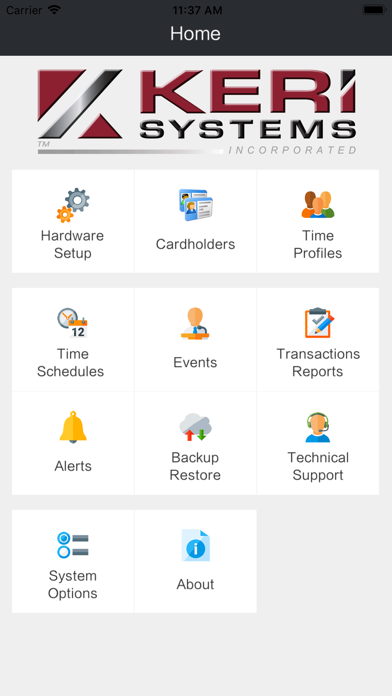
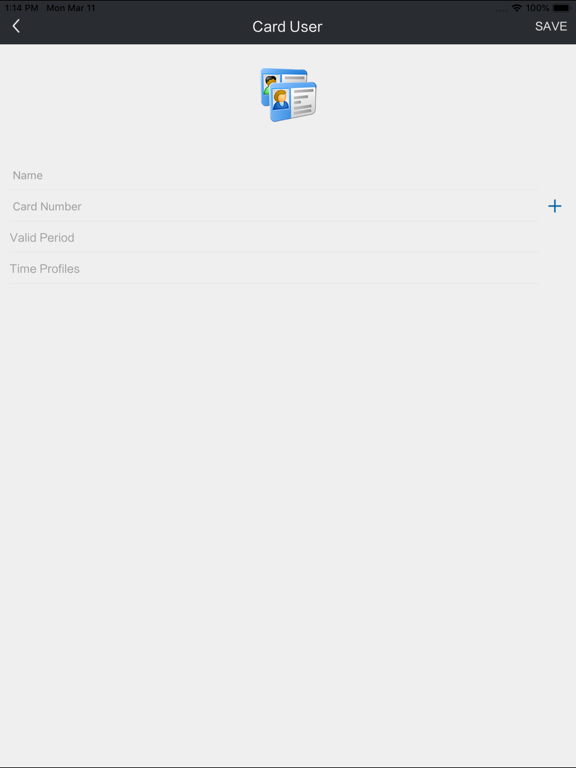
The Intelliprox BlueTM is a reliable single-door access control solution, which is easy to install, easy to configure and easy to manage. You don't need to be a seasoned, industry professional to install these convenient door controls. The Intelliprox Blue connects to your smartphone or tablet via Bluetooth, providing a low-cost installation and user-friendly interface. Administration of the program is straight-forward, convenient and intuitive. This App is available for Apple mobile phones and tablets. Features: -BluetoothTM communication -Low power consumption -Remote Door Control -Low cost compared to other similar door access solutions -The Intelliprox BlueTM incorporates all the advantages of the NXT Proximity Readers and Cards -Manage Cardholders, Access Groups and Schedules from your mobile device -A very economical means of increasing security for a facility or site -Intelliprox BlueTM carries a two-year no-questions-asked warranty for full replacement. -Simple installation tools and instructions
Latest release
What’s New
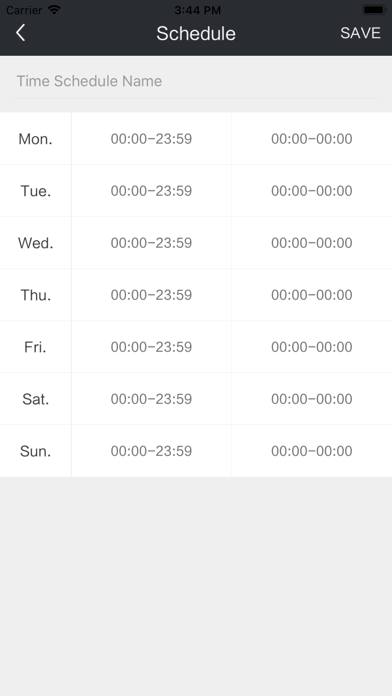
New Feature Release: - We have added a Temporary Unlock feature to the App main screen. This feature (a new button displayed on the main screen) allows a user to temporarily unlock a door directly from the app, allowing entrance or egress. App Improvements: - Corrected an issue where a Bluetooth scan from the app would show all available Bluetooth devices within range instead of only showing IP Blue devices. The Bluetooth scan now only shows IP Blue devices. - Corrected an issue where a credential enrollment performed while a controller was active in an auto-unlock state would reset the reader LED to display default, amber (locked) state. Now, should a credential enrollment be done during an active auto-unlock state, the reader will return to the green LED per the auto-unlock state. - Corrected certain Spanish language text strings that didn't read quite right. - Corrected/updated several text strings, logo graphics, and information links that didn't read or look quite right. - Corrected an issue when restoring the same, large database to multiple controllers that could cause the App to stop, requiring you to restart the app. - Corrected a display issue with Friday time schedules where additional, unnecessary digits were displayed.
Audience growth
Ratings growth
Baseline captured. Growth appears after the crawler observes a changed rating count.
Momentum comes from crawler snapshots for the tracked storefront. “Viral growth signal” means unusually fast recent rating gains; it is an indicator, not download data.
Price tracking
Price intelligence
First snapshot captured. The trend line starts after the next crawler price observation.
- First observed Aug 20, 2026 · 10:49 PM Free
Screenshots