About this app
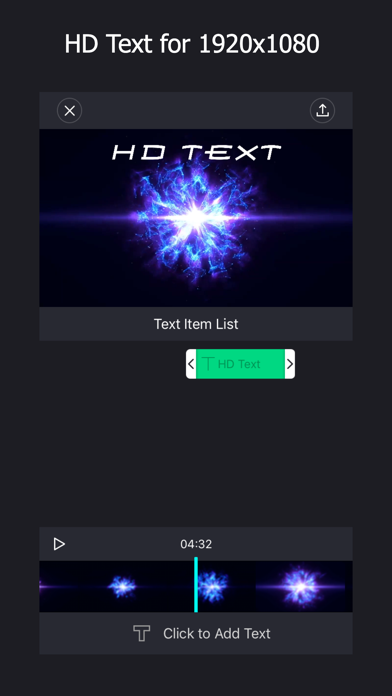
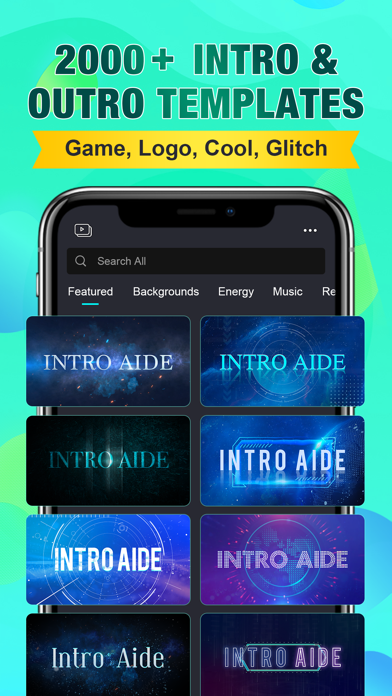
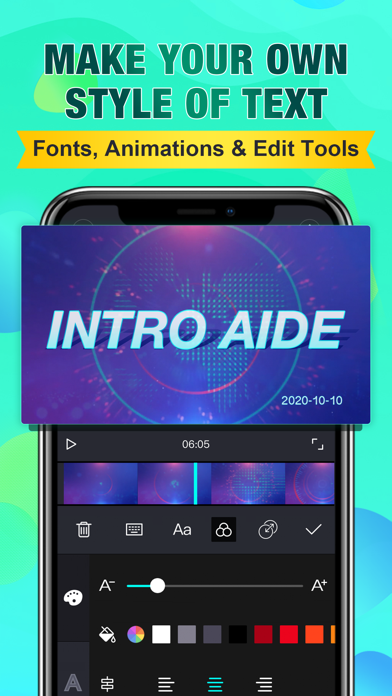
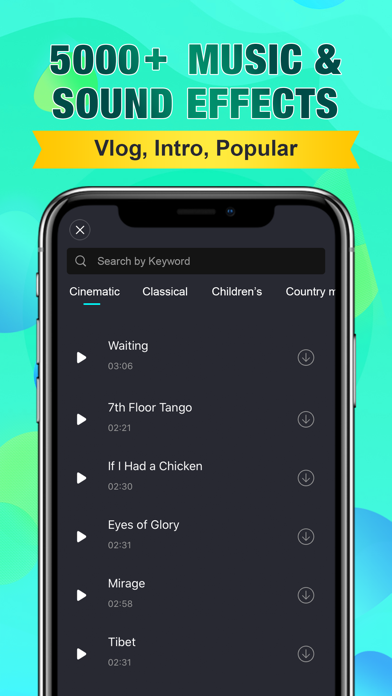
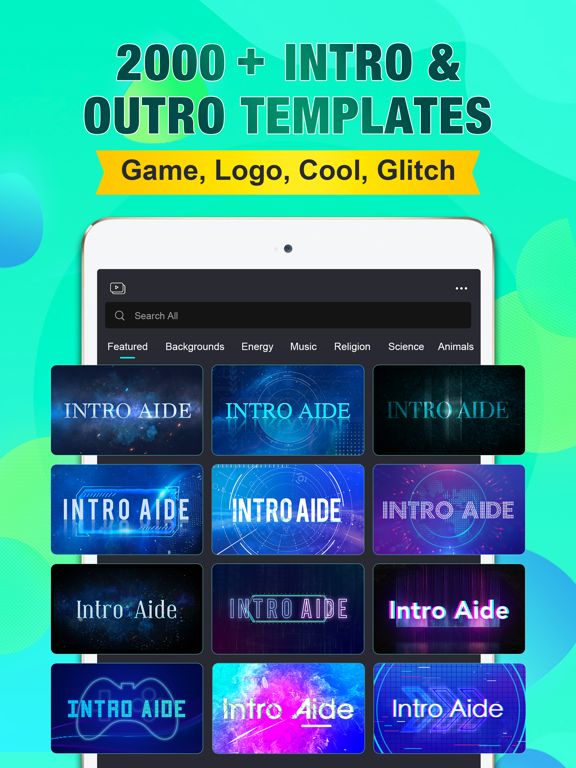
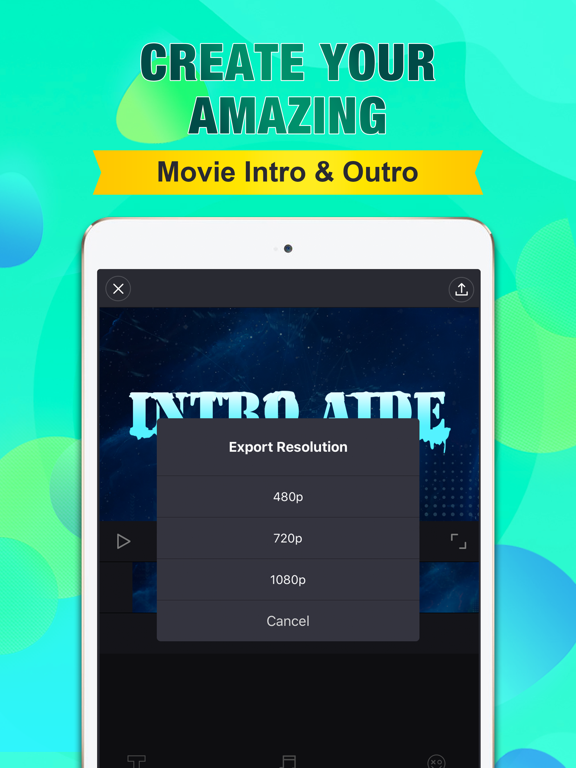
Text is no longer upside down! The best intro editor app to create cool intros and outros for your Youtube and iMovie videos without watermark. Most of the materials and resources in our app are free now! There are 1000+ cool HD intro & outro templates, 100+ fonts, 1000+ musics, 1000+ sound effects, lots of cool YouTube pictures and animation stickers in our yt video maker app. You can add HD text in 1080P after effects intro templates and export it as 1080P video without blurred text. You can use plenty of fonts and add strokes, shadows, word spacing, etc. to your text. You can make intros with real-time editing and preview and fast rendering speed. No watermark for all exported video and all materials are free now for your YouTube. We will keep updating IntroAide and will add more cool features and resources to it. If you are looking for youtube editing apps, you can try our IntroAide app. With IntroAide's power, you can edit text, stickers, pictures, musics and sound effects in our intro template designed for Youtube videos and you will have well-designed intro and outro videos for your youtube videos to attract more subscribers. With IntroAide, you will become the best director in Youtube. Welcome to try our app. Please feel free to contact us if you have any problems: newdeepstarapp@gmail.com IntroAide Subscription Information: Pro Features: Unlimited Access to All Pro Resources. Use All 2000+ 1080P Intro Templates, Use All 100+ Fonts & 1080P Text, Use All 1000+ Royalty Free Music & SFX, Use All 50+ Social Pictures & Stickers, Can Remove Watermark & Ads, Use New Resources & Features weekly. Pro Price: 1 Month Pro Member: $ 3.99 3 Months Pro Member: $ 5.99 Lifetime pro Member: $ 7.99 – Payment will be charged to iTunes Account at confirmation of purchase. – Subscription automatically renews unless auto-renew is turned off at least 24-hours before the end of the current period. – Account will be charged for renewal within 24-hours prior to the end of the current period, and identify the cost of the renewal. – Subscriptions may be managed by the user and auto-renewal may be turned off by going to the user's Account Settings after purchase. – Any unused portion of a free trial period, if offered, will be forfeited when the user purchases a subscription to that publication, where applicable. Terms and Conditions: https://res.studymany.com/app/ytid/doc/terms_and_conditions.html Privacy Policy: https://res.studymany.com/app/ytid/doc/privacy_policy.html
Latest release
What’s New
Bug fixed: Text is no longer upside down when saving videos !
Audience growth
Ratings growth
Baseline captured. Growth appears after the crawler observes a changed rating count.
Momentum comes from crawler snapshots for the tracked storefront. “Viral growth signal” means unusually fast recent rating gains; it is an indicator, not download data.
Price tracking
Price intelligence
- First observed Aug 19, 2026 · 11:37 AM Free
Screenshots