About this app
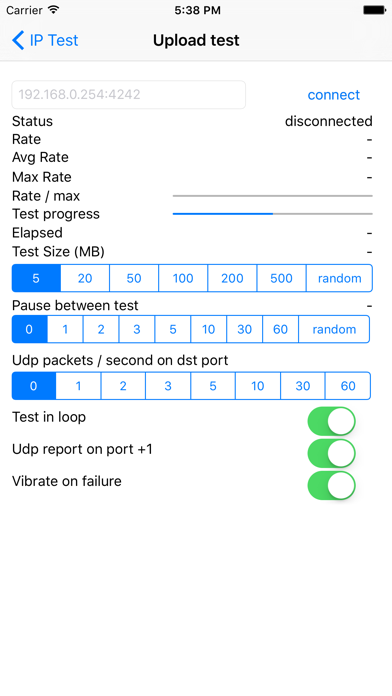
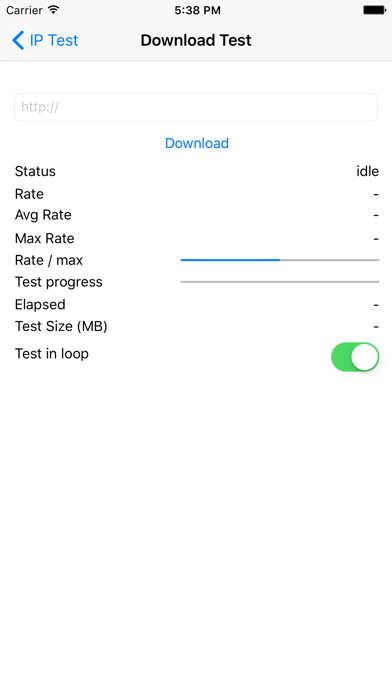
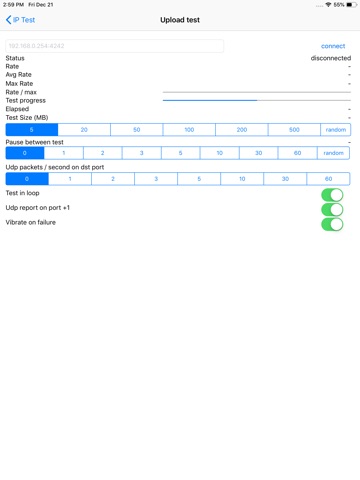
This app allows you to test IP connectivity and rates from your mobile device and a remote host. == User guide == --- Download test --- Enter the http url to download from --- Upload Test --- 1/ on the destination launch an app accepting tcp and udp traffic on a given port (4242 for instance). This app should discard data to ensure the bandwidth is not limited by cpu processing on target. eg: on target you can launch # while :; do nc -l -p 4242 > /dev/null; done 2/ launch the app and fill the correct destination (eg: 192.168.1.254:4242) and press connect 3/ the device will start sending data to the destination target. == Options == - You can specify the payload size: 5MB, 20MB, 50MB ..., or random size (max: 500MB) - You can run the test in loop mode - You can wait some time between each test - You can get UDP rates reporting on port + 1 (for instance 192.168.1.254:4243) - The device can vibrate on transfer failure (rate of 0 bytes/s) - You can send UDP traffic in parallel of TCP traffic (you can choose the number of packets / seconds to send)
Latest release
What’s New
various bug fixes and improvements
Audience growth
Ratings growth
Baseline captured. Growth appears after the crawler observes a changed rating count.
Momentum comes from crawler snapshots for the tracked storefront. “Viral growth signal” means unusually fast recent rating gains; it is an indicator, not download data.
Price tracking
Price intelligence
First snapshot captured. The trend line starts after the next crawler price observation.
- First observed Aug 20, 2026 · 9:49 AM $0.99
Screenshots