About this app
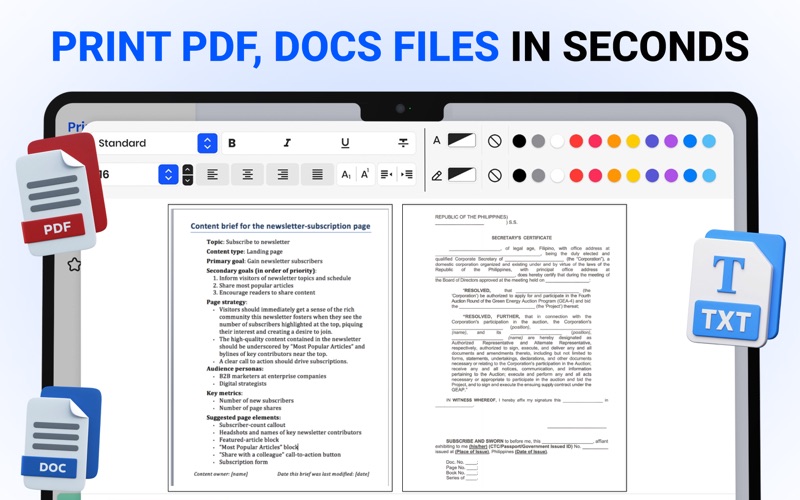
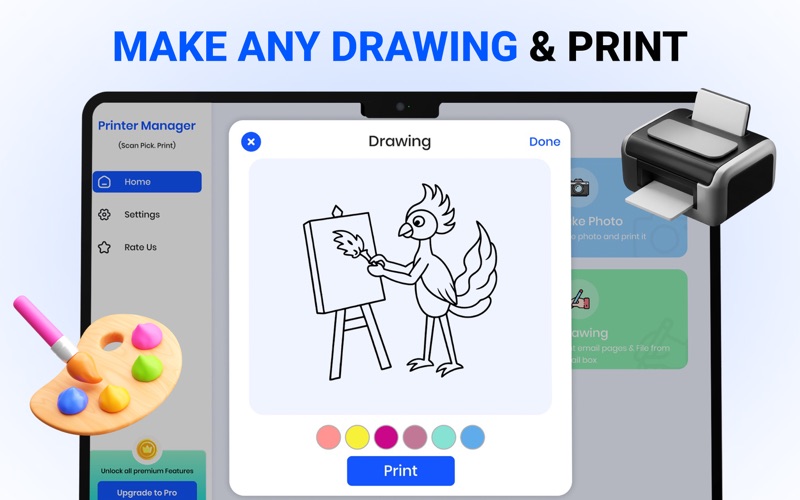
Smart Printer App is your complete mobile printing companion, designed to make printing effortless, fast, and fully wireless. With its intuitive interface and powerful features, the app connects seamlessly to almost any Wi-Fi, Bluetooth, or cloud enabled printer turning your smartphone or tablet into a portable printing hub. Whether you’re at home, in the office, or on the go, Smart Printer App gives you full control over your documents, photos, and PDFs with just a tap. Easily print files from your device storage, camera roll, email attachments, or popular cloud services. The app automatically detects nearby printers and offers quick setup with step-by-step guidance. You can customize print settings exactly the way you need adjust paper size, orientation, number of copies, color mode, page ranges, and more. For photo printing, take advantage of precision tools including crop, rotate, border options, and high-quality output settings. Smart Printer App also includes a built-in document scanner that allows you to convert physical pages into clear, high resolution digital files. Instantly save them as PDFs or JPEGs, edit, enhance, and print them directly from your device. Organize your files with folders, tags, and automatic naming to keep your workflow efficient and stress-free. Whether you’re printing business documents, school assignments, travel tickets, forms, invoices, or cherished photos, Smart Printer App delivers smooth performance and professional results. Its lightweight design ensures fast loading, while smart optimization reduces ink and paper usage. Experience printing without cables, drivers, or complicated setup. Smart Printer App brings the convenience, flexibility, and precision you need to handle your daily printing tasks with confidence. Disclaimer: This app is an independent printing utility and is not affiliated with or endorsed by Canon Inc. It simply provides a service that allows users to connect and print using compatible printers. Canon and other brand names are used only to indicate printer compatibility. Note: Payment will be charged to your iTunes account at confirmation of purchase.Your subscription will automatically renew unless auto-renew is turned off at least 24-hours before the end of the current subscription period. Your account will be charged for renewal within 24-hours prior to the end of the current subscription period. Automatic renewals will cost the same price you were originally charged for the subscription. You can manage your subscriptions and turn off auto-renewal by going to your Account Settings on the App Store after purchase. Terms of use: https://appcodersios.blogspot.com/2024/02/App-Coders-Terms-Of-Use.html Privacy Policy: https://appcodersios.blogspot.com/2024/02/App-Coders-Privacy-Policy.html Terms of Use (EULA): https://www.apple.com/legal/internet-services/itunes/dev/stdeula/
Latest release
What’s New
• Improved compatibility with Epson and a wider range of Wi-Fi and smart printers for easier connectivity • Faster printing and scanning with enhanced performance and responsiveness • Bug fixes and overall stability improvements for a smoother experience • Better support for document types, including PDFs, photos, and other common file formats • Enhanced printer discovery to help connect compatible printers more quickly and reliably
Audience growth
Ratings growth
Baseline captured. Growth appears after the crawler observes a changed rating count.
Momentum comes from crawler snapshots for the tracked storefront. “Viral growth signal” means unusually fast recent rating gains; it is an indicator, not download data.
Price tracking
Price intelligence
First snapshot captured. The trend line starts after the next crawler price observation.
- First observed Aug 8, 2026 · 3:29 PM Free
Screenshots