About this app
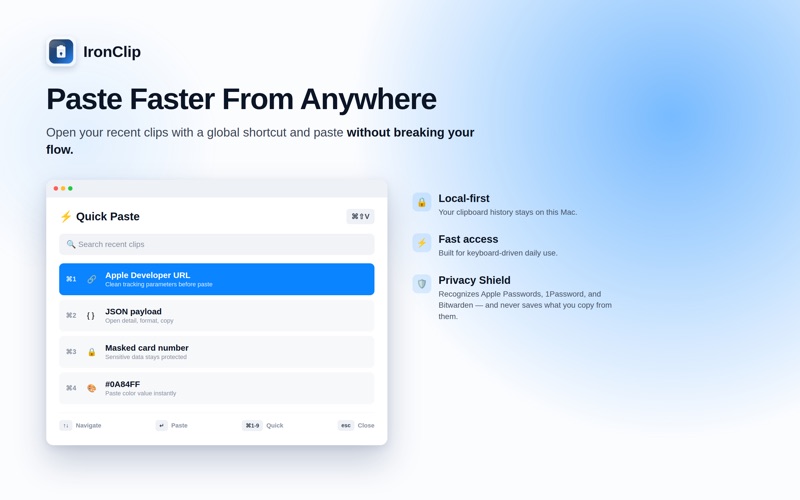
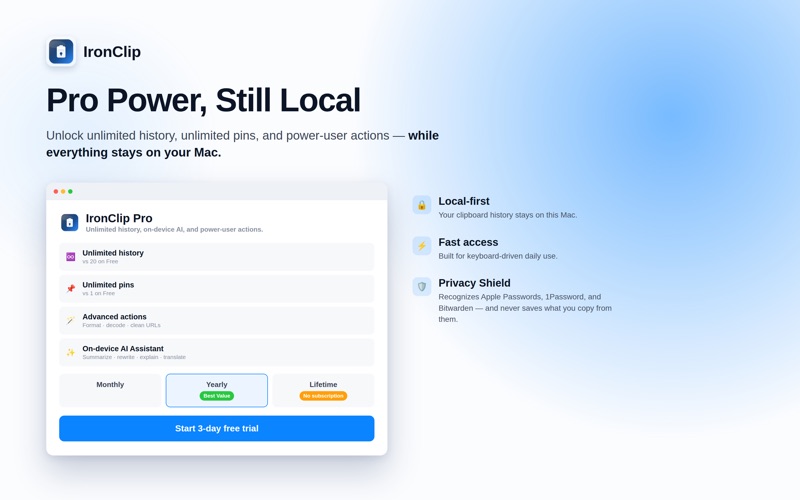
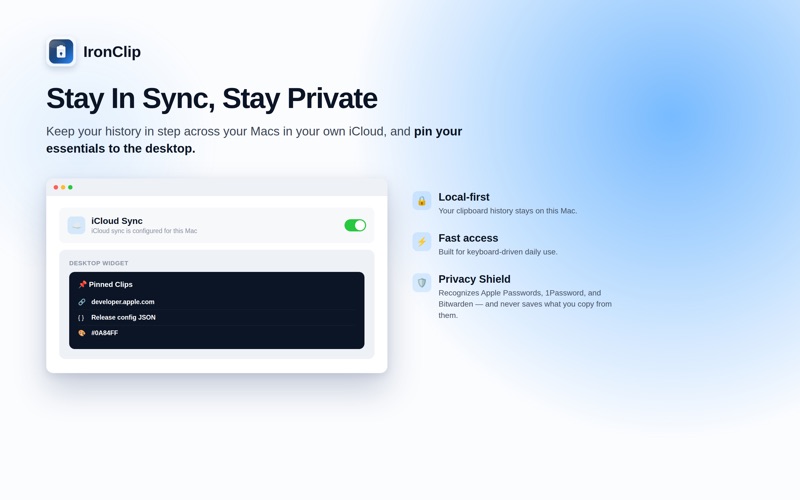
You copied something useful three minutes ago. Now you can't find it anywhere. IronClip keeps everything you copy — searchable, organized, and stored entirely on your Mac — so you never lose a thought, a link, or a line of code again. Search your history in a click, paste your last few items straight from the keyboard, and turn messy clips into something useful with built-in tools for links, code, JSON, colors, and notes. Why IronClip - Private by design: your clipboard history lives locally on your Mac, not on a server somewhere. - Quick Paste: press ⌘⇧V to open your recent clips and paste without ever leaving the keyboard. - Privacy Shield: recognizes real password managers — Apple Passwords, 1Password, Bitwarden — and never saves what you copy from them. You can also exclude any app yourself, or pause capture entirely. - Smart Lists: your clips sort themselves — links, code, JSON, colors, and notes land where you'd expect, ready to reuse. - iCloud Sync (optional): keep your history in step across your Macs, stored only in your own private iCloud account — off by default, on when you want it. - Pinned Clips widget: your most important copies, one glance away on your desktop. - On-device AI: summarize, explain, clean up, or translate text right on your Mac when your hardware supports it — with a dependable fallback everywhere else, so a feature never just disappears. - Built for Mac: a native menu bar app that stays out of your way until you need it. IronClip is for developers pasting the same snippet all day, writers collecting research, support teams reusing replies, students citing sources, and anyone tired of retyping what they already had. IronClip Pro unlocks Quick Paste, Smart Lists, and the rest of the toolkit. Try it free for 3 days on a monthly or yearly plan, or buy once with a lifetime option — whichever fits how you work. No IronClip account, ever. No tracking dashboard. Sync, if you turn it on, stays inside your own iCloud. Just a faster, more private clipboard for your Mac. Legals : https://www.mehmetsisoglu.com/ironclip/legal/
Latest release
What’s New
Thank you for using IronClip — this update is built on your feedback, with a strong focus on privacy and reliability. - Privacy Shield now recognizes Apple Passwords, 1Password, and Bitwarden by default, and never saves what you copy from them — verified on real hardware, no setup required. - Added optional iCloud Sync, so your clipboard history can follow you between Macs, stored only in your own private iCloud account. - Added the Pinned Clips widget for your desktop. - Smart Lists now organize your clips automatically as you copy. - On-device AI actions now fall back gracefully on Macs or macOS versions that don't support them, instead of just disappearing. - Refined the Pro paywall, app icon, and several everyday details across the app. - Numerous accessibility improvements, including larger tap targets and better support for larger text sizes. - Added German and Japanese, alongside English and Turkish. As always, thank you for trusting IronClip with your clipboard.
Audience growth
Ratings growth
Baseline captured. Growth appears after the crawler observes a changed rating count.
Momentum comes from crawler snapshots for the tracked storefront. “Viral growth signal” means unusually fast recent rating gains; it is an indicator, not download data.
Price tracking
Price intelligence
- First observed Aug 8, 2026 · 10:11 PM Free
Screenshots