About this app
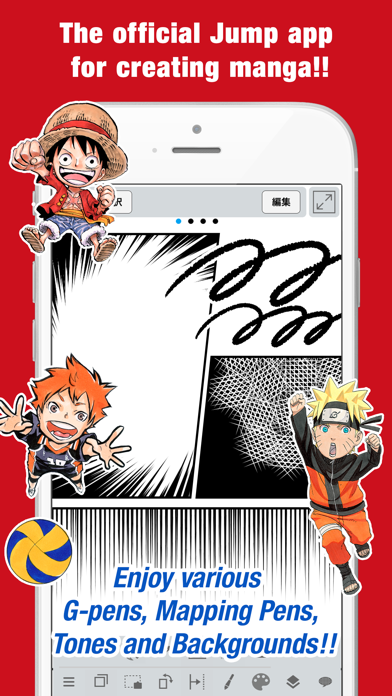
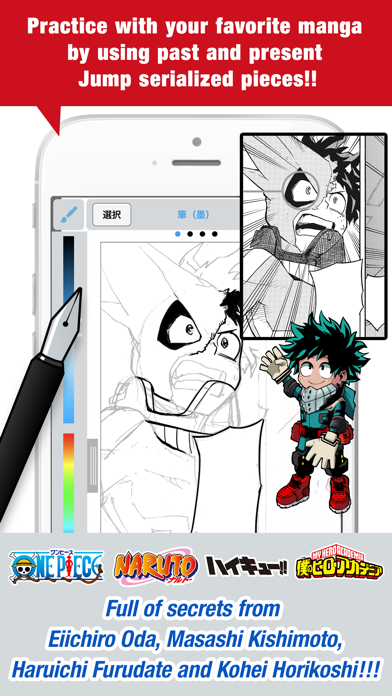
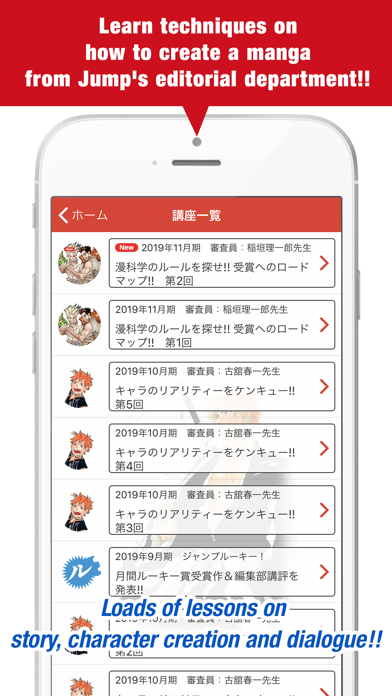
■A completely free app for creating official Weekly Shonen Jump manga and illustrations!! G-pens, Mapping Pens, Tones and Backgrounds are all free to use!! ■Learn techniques on how to create a manga from Jump's editorial department!! Loads of lessons on story, character creation and dialogue!! ■You can also enter Jump contests!! The app will give you information on each contest. Don't miss out!! What is JUMP PAINT? It's the ultimate app for creating manga and illustrations -- a collaboration between MediBang Paint (12 million downloads) and Weekly Shonen Jump. JUMP PAINT was developed to provide an environment for creators to draw anytime and anywhere using MediBang Paint's features. JUMP PAINT is the perfect paint software for creating illustrations and manga. It comes with many features to enjoy drawing illustrations and manga, like a multitude of brushes, materials and manga fonts. ■ Draw Anywhere! ・With JUMP PAINT you can have almost all the features of a desktop painting program in your pocket. ・Despite being packed with so many features, the interface of JUMP PAINT has been designed especially for the iPhone in mind. ・The UI can be closed and opened in one touch. ・The sleek interface allows users to change brush sizes or color modes with ease. ■ Painting Tools ・90 free brushes!! ・In addition to the Pen, Pencil, Watercolor, Blur, Smudge, G Pen, Mapping Pen, Rotation Symmetry and Edge Pens, we have added over 50 different kinds of brushes, including the Brush, Flat Brush, Round Brush, Acrylic, School Pen, and Soft Pastel. ・Force Fade In and Out make your lines sharp even if you’re drawing with your fingers. ・Users can create their own custom brushes. ■ Pen Pressure on the iPhone ・The 3D Touch on iPhone 6 and iPhone 6 Plus is now supported to enable you to use pen pressure when drawing. ■ Free Resources ・800 different types of free tones and backgrounds. ・Premade clouds, buildings, and vehicles are included. ・Tones can be added with one simple touch. ■ Layers ・Comes with layers complete with blending modes. ・Can be used to preserves different elements of you work. ■ Comic Fonts ・Use them to change the atmosphere of your comics. ・Use them to define your character’s moods or personalities. ・50 fonts used by industry professionals available. ■Comic Creation ・Just drag across the screen to create comic panels. ・Freely transform their shape. ■ User Friendly ・Includes customizable shortcuts ・Geared towards first time users. ・Has an interface designed to give artists room to draw. ・One touch to access full-screen mode. ■ Other Tools ・Guides for drawing in perspective, or creating lines, and curves. ・Correction to stabilize your line strokes. ■ Photo Reference ・You can take photos in the app and use them as references on a different layer. ・Use them for reference or learning how to draw new things. ■ Cloud Storage ・You can backup and manage your data safely. ・Easily transfer your work. ■ Manage Project ・Save and manage multipage documents. ■ Syncability ・You can sync your preset settings with the PC version of JUMP PAINT. ■ Team Creation ・You can collaborate on work with friends no matter where you are. ■ Auto Recovery ・Your data is automatically backed up if your device crashes. IMPORTANT In order to use the app’s cloud features a MediBang account is required(https://medibang.com/). Recommended Specs ・iPhone 5s and above
Latest release
What’s New
We have changed the structure of the Jump Manga Award lecture and the Jump special project.
Audience growth
Ratings growth
Baseline captured. Growth appears after the crawler observes a changed rating count.
Momentum comes from crawler snapshots for the tracked storefront. “Viral growth signal” means unusually fast recent rating gains; it is an indicator, not download data.
Price tracking
Price intelligence
First snapshot captured. The trend line starts after the next crawler price observation.
- First observed Aug 16, 2026 · 1:01 AM Free
Screenshots