About this app
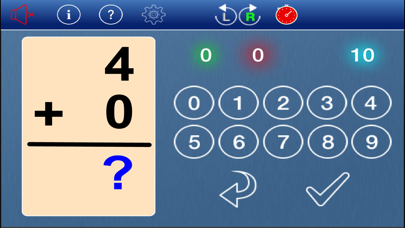
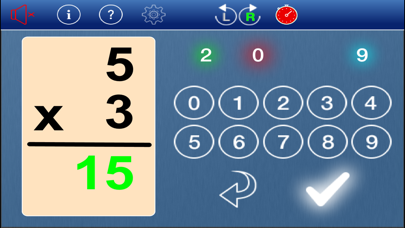
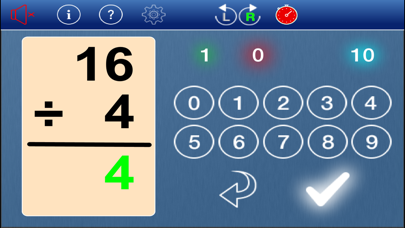
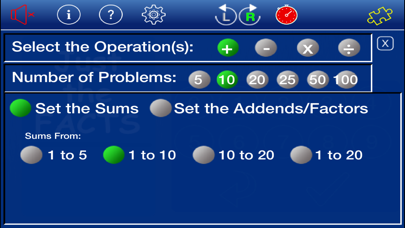
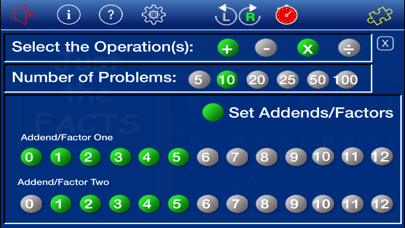
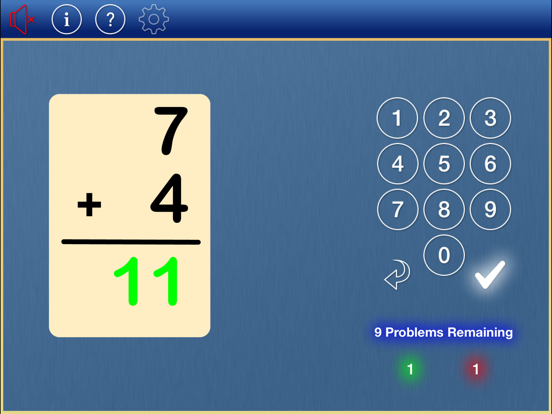
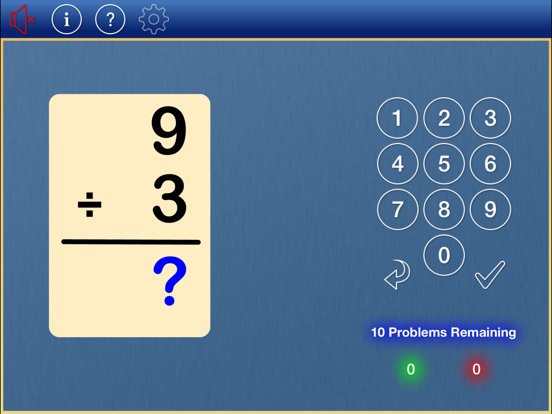
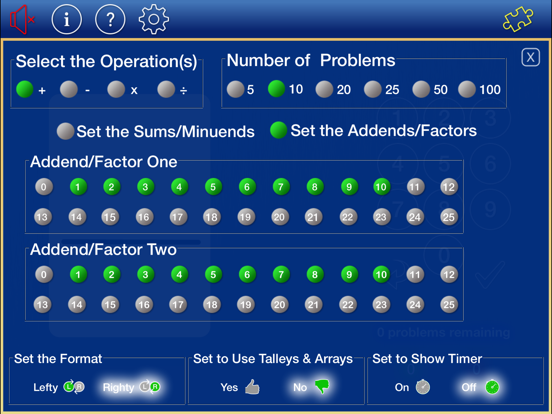
Part of the Math Practice Tools CFS Bundle Use Just the Facts to practice your addition, subtraction, multiplication, and division facts. • Select any combination of the four operations to practice. • Select to work with individual addends/factors up to 12 on the iPod and 25 on the iPad. • Set the number of problems in a set. • Switch the layout for a lefty or righty. • Use tally marks for addition and an array for multiplication to help solve the problems (iPad version only). • View results in chart form (iPad version only). • At the request of Kindergarten and First Grade teachers the options include setting to work with Sums 1 to 5; Sums 1 to 10; Sums 1 to 20; Sums 5 to 10; Sums 10 to 15; Sums 15 to 20; Sums 10 to 20.
Latest release
What’s New
Sorry for the quick turnaround for another update. This update fixes a screen draw problem seen on the iPhone 6 and iPad Pro 12.9 versions.
Audience growth
Ratings growth
Baseline captured. Growth appears after the crawler observes a changed rating count.
Momentum comes from crawler snapshots for the tracked storefront. “Viral growth signal” means unusually fast recent rating gains; it is an indicator, not download data.
Price tracking
Price intelligence
First snapshot captured. The trend line starts after the next crawler price observation.
- First observed Aug 12, 2026 · 4:54 PM Free
Screenshots