About this app
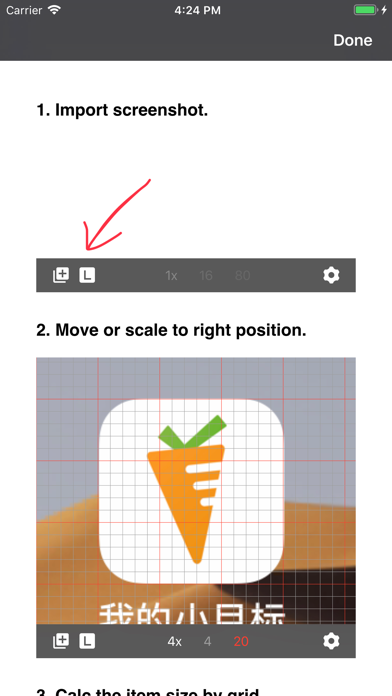
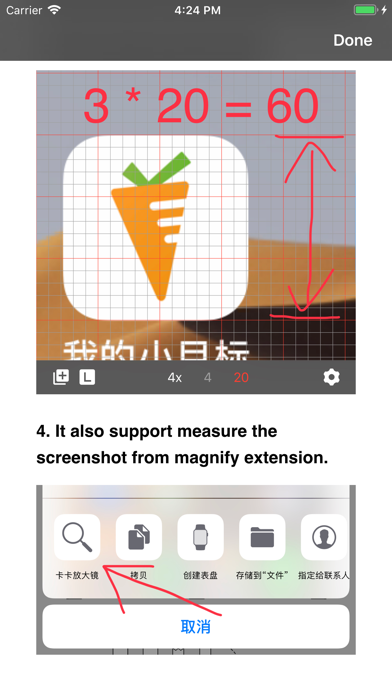
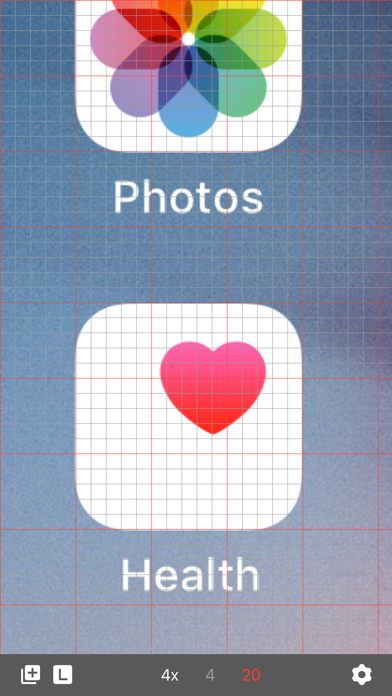
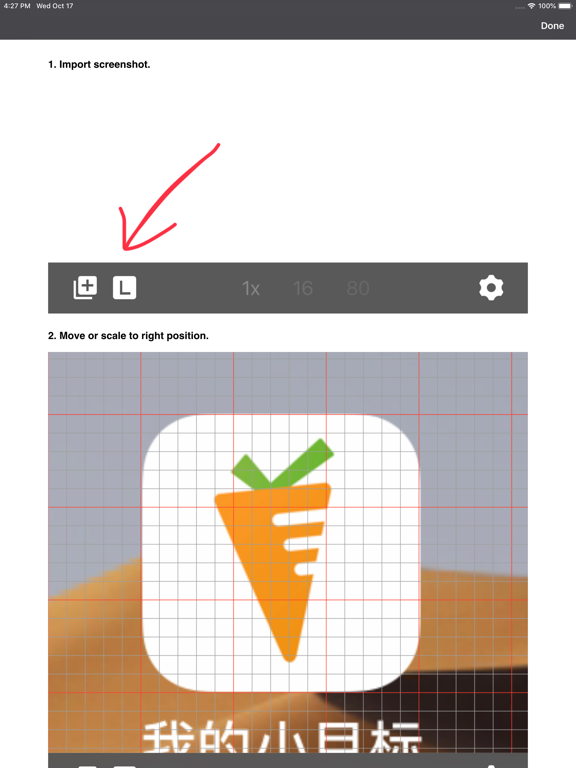
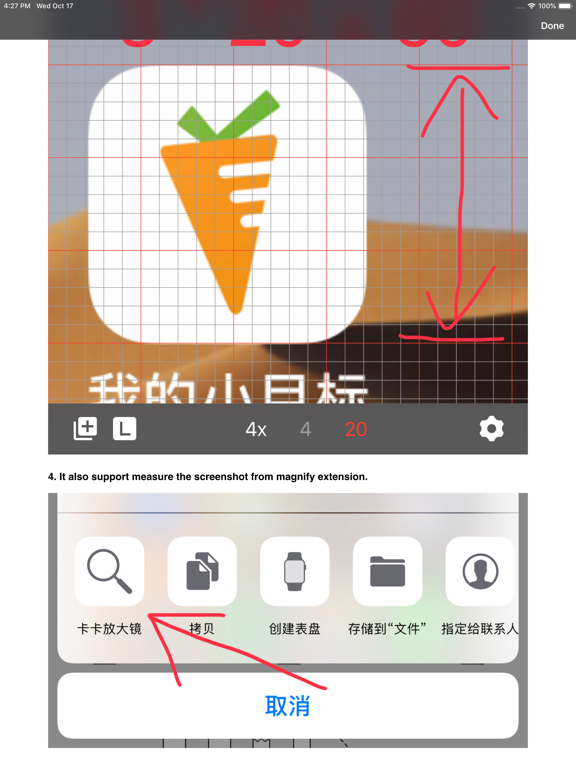
This is a measuring tool for programmer, designer, QA, and PM. Helping programmer to adjust UI element. Helping designer to view detail. Helping QA to test UI. Helping PM to review. Operation: 1. Tap to double the image size. 2. Double click to half the image size. 3. Drag to adjust the position.
Latest release
What’s New
Support dark mode Support iOS 13
Audience growth
Ratings growth
Baseline captured. Growth appears after the crawler observes a changed rating count.
Momentum comes from crawler snapshots for the tracked storefront. “Viral growth signal” means unusually fast recent rating gains; it is an indicator, not download data.
Price tracking
Price intelligence
First snapshot captured. The trend line starts after the next crawler price observation.
- First observed Aug 23, 2026 · 10:56 AM Free
Screenshots