About this app
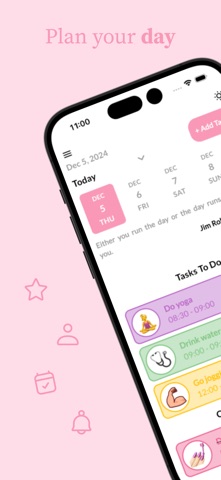
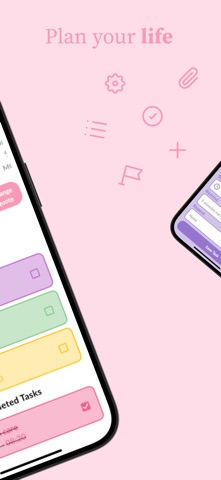
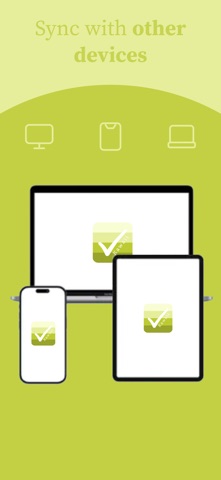
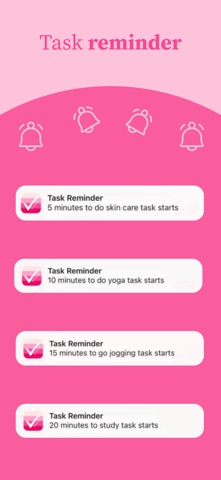
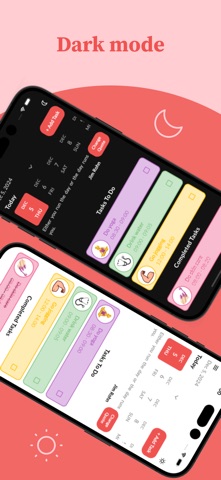
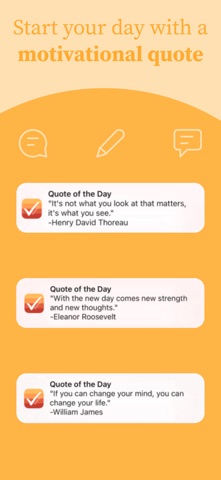
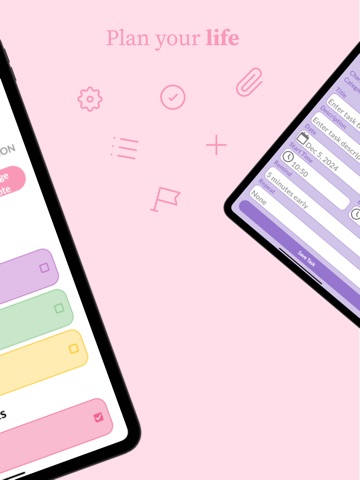
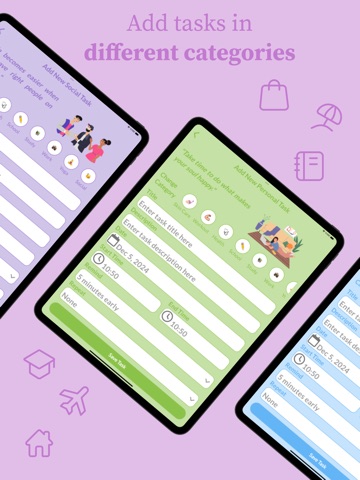
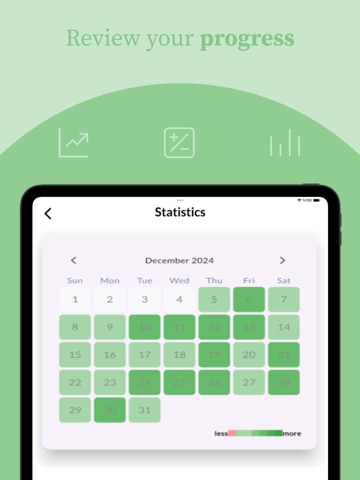
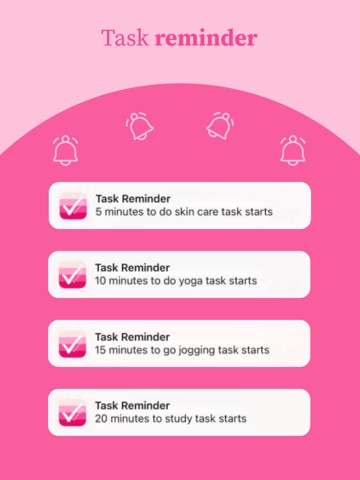
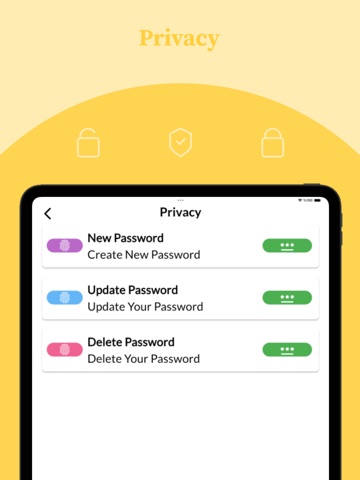
Why choose Kawaii To Do? - Easy to use, user-friendly interface With Kawaii To Do's interface, you can easily and effectively add tasks and list the tasks you have added. The colors and emojis used in the interface are eye-catching and help you stay motivated as you plan your day and build new habits. - Add tasks in different categories Add tasks in 15 different categories based on daily life. - Review your progress Get an overview of your progress by tracking your progress day by day and month by month. - Set task reminders and never miss your important tasks You can set task reminders for a specific time, daily and weekly. The task reminders you set alert you before the task starts, the minute you selected when adding the task. - Start your day with a motivational quote Spend your day motivated and productive by starting your day with a motivational quote. You can receive "Quote of the Day" notification at the time you specify. - Customize your app You can customize the application by changing the application's logo, button color, drawer color and alert color. - Privacy Prevent anyone other than you from accessing your data by putting a password on your application. - Sync with other devices By storing your data in the database, you can use the application synchronously on other devices and platforms. - Dark mode You can use your application in dark mode with the dark mode option. You can easily switch between dark mode and light mode if you want.
Audience growth
Ratings growth
Baseline captured. Growth appears after the crawler observes a changed rating count.
Momentum comes from crawler snapshots for the tracked storefront. “Viral growth signal” means unusually fast recent rating gains; it is an indicator, not download data.
Price tracking
Price intelligence
First snapshot captured. The trend line starts after the next crawler price observation.
- First observed Aug 19, 2026 · 10:35 AM Free
Screenshots