About this app
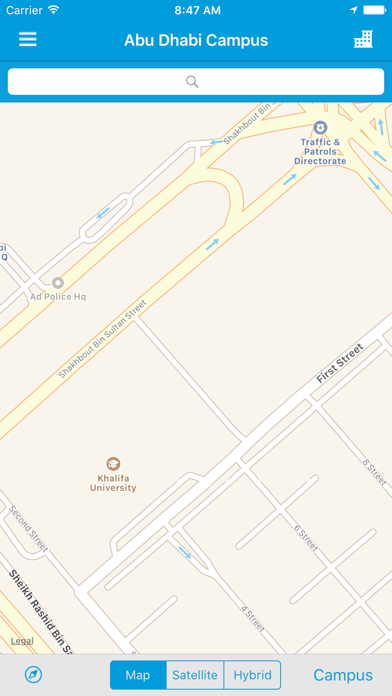
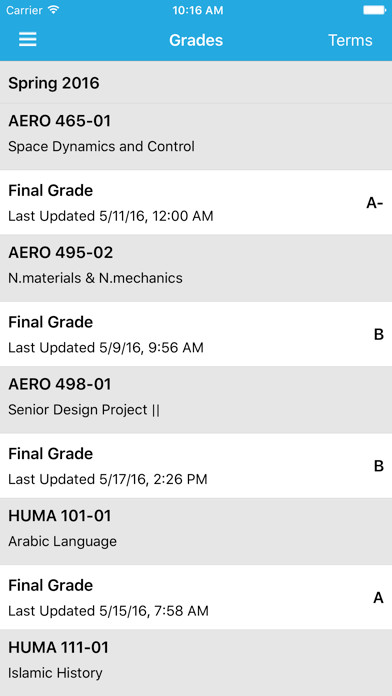
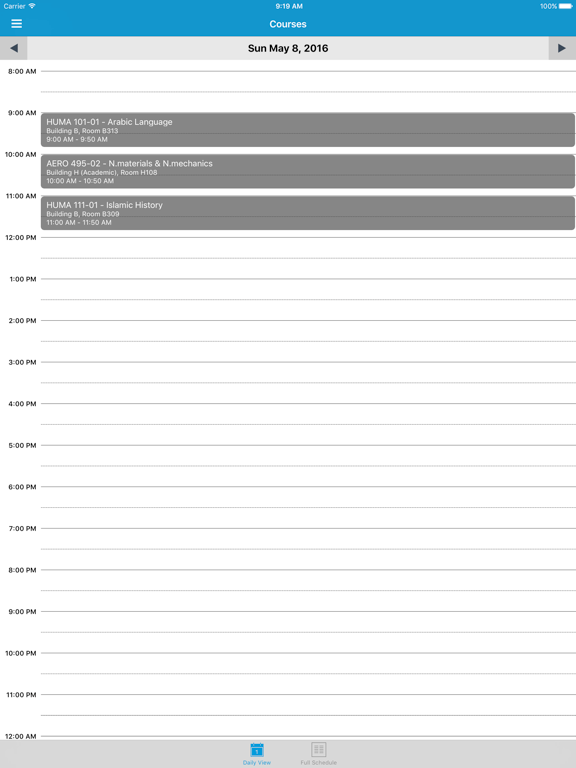
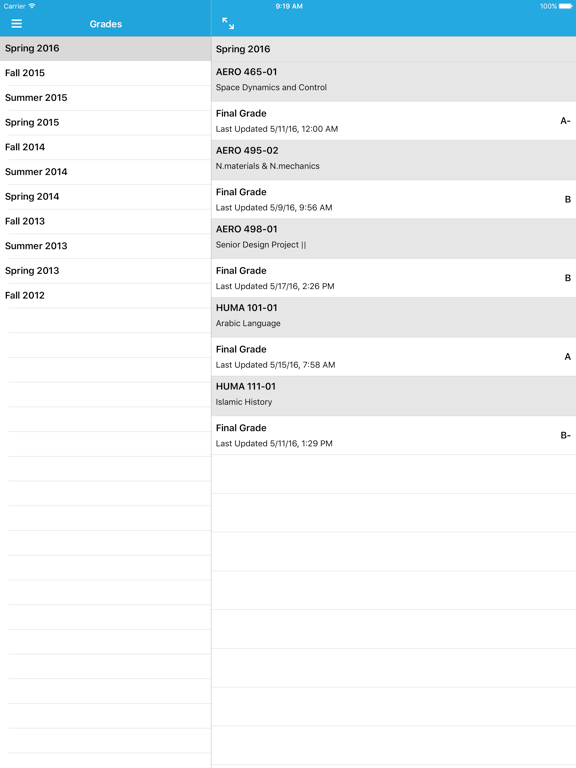
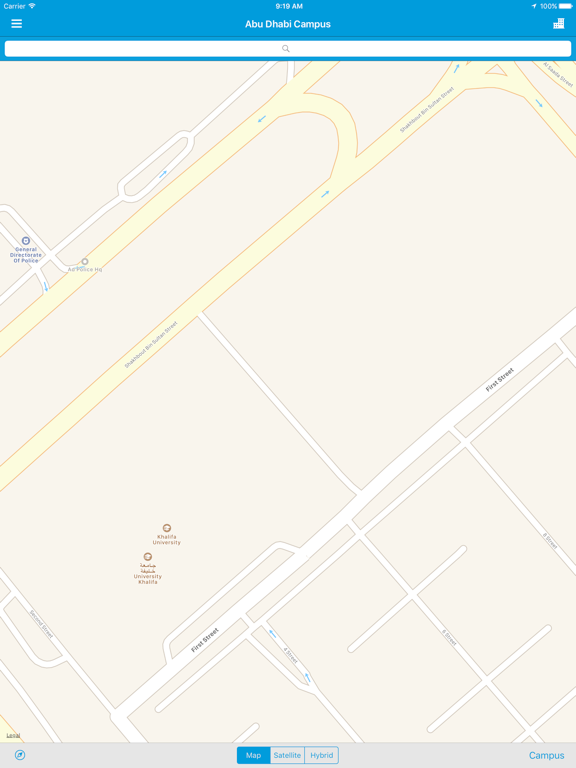
The Khalifa University Mobile App helps you stay connected to the university. You will have access to features that make your experience more effective, more efficient, and more fun. Features include: • Courses—Access your course timetable and links to helpful resources. • Grades—Check your grades on the go. • Notifications—Stay informed with announcements delivered right to your phone • Important numbers—Find all the numbers, websites, and addresses you need • Campus Maps • Directory—Find a staff or student More features coming soon...
Latest release
What’s New
This update from Apple will improve the functionality of this app. No new features are included. This section describes the enhancements delivered in Ellucian Mobile 5.1.3 and provides instructions for upgrading to version 5.1.3 Ellucian Mobile 5.1.3 supports: • iOS 9.0 and 10.0 On-screen login instructions Reports from the download stores for Ellucian GO indicate that some users experience confusion when determining which user ID and password to use for logging in. Ellucian Mobile 5.1 introduces the ability to provide login instructions that appear on the device login screen to help mobile users log in. For the procedure, see Set up on-screen login instructions on page 48. Login instructions are displayed only if users log in to your mobile app using the native device login screen. For institutions using single sign-on with browser-based login, these instructions will not appear on the browser login page. Enhanced VoiceOver support for iOS Vision-impaired iOS users will have an improved user experience when using Apple's VoiceOver screen reader to access functionality within Ellucian GO. User experience enhancements The "Stay Signed In" capability on the device login screen is now disabled (grayed out) if the mobile user has not set up a passcode or screen lock on the device. When the mobile device is unable to access content from your network, a message is displayed on the mobile device. Mobile users can no longer use the device's fingerprint scanner to access protected content when web-based SSO authentication is configured. Most authentication scenarios using this authentication type require the user to log in with their credentials. Save warnings in the Mobile Cloud Configuration tool In earlier versions of Ellucian Mobile, on some pages in the Mobile Cloud Configuration tool, you could make changes and then navigate away from the page without saving, thereby inadvertently losing your changes. In Mobile 5.1.3, the Cloud Configuration tool consistently warns you in that situation and gives you the choice to either stay on the page or leave without saving.
Audience growth
Ratings growth
Baseline captured. Growth appears after the crawler observes a changed rating count.
Momentum comes from crawler snapshots for the tracked storefront. “Viral growth signal” means unusually fast recent rating gains; it is an indicator, not download data.
Price tracking
Price intelligence
First snapshot captured. The trend line starts after the next crawler price observation.
- First observed Aug 19, 2026 · 7:10 AM Free
Screenshots